
Job Costing Software Built for Trade Contractors
Track every project cost in real time, see profitability before the job is done, and stop guessing which jobs are actually making you money.
Schedule Your WalkthroughSee Knowify in action — personalized to your trade. No commitment required.
You Shouldn't Have to Wait Until a Job Is Done to Know If You Made Money
Right now, your job costs live in a dozen different places — timecards in one system, receipts in a truck glovebox, vendor bills in QuickBooks, and "best guesses" in a spreadsheet you haven't touched since last Tuesday.
By the time you pull it all together, the project's done. The damage is done. You find out you lost money on Phase 3 three weeks after your crew moved on.
That's not a job costing process. That's an autopsy.
You need real-time visibility into what every project is costing you — while you can still do something about it. That's exactly what Knowify was built to do.
Not Another Generic Project Tool — Job Costing Software Made for the Trades
Most construction software is built for general contractors with 500-person teams and seven-figure IT budgets. That's not your world.
Knowify was designed from the ground up for trade contractors — electricians, plumbers, HVAC techs, painters, remodelers, and every specialty in between. Teams of 5 to 200. Running commercial, residential, or both.
That means the features you need — phase-level budgeting, real-time cost tracking, AIA billing, prevailing wage support, mobile time tracking — aren't afterthoughts bolted onto a tool designed for someone else. They're the core of the product.
Here's what that looks like when your team is actually using it. ↓
See Every Dollar on Every Job — As It Happens
Costs Update While Your Team Works — No Extra Admin Required
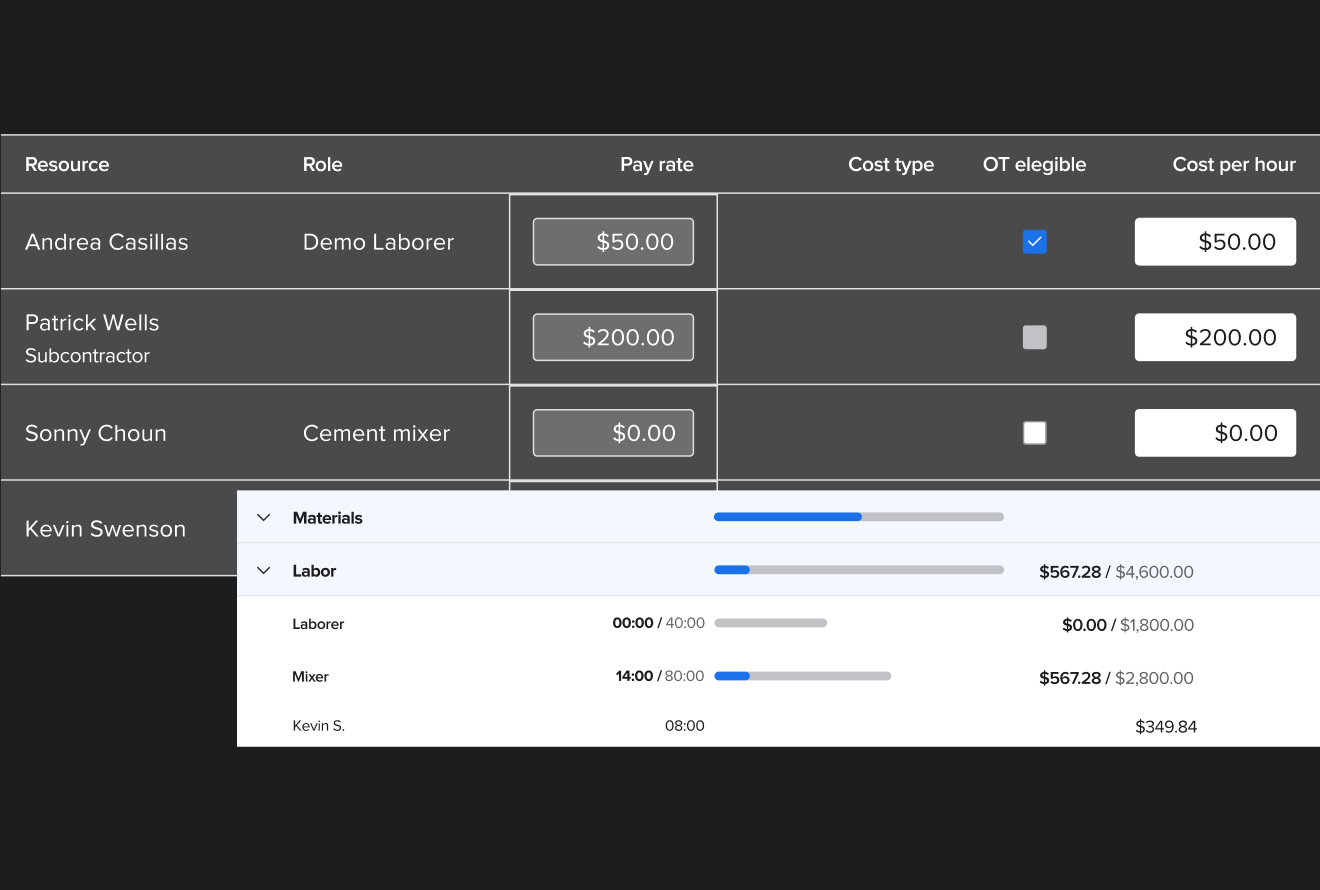
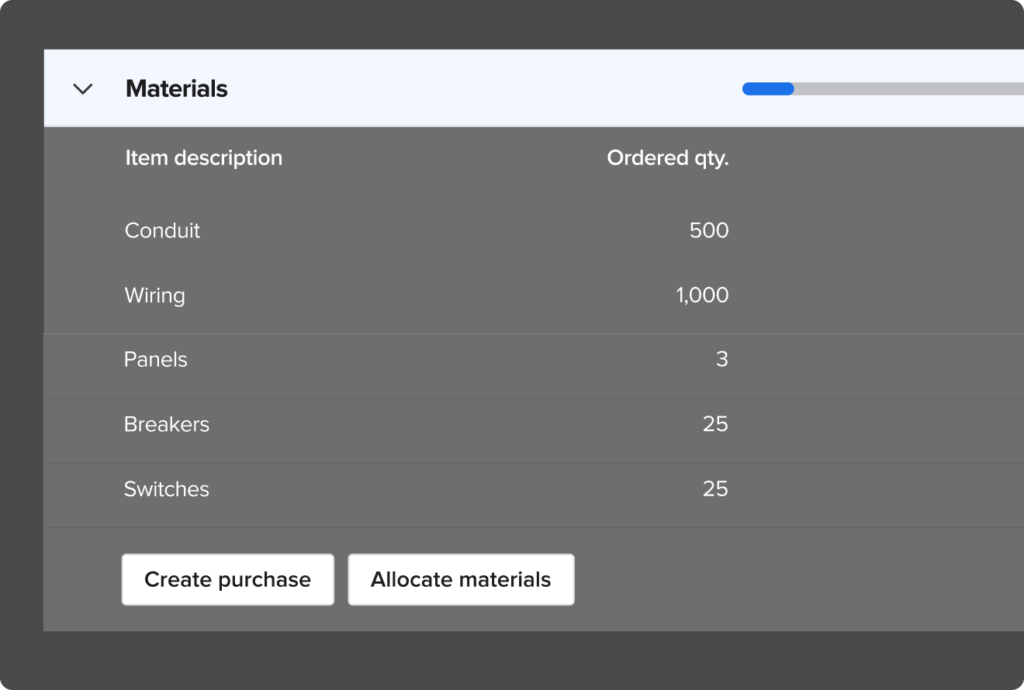
When your field crew clocks in and out on Knowify's mobile app, their fully-loaded labor cost hits the project automatically. When a purchase order is issued or a receipt is snapped in the field, it's assigned to the right project and phase — instantly.
No one has to re-enter data at the end of the week. No one has to chase down timecards. Your job cost data is always current because it's captured as the work happens.
Budget vs. Actual — for Every Phase, Every Cost Category
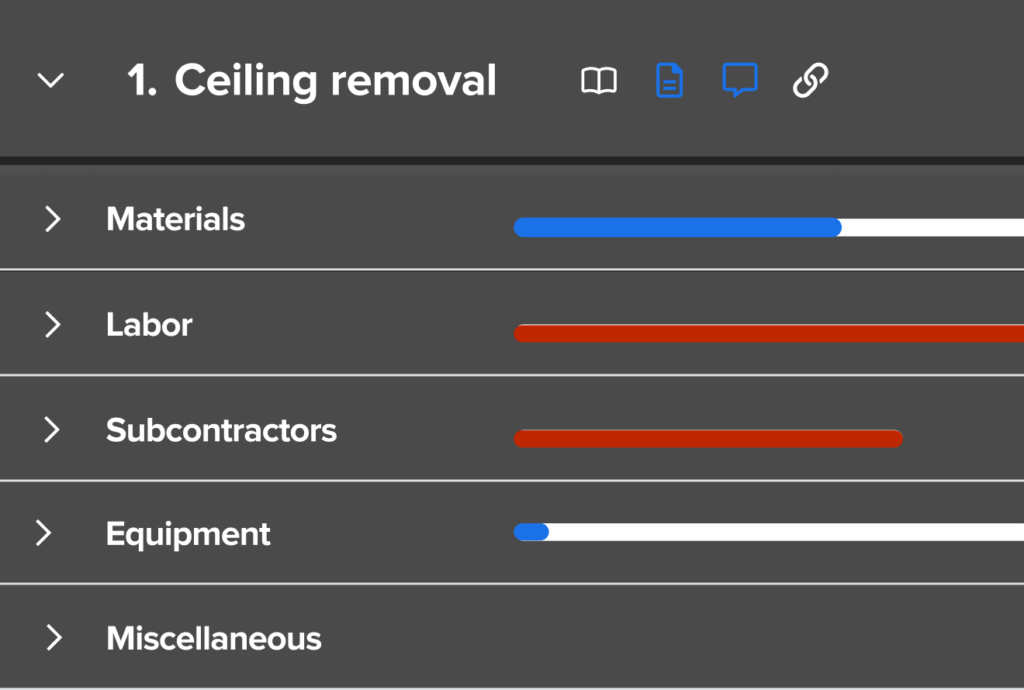
Build detailed project budgets broken down by phase and cost type: labor, materials, equipment, subcontractors. Then watch actual costs populate in real time as your team works.
You'll see exactly where you're on track and where you're bleeding — at the phase level, not just the project level.
Real-Time WIP Reports — Know Your Profitability Before You Invoice
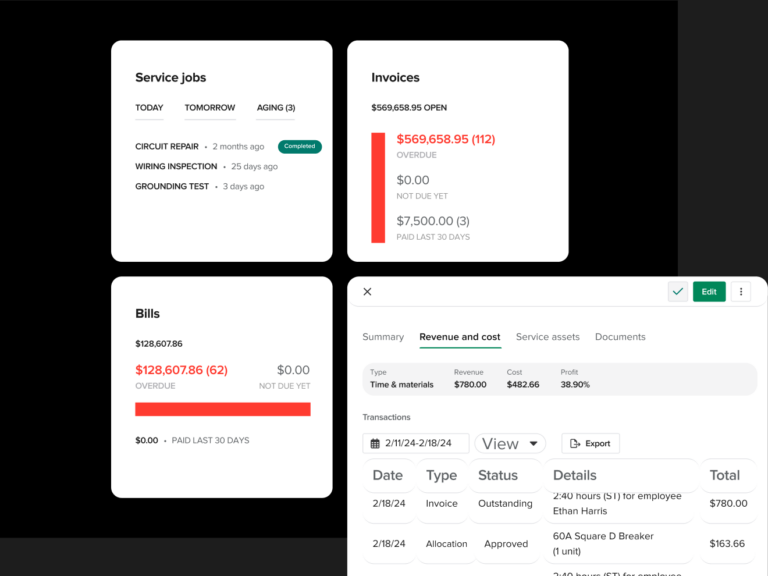
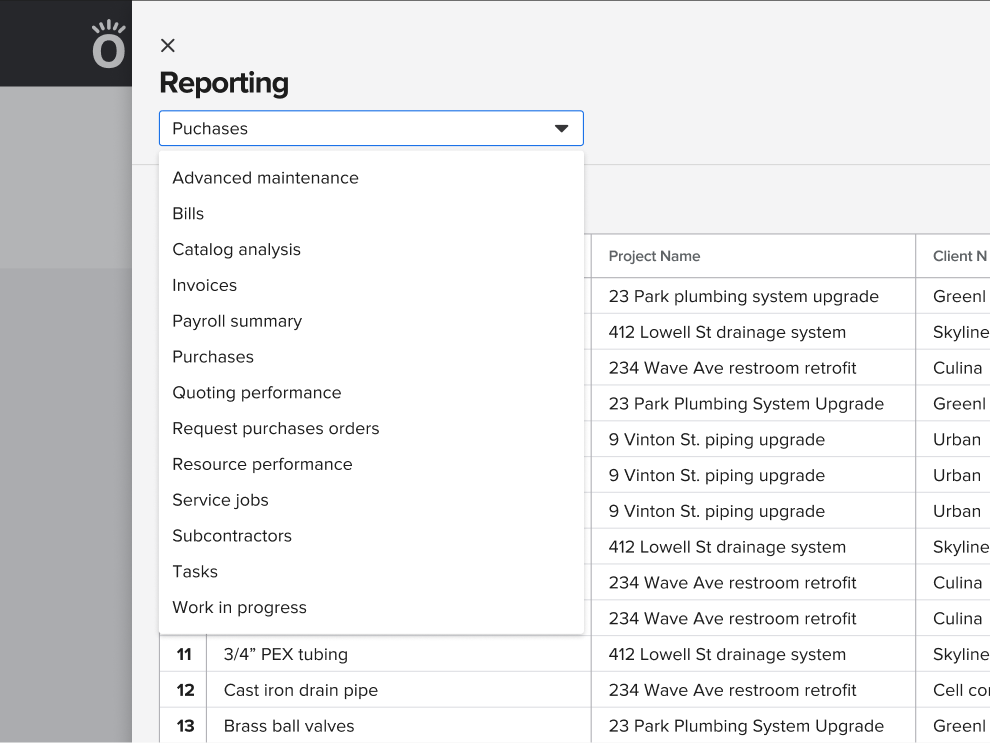
See the current and projected profitability for every active job, from one screen. Knowify generates real-time work-in-progress reports so you know exactly where each project stands — what you've earned, what you've spent, and what you're on track to make (or lose).
No waiting for month-end reports. No surprises at project closeout. You'll see the trend line while you can still change it.
Compare Crews, Projects & Trends Over Time
When you've costed a few dozen jobs through Knowify, something valuable happens: you start seeing patterns. Which crews are most efficient on which types of work. Which phases consistently run over. Which cost categories you're underestimating.
This isn't just tracking. It's intelligence you can use to bid sharper and earn more on every future job.
Ready to see your numbers in real time?
Schedule Your WalkthroughContractors Who Switched to Knowify Say It Best
"Knowify is the main reason we've grown so much in the last few years. As the owner of the company — it easily saves me 20–40 hours a week vs. what I was doing on paper before."
"It brought all our estimating, job costing, and projects together in ONE place. No more Excel spreadsheets is incredible. I have more visualization over my projects and can track and view real-time costs a lot easier."
"Moving from a more service-oriented CRM, job costing was the main reason for the switch. The granular nature of the bidding and tracking process has given me a much clearer picture of my productivity and profitability."
The Best QuickBooks Integration in Construction
If you run your accounting through QuickBooks, you know the pain: most construction tools either don't sync well, sync one way, or create duplicate entries that make your bookkeeper want to quit.
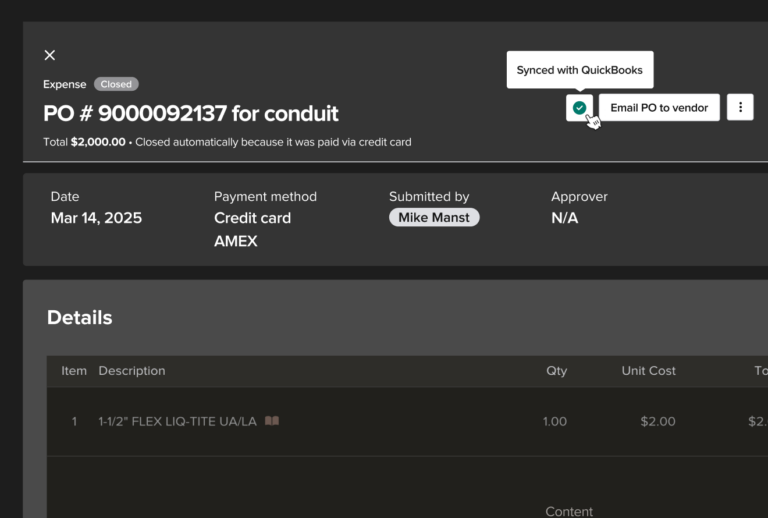
Knowify is different. Our integration was built in partnership with the Intuit team. You get a real-time, two-way sync with QuickBooks Online — purchases, expenses, bills, employee time, and invoices all flow automatically and are mapped to the correct project, phase, vendor, and cost category.
Your office staff works in QuickBooks. Your PMs work in Knowify. Your accountant sees the same numbers everywhere. Nobody enters anything twice.
Switching Software Doesn't Have to Be Painful
We know what you're thinking — "this all sounds great, but migrating our data and getting the team up to speed sounds like a nightmare." We hear that a lot.
Personalized Walkthrough
We show you Knowify configured for your trade, your project types, and your workflow.
Unlimited Onboarding
US-based support trains you, your office manager, and your crew — as many sessions as it takes.
Fast Team Adoption
Field crews use the mobile app on day one. Support is there for every question.
14-Day Free Trial
No commitment, no credit card. See if it fits before you decide.
See What Your Job Costs Look Like in Real Time
Schedule a personalized walkthrough and we'll show you exactly how Knowify handles job costing for your trade — including real-time budgets vs. actuals, QuickBooks sync, and mobile time tracking.
Want to jump straight in? Start your free trial today — no credit card required.
Start Your Free 14-Day Trial