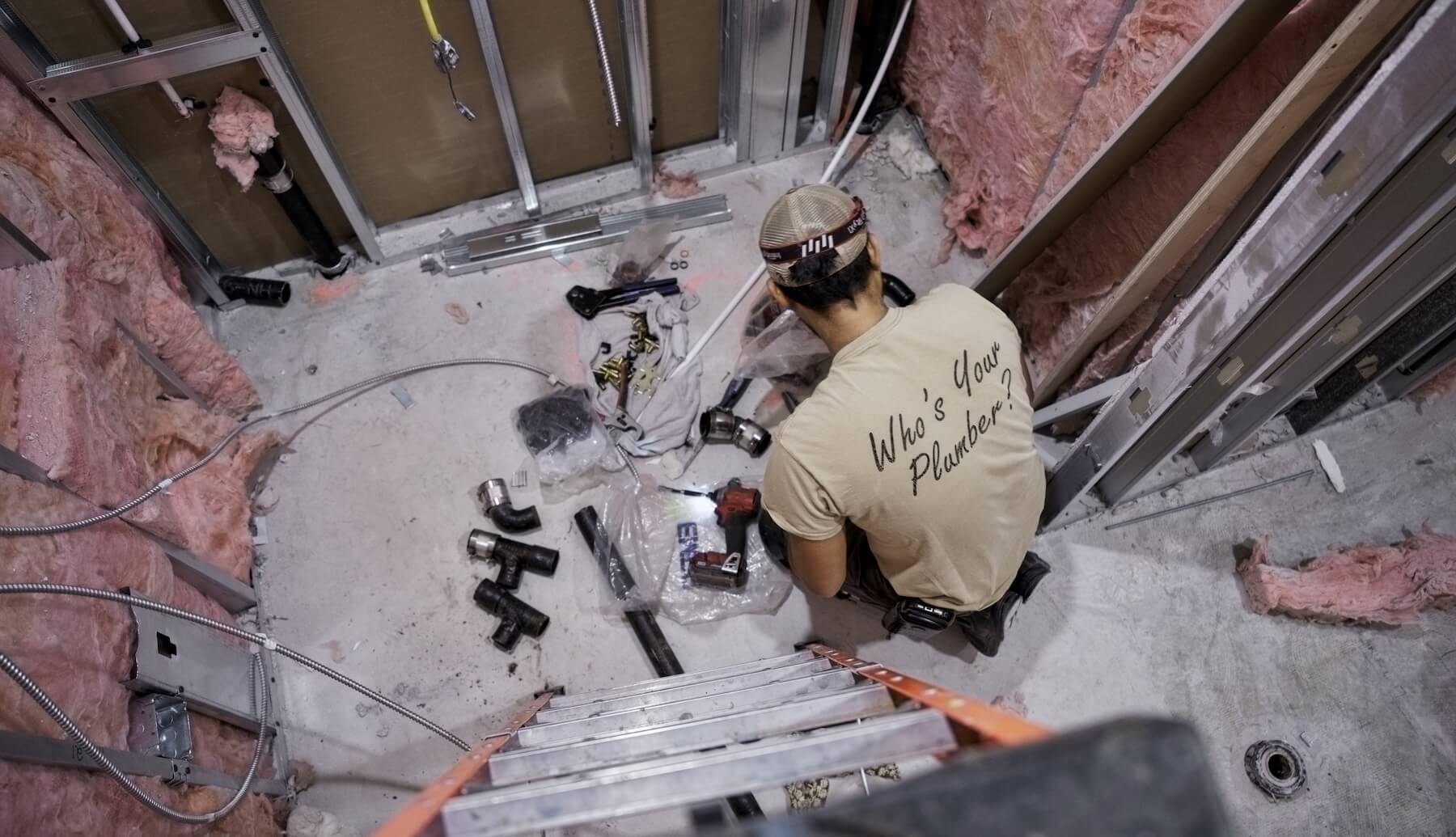
Daily reports done before your crew leaves the site
Give your crew an easier way to document the day, and give your office a record it can trust. Daily logs come with the Advanced and Enterprise plans, starting at $329/month billed yearly.
No more piecing the day together after work. Crews log subs, deliveries, and photos from their phones as it happens, and their hours fill in from their clock-ins. You get an accurate record to share with your GC or check when a question comes up.
Capture comprehensive daily records of activities, progress, and issues on the job site, so you can quickly take whatever action is needed to avoid project delays and keep your project on schedule.
Maintain detailed documentation to stay compliant with GC requests, avoid disputes, and loop in key project stakeholders to your team’s progress as needed.
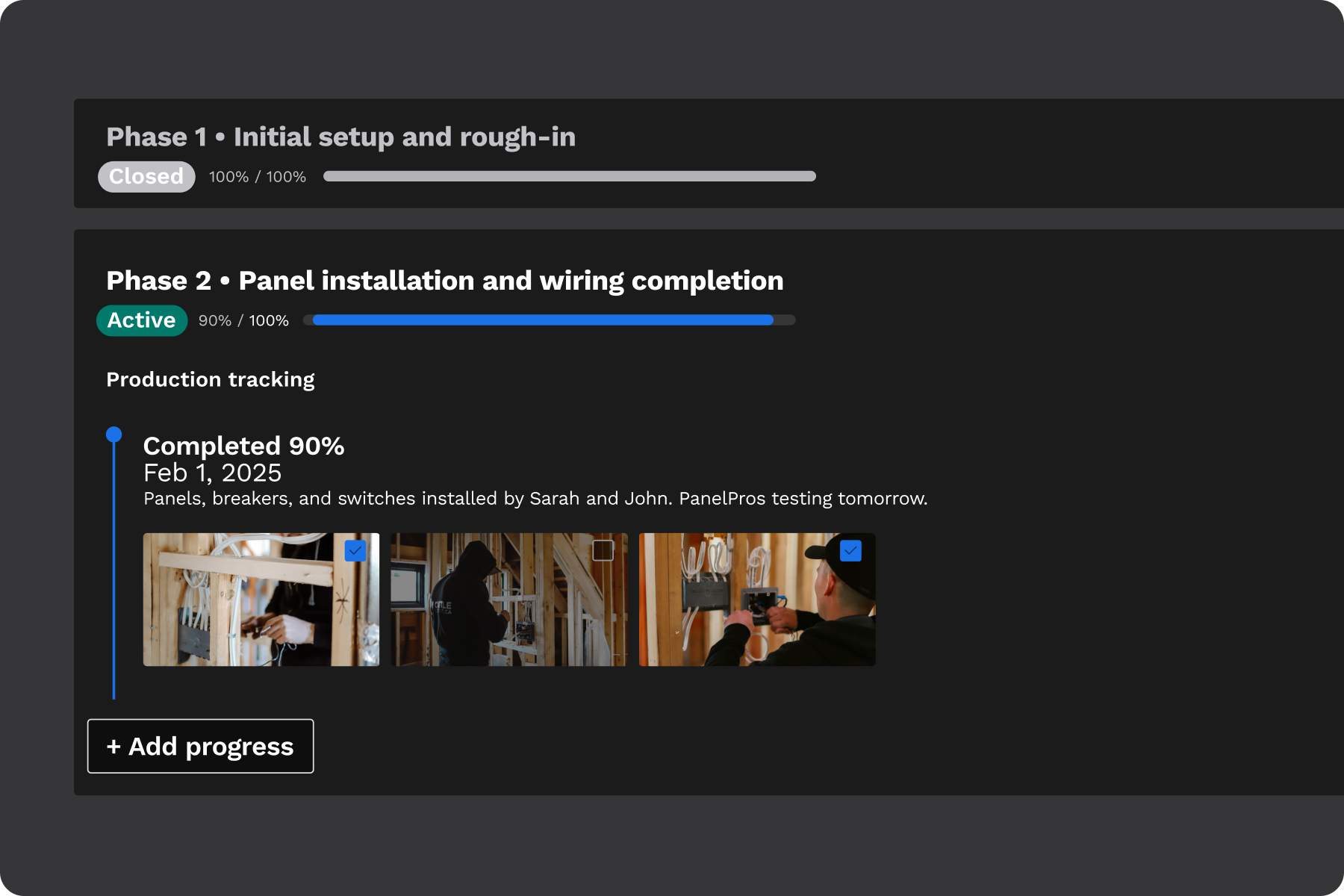
Every daily log covers the weather, who was on site and for how long, progress by phase, deliveries, safety incidents, and photos. Share it with your GC as a PDF.
Knowify records the temperature, wind gusts, and precipitation at each job site on its own, so nobody has to look it up.
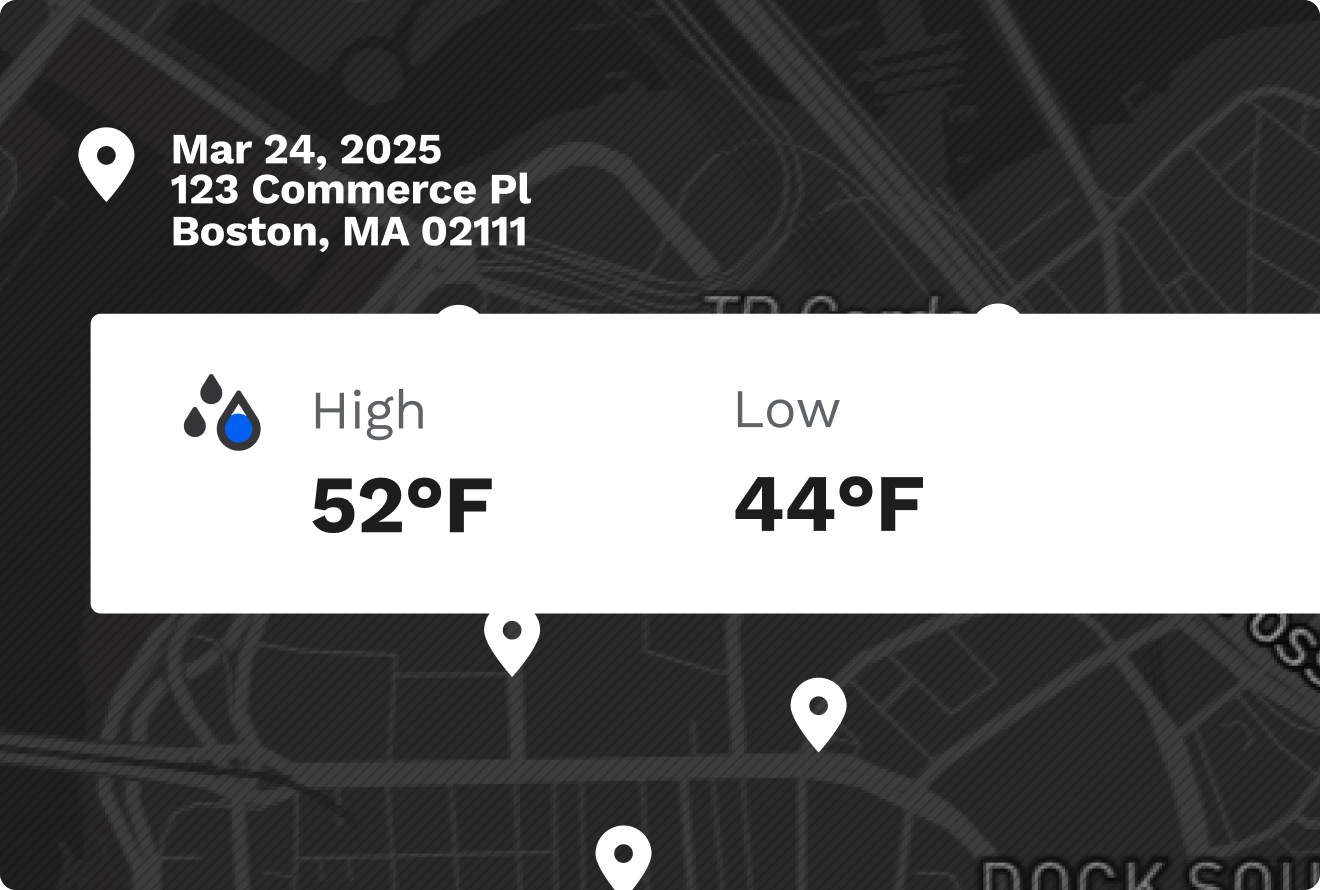
Track your crew, your subs, and your equipment on site each day. Crew hours come straight from Knowify’s time tracking.
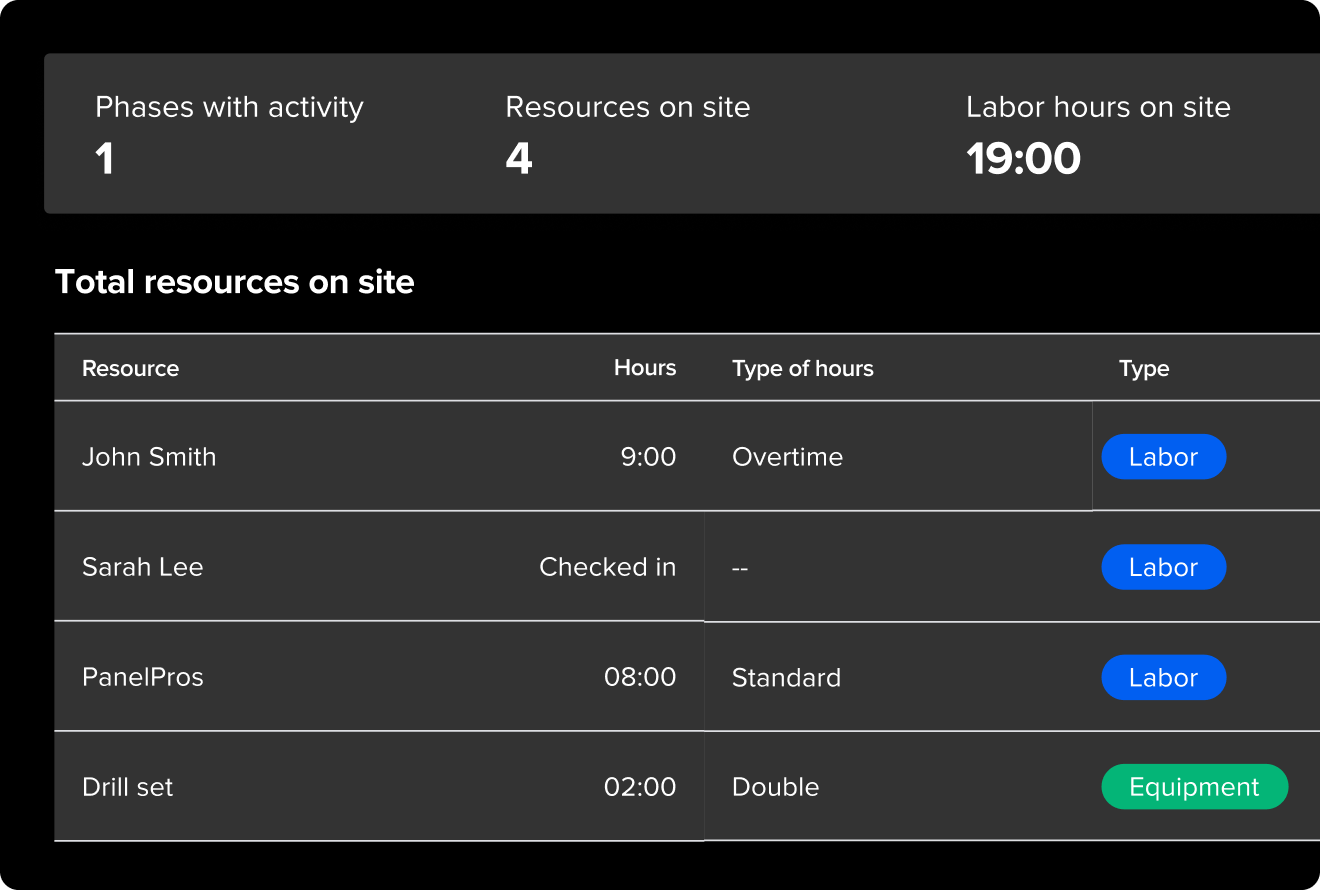
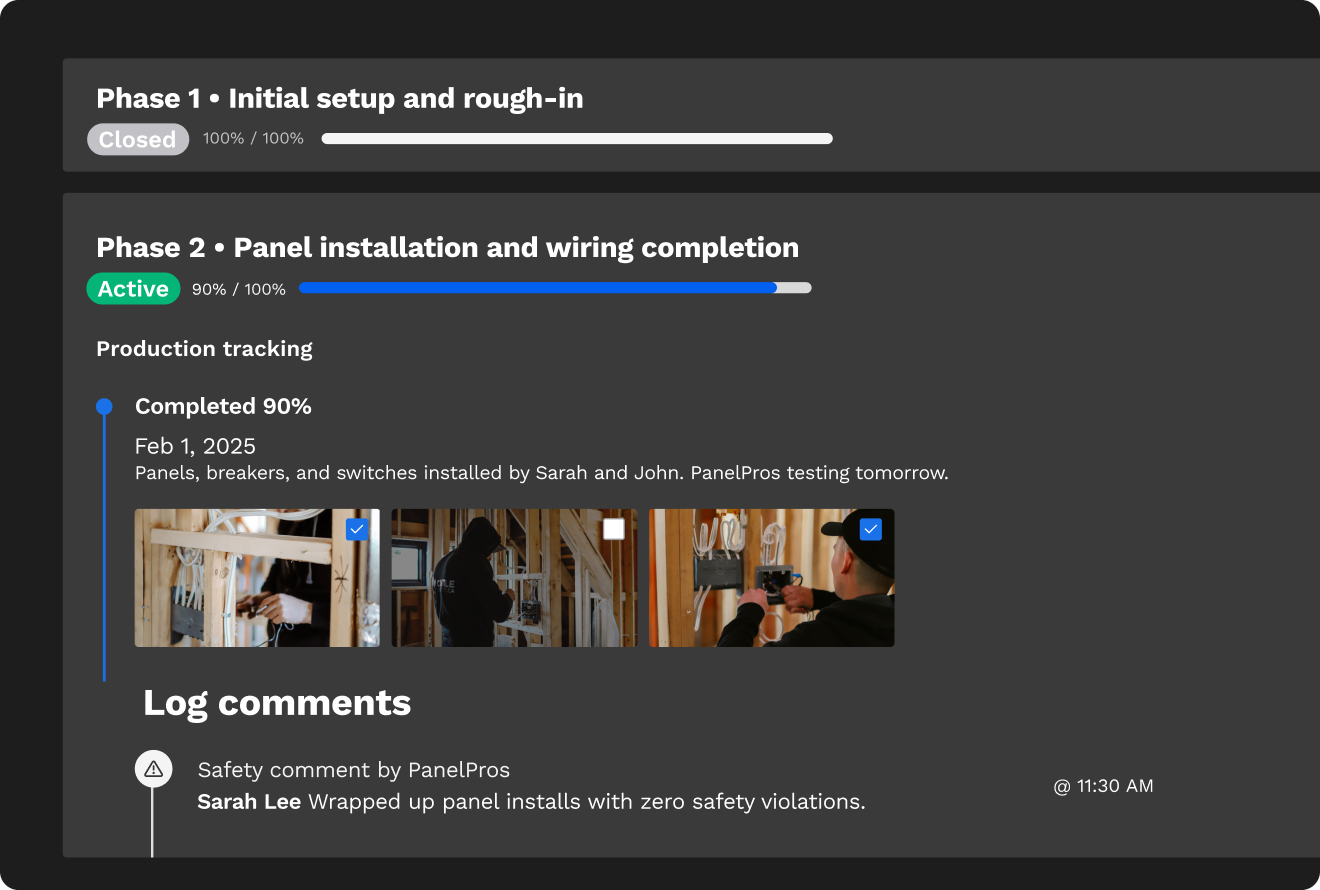
Crews mark progress on each phase from their phones, with photos and notes. You see how far along every job is without a phone call or a site visit.
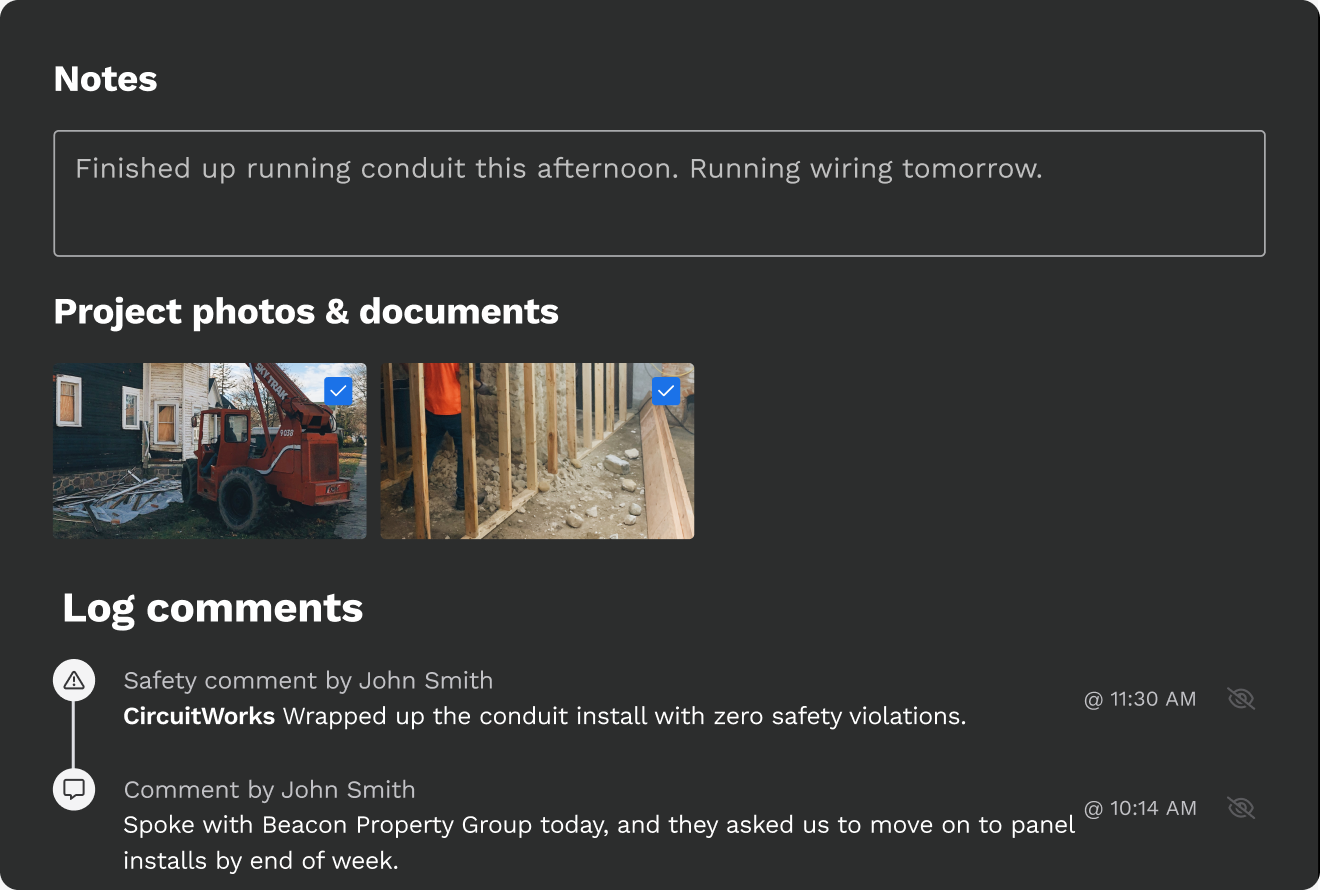
Log the people involved, witnesses, and injury notes the day it happens. Knowify flags it for your project manager, and you have a full record if anyone asks about it later.
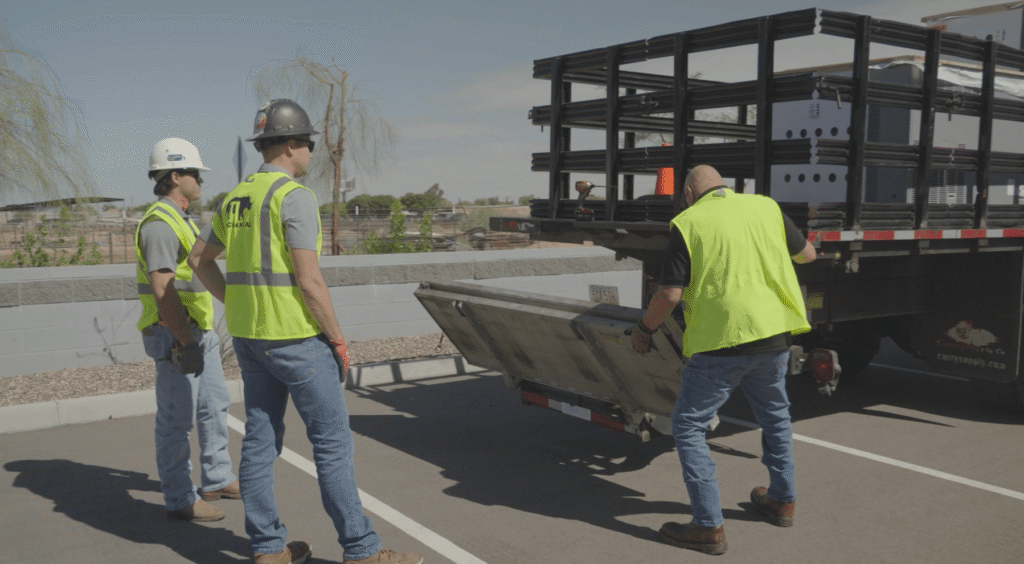
Match each delivery to its purchase order and mark what arrived. If something’s missing or extra, it’s on the record before you pay the bill.
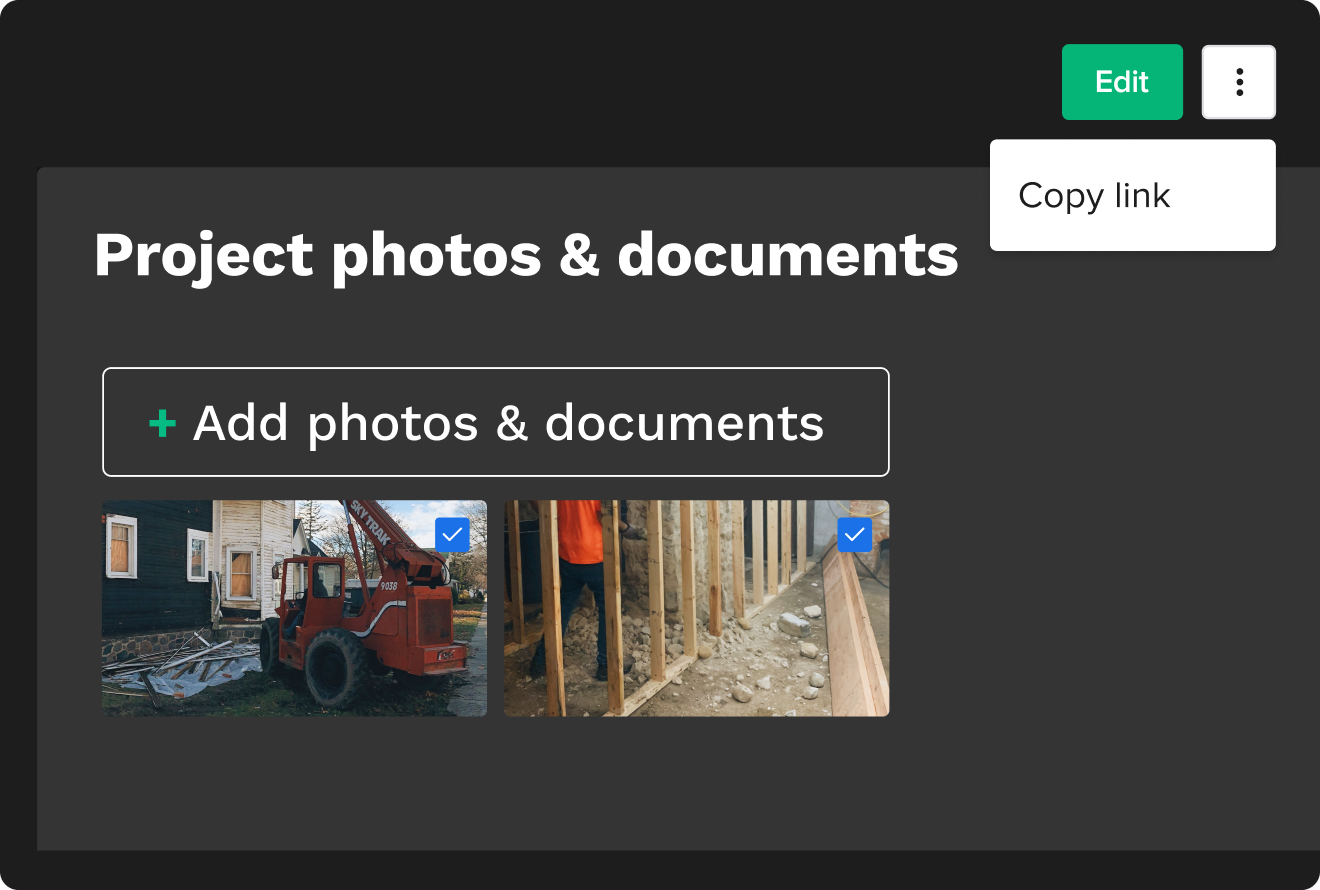
Add photos and files, choose what to show or hide, and easily share with your team or export as PDFs for clients. Assign tasks to project managers and crew members to keep jobs on track.
Your crew logs the day from the Knowify mobile app as they work. When a GC questions a delay, a short delivery, or who was on site, you have a dated record to show them.
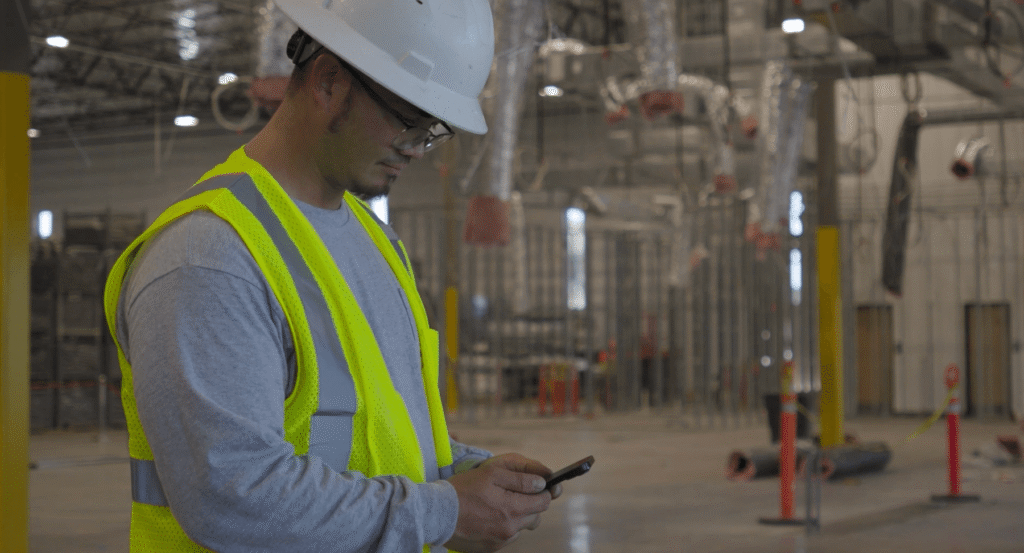
Fill out the day’s report on the job site, not back at the office. Knowify adds the weather, employee check-ins, and progress updates, so your crew only logs what’s new.
See each day’s progress against the budget with one click in Plan & Track. You’ll know which jobs are heading over budget while there’s still time to get them back on track.
Give your crew an easier way to document the day, and give your office a record it can trust. Daily logs come with the Advanced and Enterprise plans, starting at $329/month billed yearly.
Daily logs, also called daily reports, are a record of what happened on a job site on a given day. A daily log covers who was on site and for how long, equipment, weather, progress, material deliveries, safety incidents, and photos. Project managers use them to track progress, and GCs ask for them when questions come up later.
The best daily log software lets crews fill out the report from the job site and fills in what it can on its own. In Knowify, crews log the day on their phones, and Knowify adds the weather, employee check-ins, and progress updates. Crews also see their schedule and tasks in the same app.
While all kinds of contractors across the construction industry use Knowify’s project management software on an everyday basis, Knowify is intended for use by trade contractors, not large general contractors. Most daily log software is built for general contractors to talk to their subs. Knowify’s daily logs are built for project managers. They show how your own crews and jobs are progressing, even when you’re running several at once.
Knowify’s daily logs benefit from some of the other key features in the platform, like time tracking, job costing, real time communication, task management, and the ability to track job progress in just a few clicks.
Knowify fills in part of each daily log for you: the weather at the job site, employee check-ins, and progress updates. Your crew adds the rest from the Knowify mobile app, including activities, subs on site, material deliveries, safety issues, and photos. That way, nobody has to write the whole report once the day is over.
By leaving comments in the ‘Log’ section of any project, you can leave notes and comments for specific project phases, and designate them as being related to safety, deficiency, or activity. These notes, accompanied by the other contextual information on the daily log, help paint a clear picture of what happened on the jobsite, and can help avoid client or GC disputes.
Yes, crews can fill out the whole daily log from the Knowify mobile app, including labor, subs, material deliveries, safety incidents, and photos. The office can view, edit, and share each log from any device, and send it to the GC as a PDF.
Daily Logs can be downloaded in PDF format for easy sharing with GCs, clients, or any other project stakeholders. There’s also a handy shareable link if you want to share a specific log with someone who has Knowify access already.
Knowify’s daily logs capture activities, labor and equipment hours, subs and visitors on site, progress by phase, material deliveries, safety incidents, photos and files, and the weather at the job site. Knowify fills in the weather, employee check-ins, and progress updates, and your crew adds the rest from the mobile app.
Yes, Knowify AI helps you see which jobs are making money and which ones need attention. The Knowify Assistant, now in beta, can point out the jobs that need you and handle follow-up work for you. With the AI Connector, you can ask Claude or ChatGPT questions like “Which jobs are underbilled?” and get answers from your own Knowify data.
Daily logs come with the Advanced and Enterprise plans. Advanced is $329 a month, billed yearly. The Knowify mobile app comes with every plan, so your whole crew can log time, photos, and expenses from the field.