

Powerful software for HVAC contractors, starting at $99/month
Ready to streamline your HVAC business? Request a personalized walkthrough today.
HVAC contractor software for growing contractors that do a mix of work like installs and changeouts, while also running a service department. Knowify tracks job costs, dispatches techs, schedules maintenance agreements with Service Pro, sends invoices, and syncs two ways with QuickBooks Online.

Budget new construction, changeouts, and commercial installs, then handle change orders and progress billing while the work is ongoing.
Dispatch techs to no-cool calls and schedule maintenance agreements in Service Pro, Knowify’s add-on for service work.
Hire more techs, add install crews, and take on bigger jobs. Knowify keeps up as your shop gets busier.
Knowify runs HVAC installs and service calls in one system, handling project management, job costing, dispatch, and invoicing. Invoices and job costs sync both ways with QuickBooks Online automatically, eliminating double-data entry.
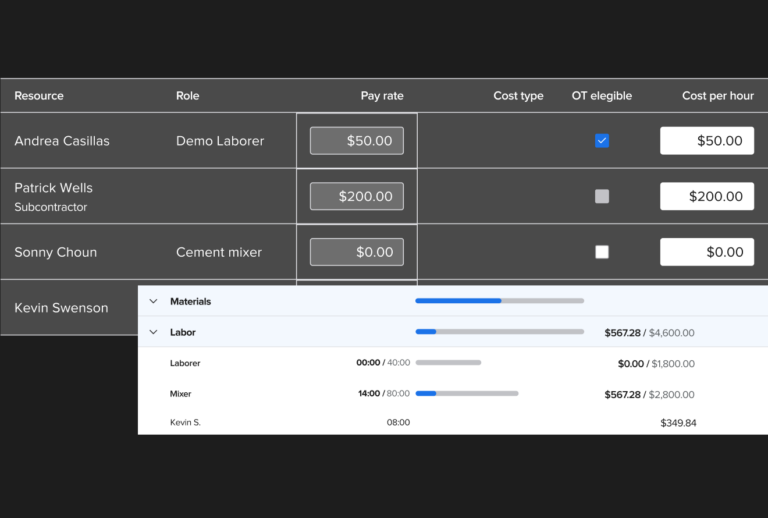
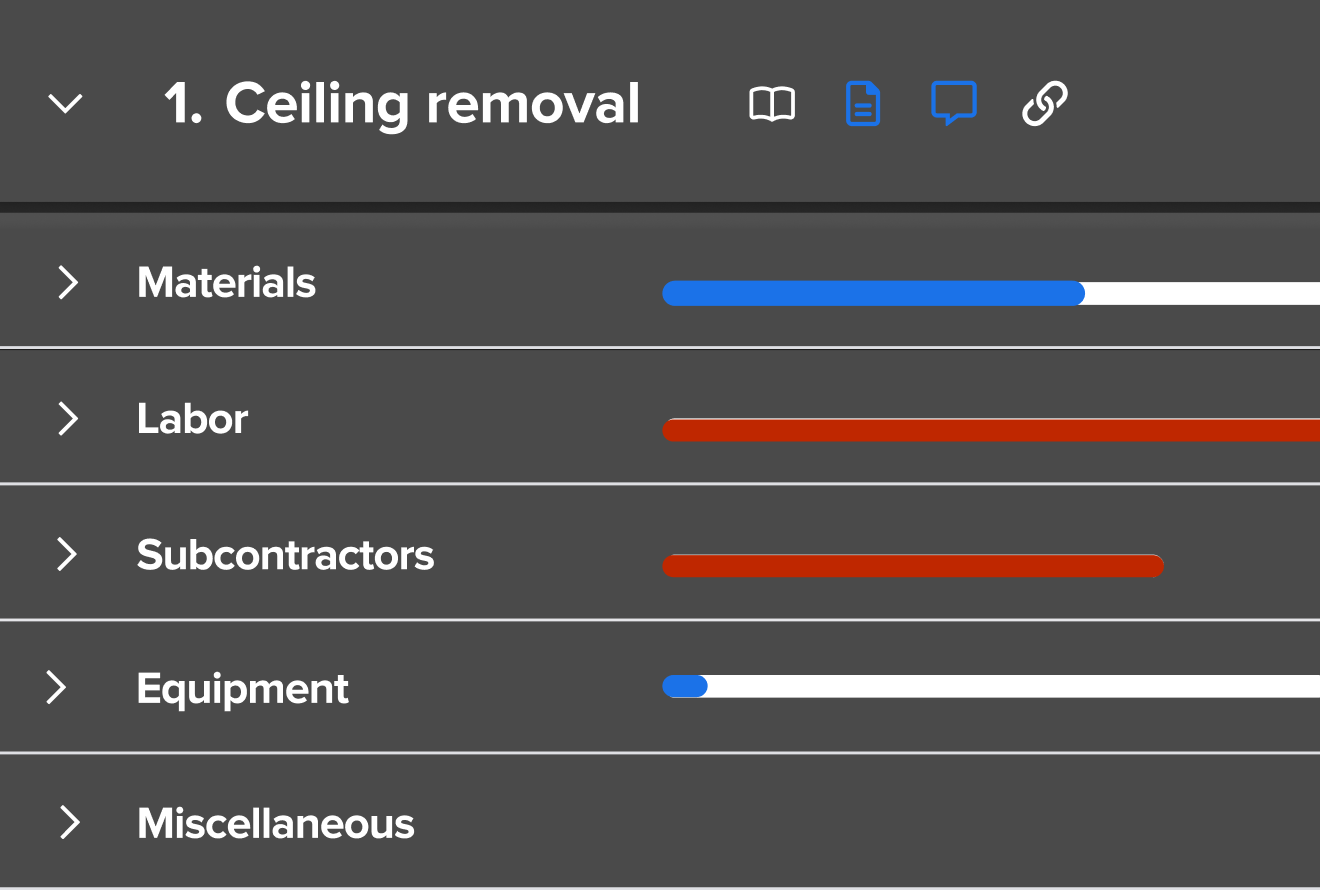
Say you’re replacing a rooftop unit. With HVAC job costing in Knowify, you budget the changeout by phase, like demo, set, and start-up. Costs land on the job as they happen, so you see the margin while the crew is still on the roof. The real-time WIP report tells you when to send each progress bill.
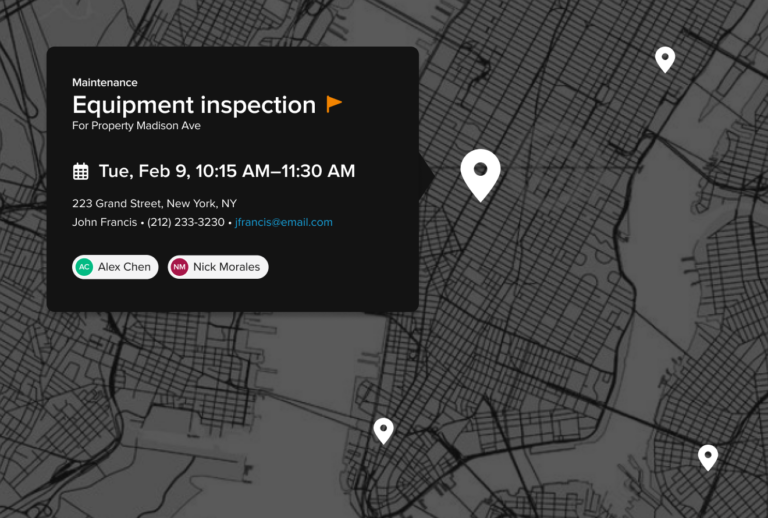
Service Pro is Knowify’s HVAC service software add-on. It lets you manage your service department in the same system as your installs. Say a no-cool call comes in one July afternoon. HVAC dispatch happens on a live service map, where your dispatcher sees the call and sends the closest tech. The tech then checks the unit’s service history on their phone, and the customer can pay by card or ACH on site.
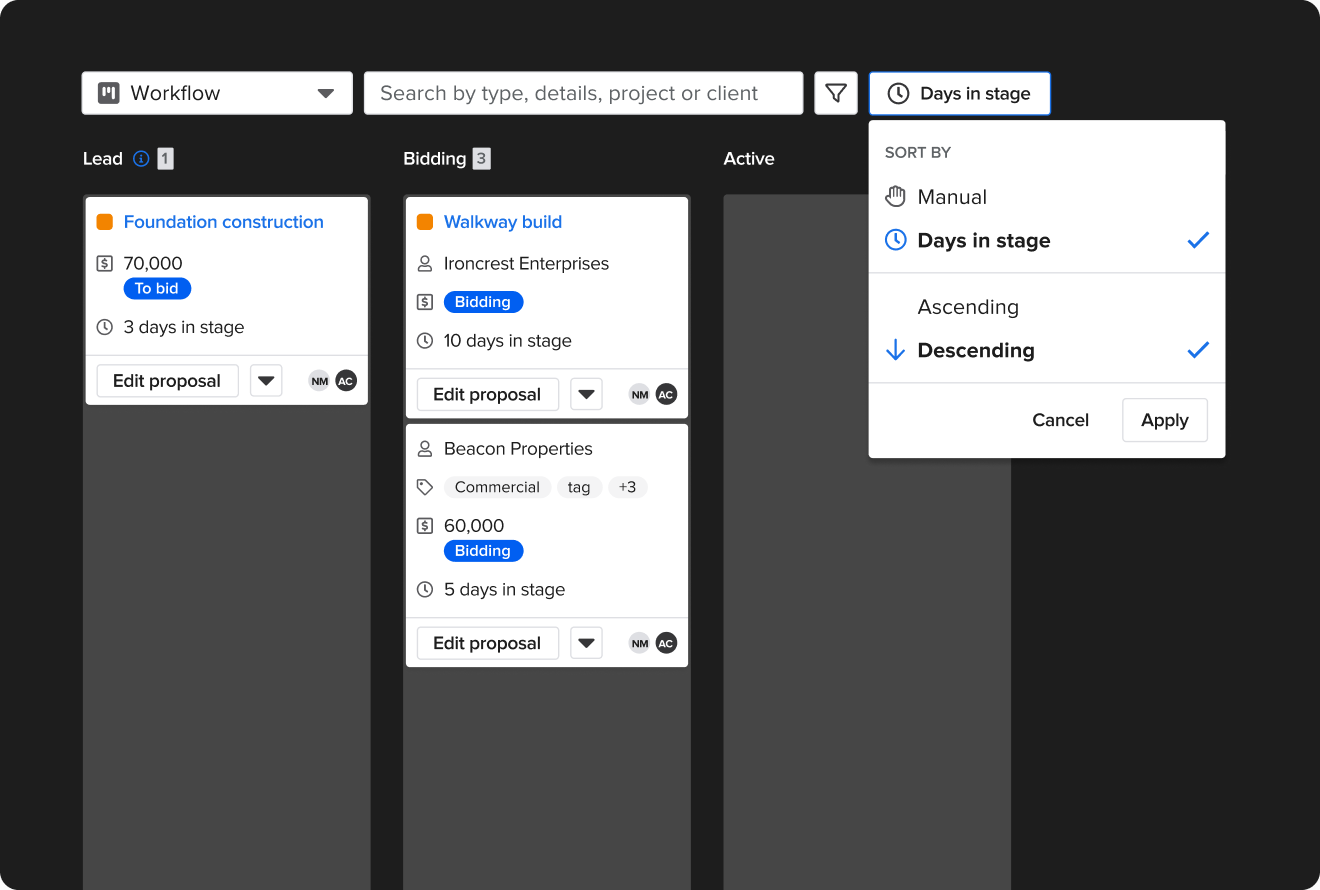
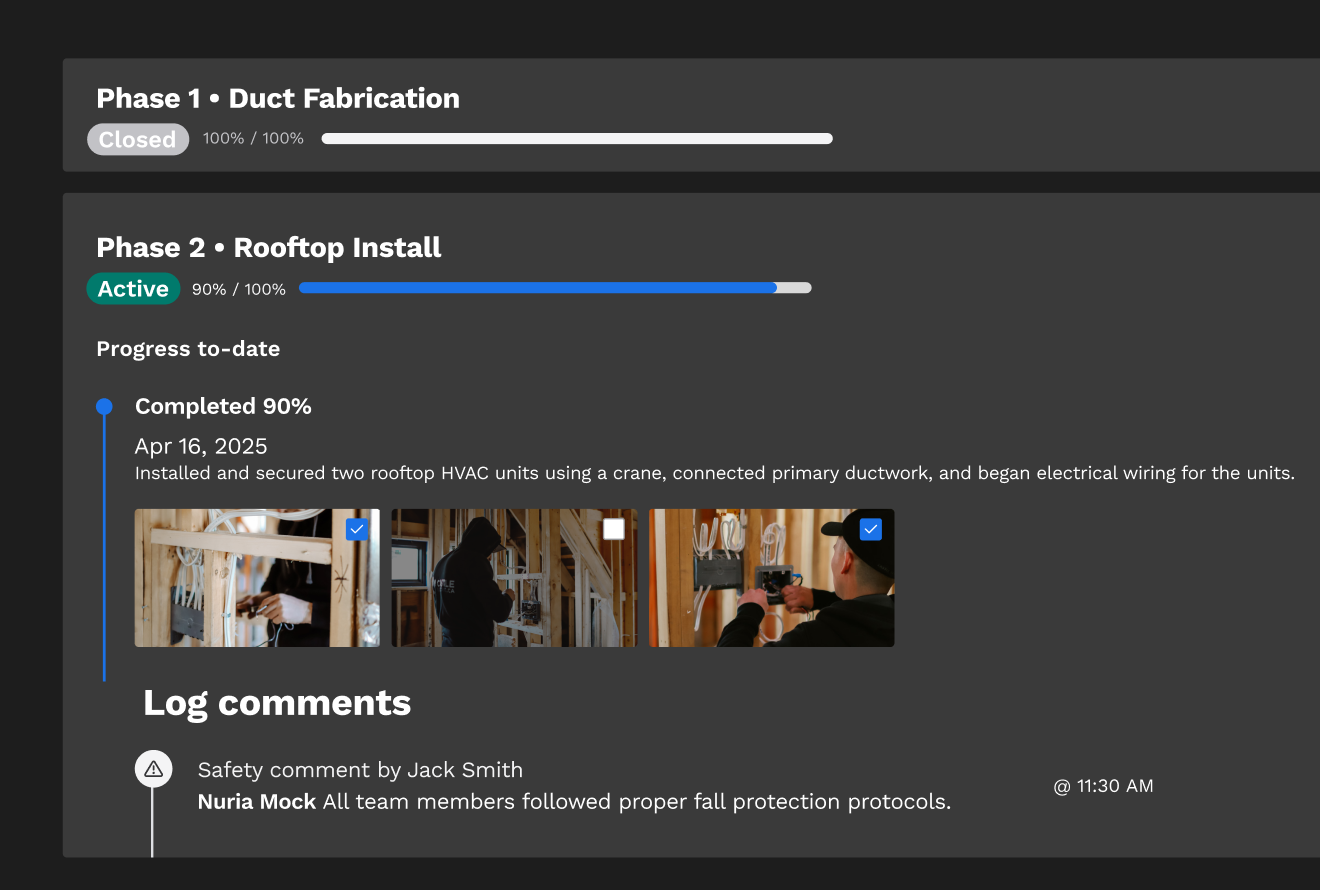
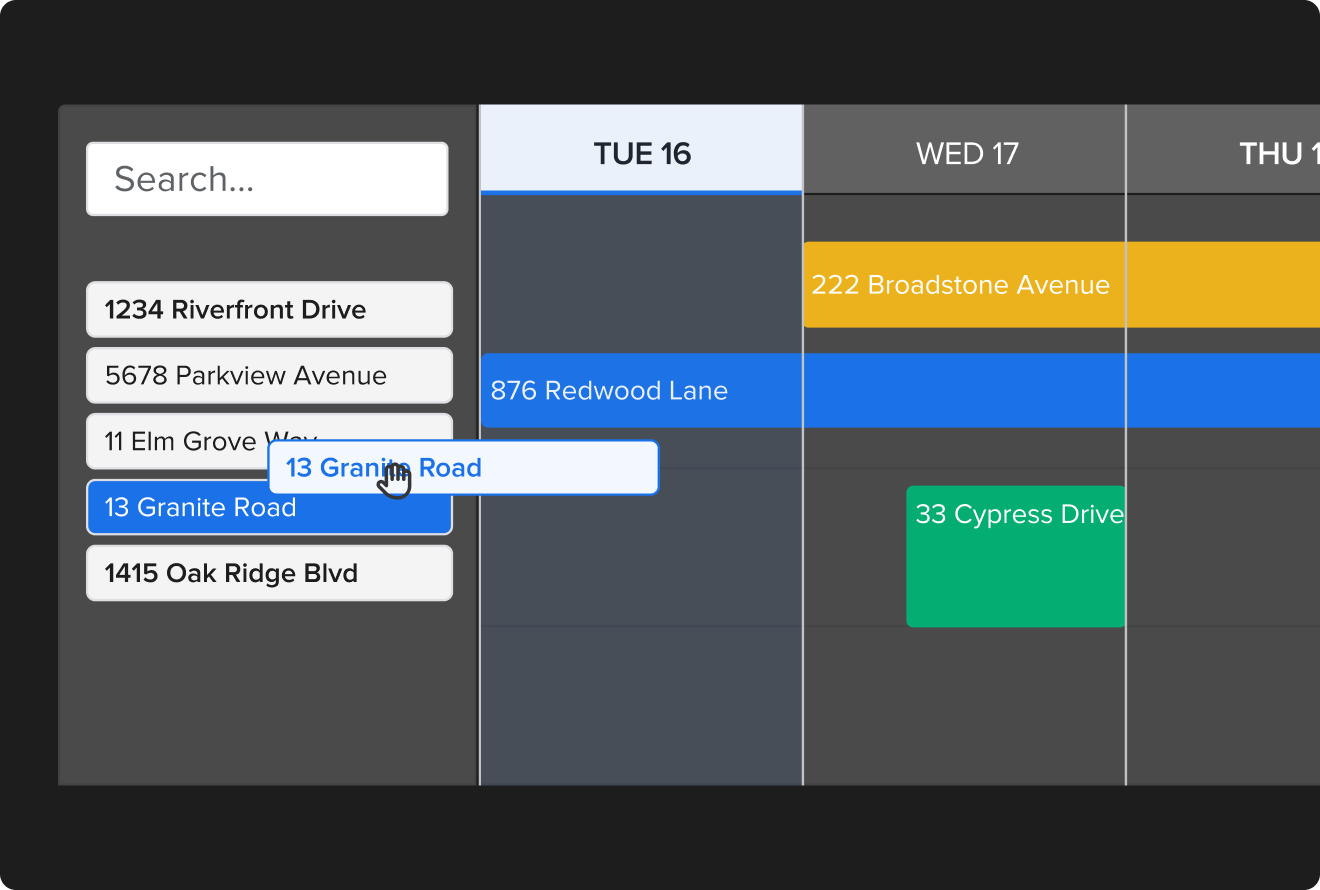
Install crews and service techs share one schedule, so nobody gets double-booked between a changeout and a service call. They clock in on their phones, and their hours go straight to the job and phase. Nobody in the office retypes timesheets, and labor shows up in your job costs right away.
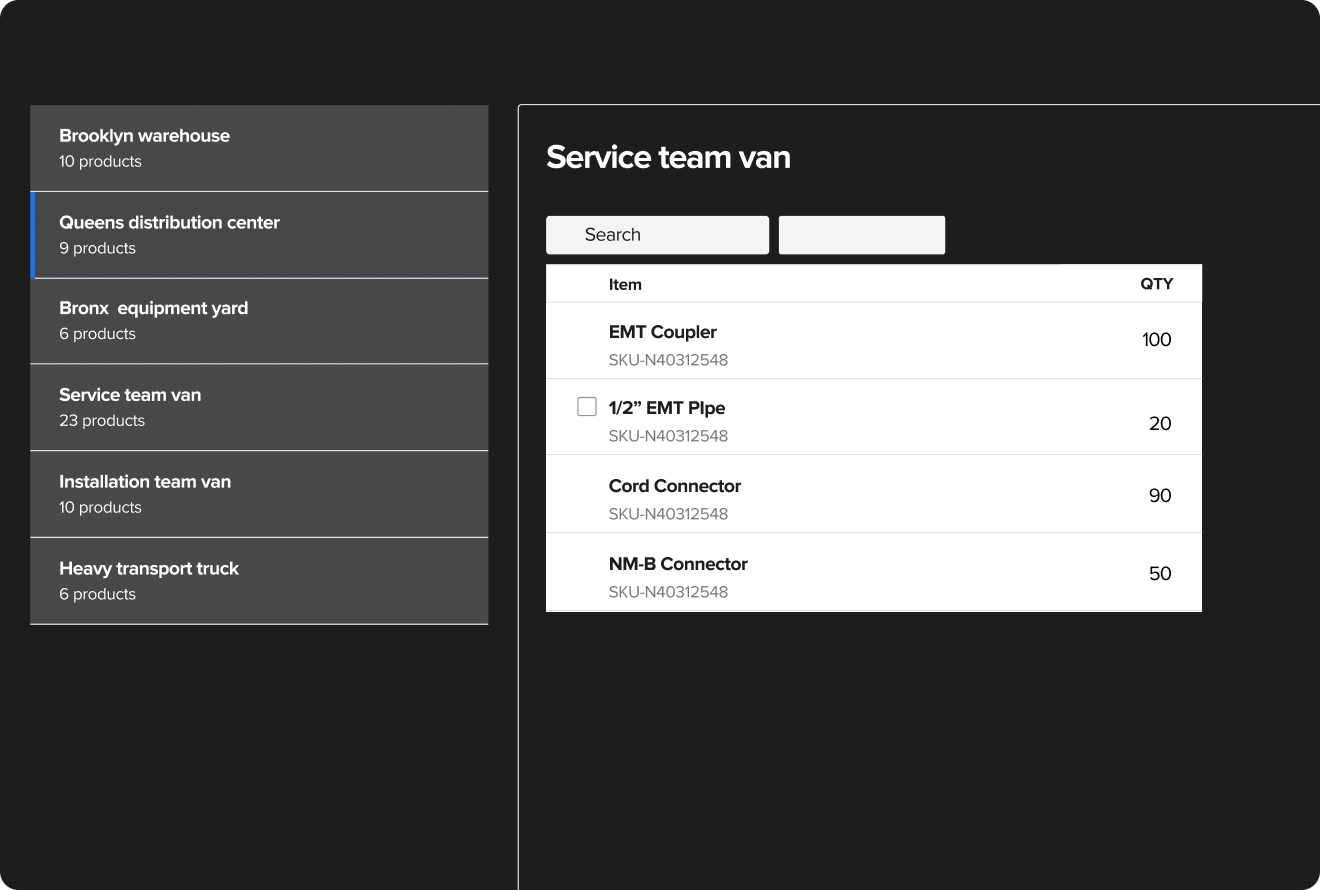
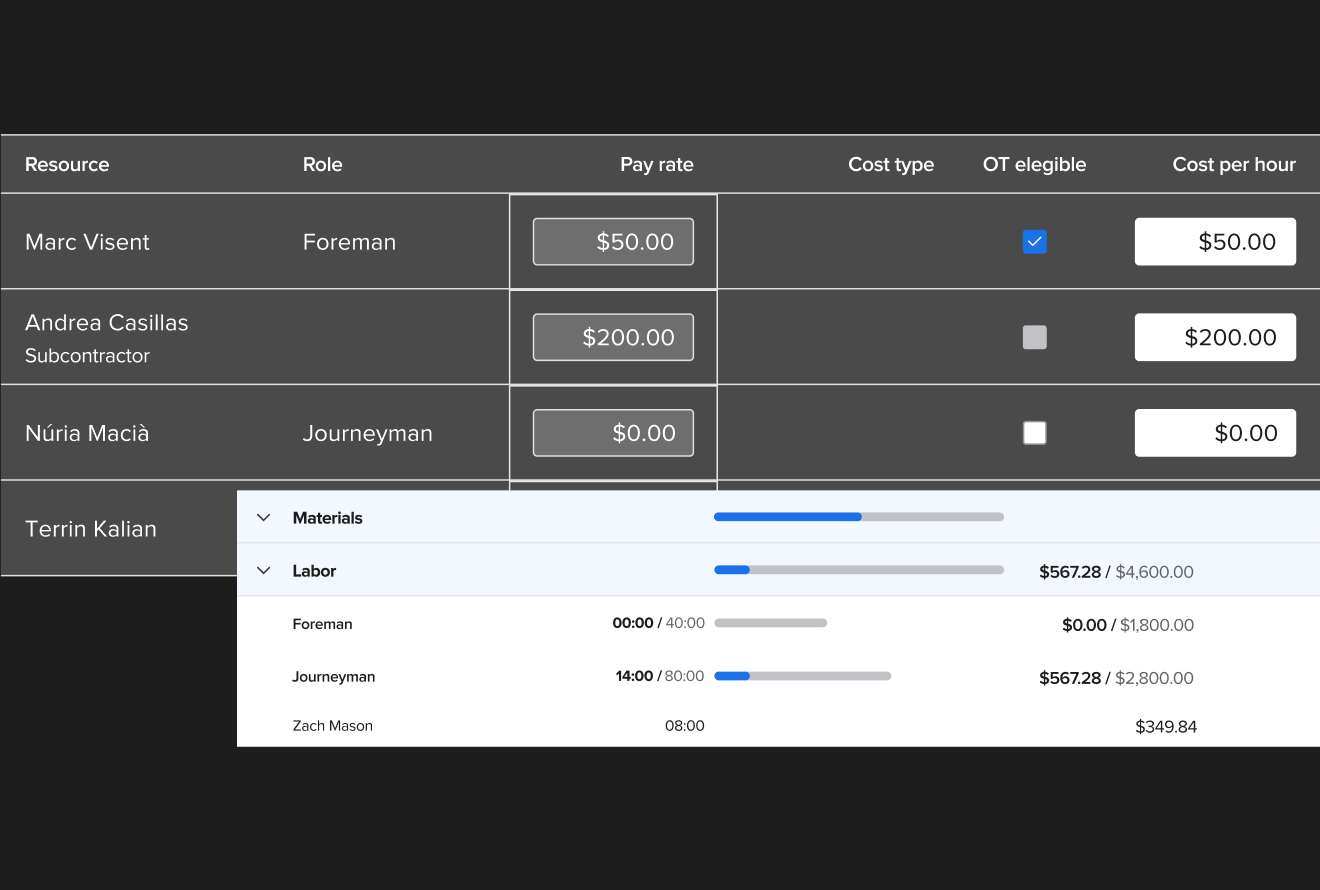
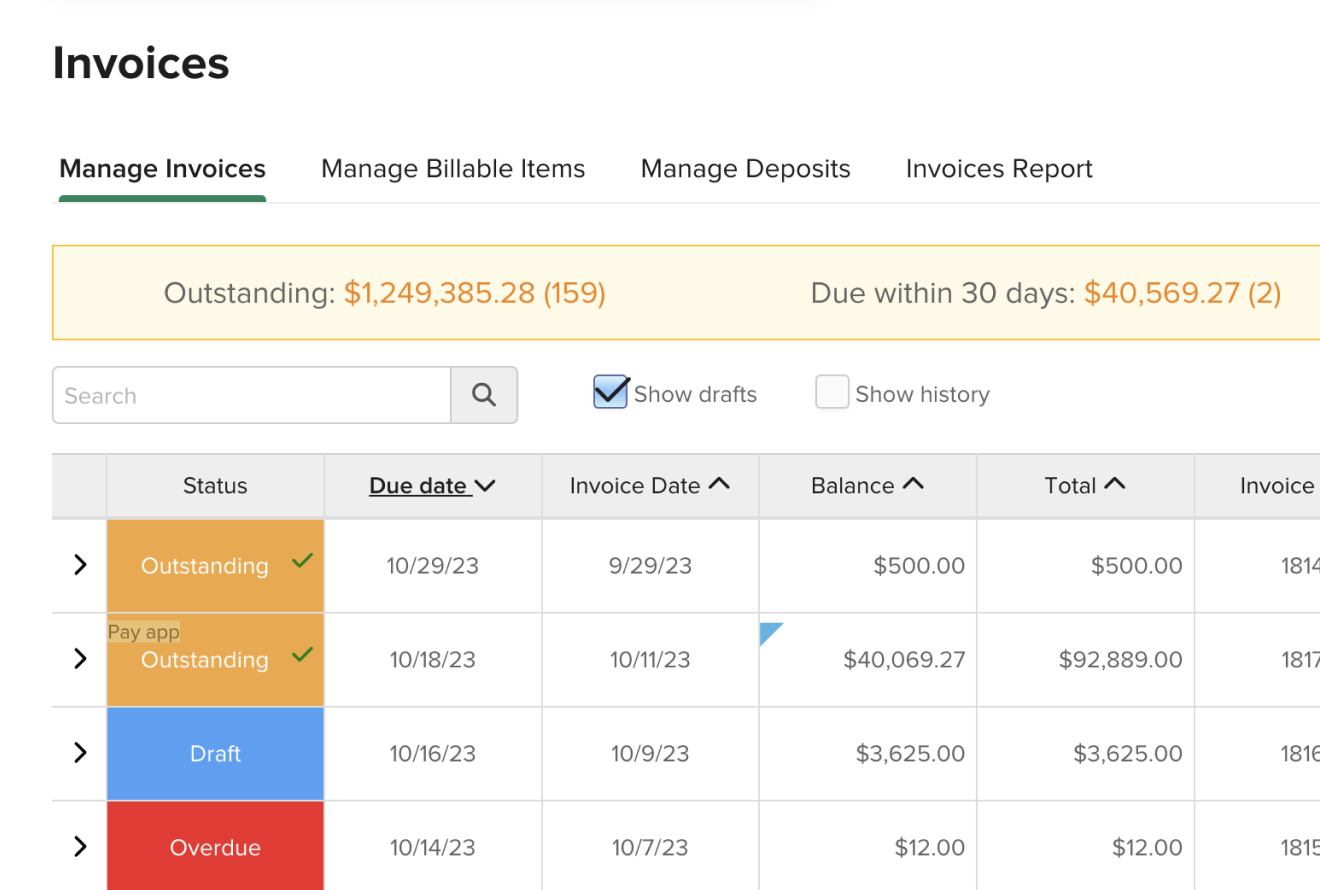
Knowify gives you flexibility in how you get paid on service calls. The tech can invoice and collect from the job site, or the office can bill after the visit. For a commercial install, you bill as the work gets done, using the official AIA G702/G703 pay apps your GC asks for.
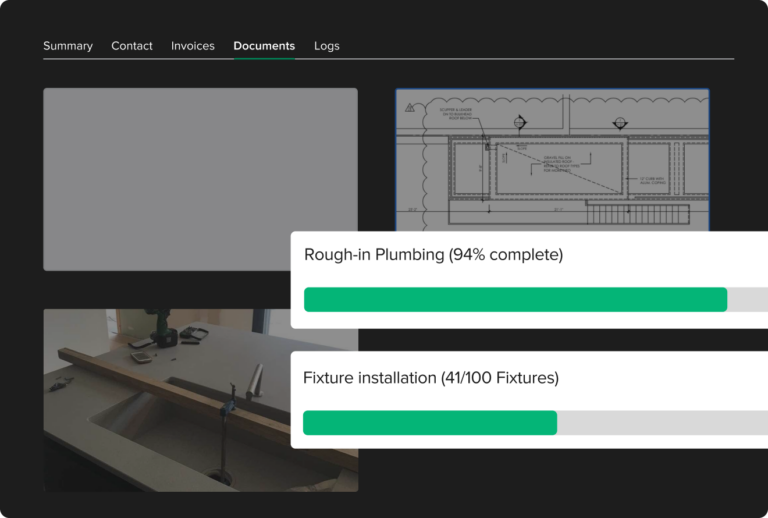
Keep your clients in the loop with access to a branded customer portal that you have total control over. Show or hide key project details like original contract, outstanding invoices, project photos, change orders, customer details, and comments.
Knowify AI pairs margin intelligence, which shows what your installs and service calls actually earn, with margin optimization, which recommends how to improve the ones that fall short. Together they give you the confidence and control to grow your shop.
Every bid, job cost, change order, and invoice in your account feeds Knowify AI, which learns from each job you finish.
Knowify is made for HVAC contractors who run installs, service, or both. ServiceTitan delivers enterprise power at an enterprise price point, with marketing automation, call handling, and AI voice for high-volume service businesses. Housecall Pro is for residential home service businesses, with online booking and customer reminders. Comparing more options? Check out our HVAC software buyer’s guide.

You’re a HVAC contractor, not an accountant. That’s why Knowify offers seamless integration with the QuickBooks family of products, eliminating double-entry and giving you back valuable time. We provide HVAC contractor software truly built for your needs.
Knowify is designed specifically for QuickBooks Online. This isn’t a basic connection – it’s a two-way sync that keeps your financials and team completely aligned. Every transaction, from creating a customer invoice, to purchase orders, bills, and expenses, automatically syncs
Get paid faster and easier while offering an exceptional customer experience. Knowify integrates directly with QuickBooks Payments, allowing your clients to pay invoices online instantly using ACH or credit card.
Allow your field and office teams to track time accurately, and send that data directly to QuickBooks Online Payroll. Knowify supports complex payroll needs, eliminating most of the admin work your office staff takes on, and ensuring compliance. No more manual time entry – everything flows seamlessly.
For HVAC contractors with more than one business, Intuit Enterprise Suite and Knowify provides a robust, scalable solution. Get advanced job costing, detailed customized reports, and valuable insights powered by an AI assistant. Intuit Enterprise Suite ensures that all of the project data across multiple business entities rolls up into a single platform.
Knowify, combined with the power of QuickBooks, provides the ultimate software solution for HVAC businesses. Stop juggling multiple systems and start focusing on what matters: growing your business and delivering exceptional service.





Ready to streamline your HVAC business? Request a personalized walkthrough today.
Knowify is for HVAC contractors from sole proprietors to fast-growing businesses with 100+ techs. It works for residential and commercial jobs, whether you run installs, service, or both, and it syncs with QuickBooks. Teams add users as they grow. Extra users are $29 a month each, and the Enterprise plan includes unlimited users.
The best software for HVAC contractors depends on what your company does. Knowify fits contractors who do projects and service, with job costing, dispatch, and QuickBooks sync in one system. ServiceTitan fits high-volume service-only businesses, with strong marketing automation, AI voice, and contact center tools. Housecall Pro fits service shops that want online booking. Read our best HVAC software guide for more.
Knowify is made for HVAC companies that do both. Installs run as contract jobs with budgets, change orders, and progress billing. Service calls run through Service Pro, Knowify’s add-on for service work. The QuickBooks Online two-way sync covers installs and service, so nobody enters an invoice twice.
HVAC contractors use Knowify to handle all three. Job costing tracks each install by phase, dispatch runs through Service Pro, and invoicing covers both service calls and installs. Your dispatcher sees service calls on a live map, techs can invoice from the job site, and the office bills installs as the work gets done.
Knowify syncs both ways with QuickBooks Online, covering invoices, purchase orders, bills, expenses, and job costs so no one enters an invoice or bill twice. QuickBooks Payments and QuickBooks Online Payroll connect on every plan while QuickBooks Desktop and Intuit Enterprise Suite connect on the Enterprise plan.
Knowify gives a $6M HVAC business real-time job costing by phase, tracking labor, materials, equipment, and subs on every job. Fully loaded labor includes payroll taxes and benefits, not just wages. Knowify also shows committed cost, which is money you’ve promised but haven’t paid yet. A real-time WIP report shows where each job stands. Job costing and WIP come with the Advanced and Enterprise plans.
Knowify is built for commercial HVAC project management. It runs jobs by phase, with change orders, retainage, real-time WIP, and the official AIA G702/G703 pay apps GCs ask for. The office can bill each progress draw on a rooftop unit install the way the contract requires. See how AIA billing works.
Knowify’s Service Pro add-on fits commercial HVAC companies that also do projects. Service Pro runs the service side for commercial accounts: dispatch, maintenance agreements, and service assets like rooftop units. It lives in the same system as the company’s projects, so the office sees installs and service for a client together.
On annual billing, Knowify’s Core plan is $99 a month with one user. Advanced adds job costing and is $329 a month with 10 users. The Service Pro add-on is $99 a month, and extra users cost $29 a month each. Monthly billing costs more, and every plan has a 14-day free trial. See pricing.
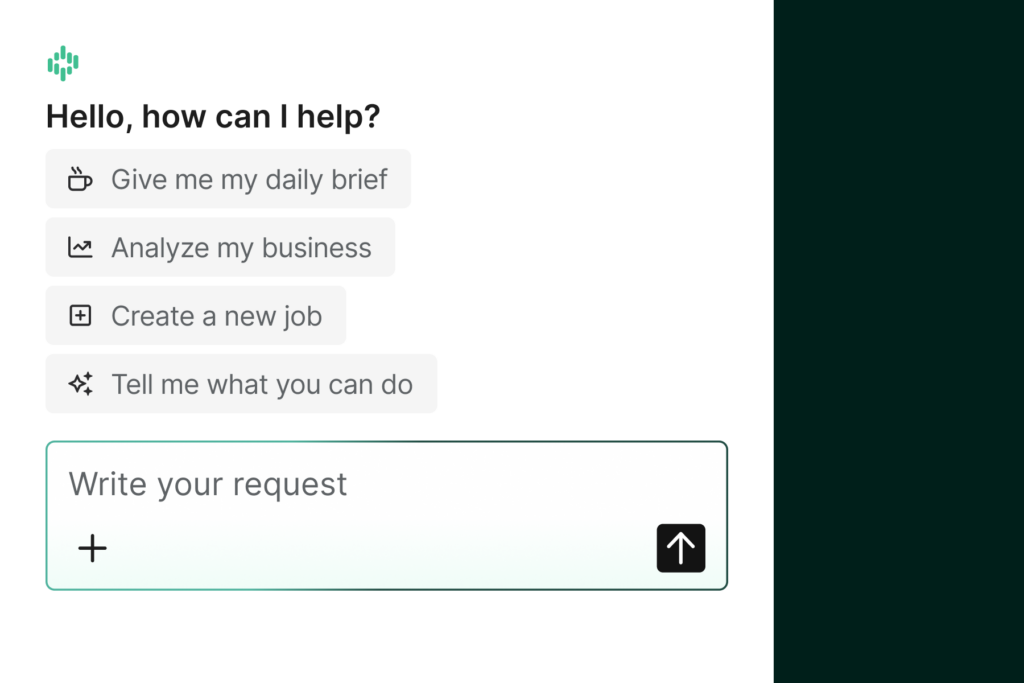
Yes. The AI Connector lets you ask Claude, ChatGPT, or other compatible AI tools about your Knowify data, on the Advanced and Enterprise plans. Knowify also includes, and will continue to add, AI-powered features like the custom form builder on the Enterprise plan. The Knowify Assistant is now in beta.
Knowify’s mobile app is available on iOS and android devices, and allows your HVAC technicians to see key job details and equipment history, log expenses, take photos, track their time, and much more. All the data your team collects while working on the mobile app throughout the day gets automatically organized into daily logs that project managers can easily understand, so everyone is on the same page.
Yes, Knowify offers an unrestricted free 14 day trial, with no credit card or commitment required, so you can ensure that it’s the best software for your business. Knowify also offers free demos with our team of product experts based in the U.S. and Canada.
The Knowify web app and mobile app are both available in English and Spanish on all mobile devices.