
Stop spending
half a day on
billing.
You already know how progress billing works. You're just tired of building the schedule of values by hand, chasing the right numbers from the PM, and praying the spreadsheet didn't break.
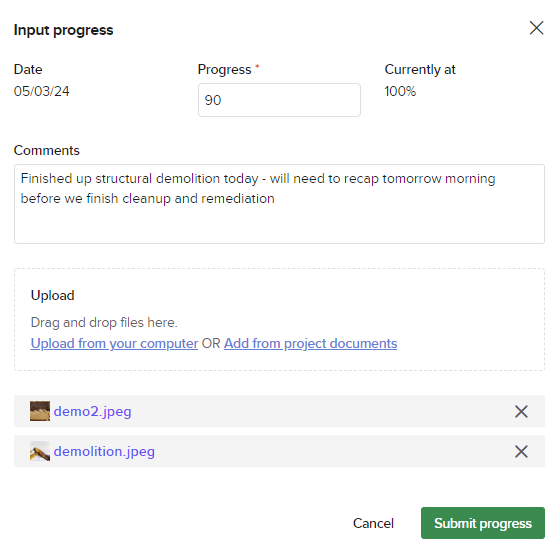
The spreadsheet works fine. Until billing day.
Here's what happens when you run progress billing by hand — and what happens when Knowify does it instead.
Your billing, connected to your actual project data
Three things make Knowify's progress billing different from a smarter spreadsheet.
Your SOV builds itself from your project budget
Set up your project budget once — Knowify turns it into a billing schedule with line items, phases, and amounts already populated. No rebuilding from scratch every cycle.
- Line items inherit from your original budget
- Change orders update the SOV automatically
- Stored materials tracked and billed separately
Field activity connects directly to what you bill
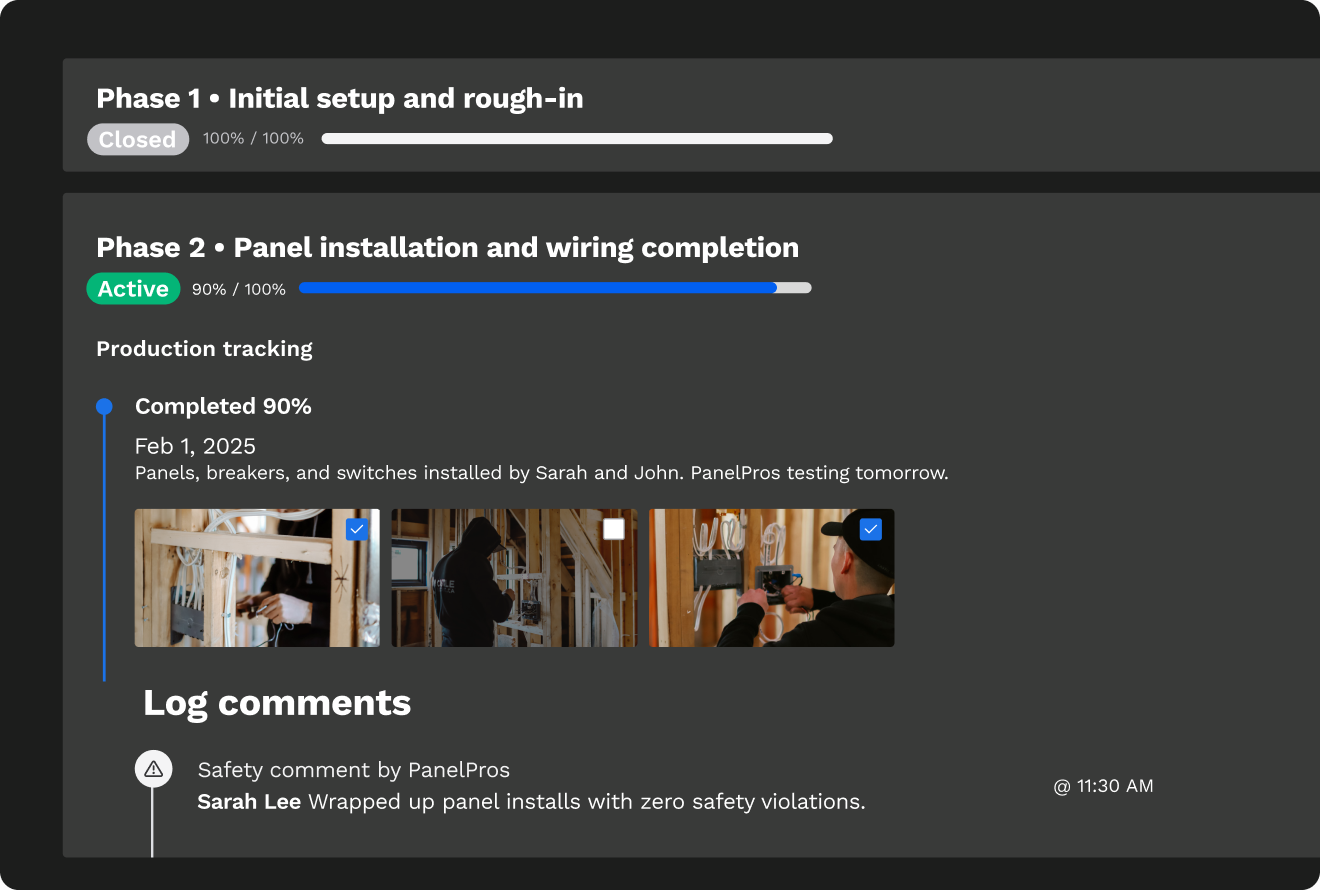
Daily logs, time entries, and progress updates from your field team feed your billing data in real time. No more calling the PM to find out how far along Phase 2 is.
- Field logs tie to project phases
- Percent complete visible without a phone call
- Labor, material, and sub costs tracked by phase
Change orders hit your invoice automatically
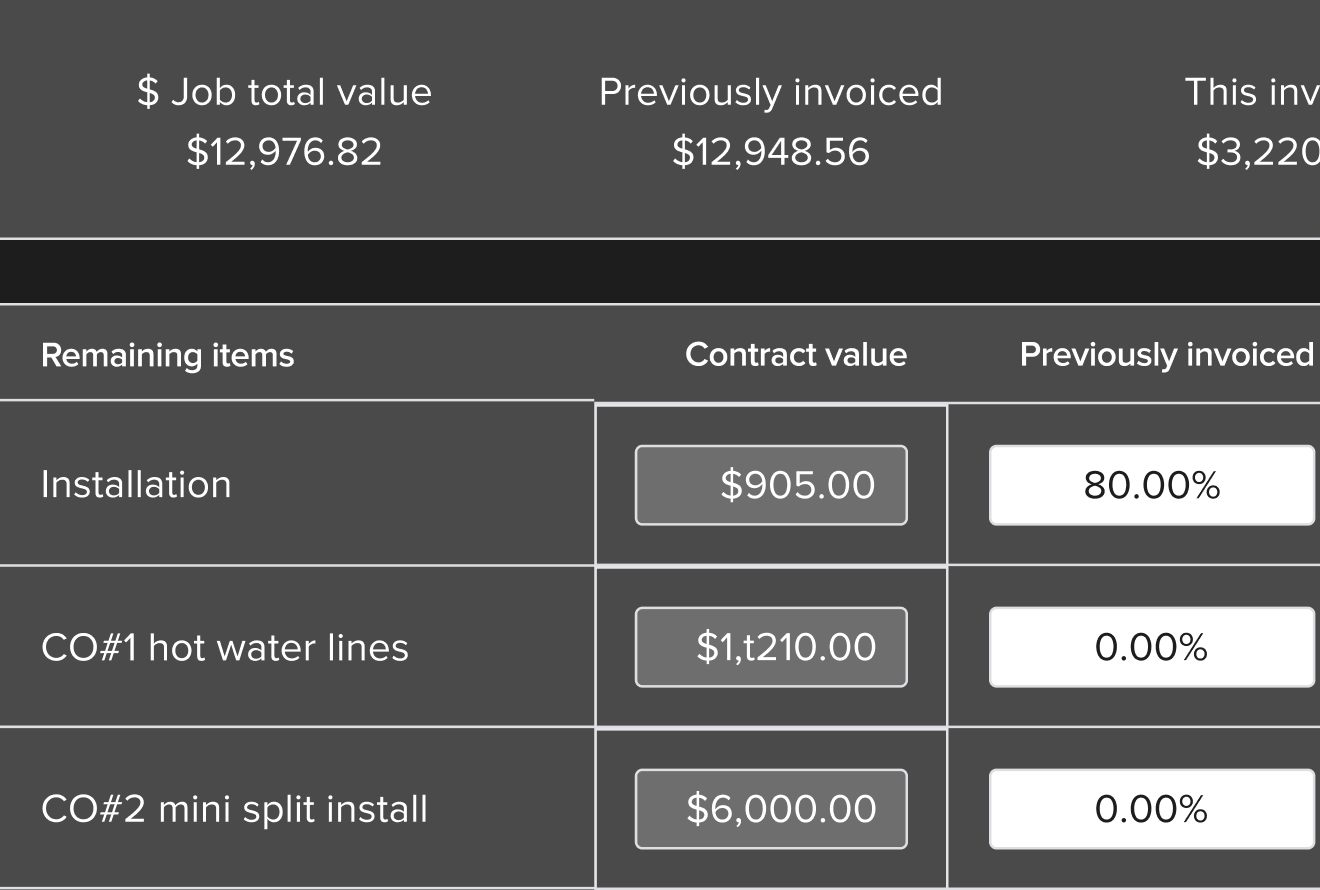
When a change order gets approved, it flows into your pay app without anyone lifting a finger. No separate tracking doc, no risk of a missed billing period.
- Positive and negative change orders supported
- Overbilling alerts flag issues before they leave your desk
- Full audit trail — every change, time-stamped
The schedule of values that builds itself — and stays accurate all job long
Most billing errors happen when the SOV is built by hand and updated manually. In Knowify, the SOV is connected to your budget — add a phase, it's in your billing. Approve a change order, it's in your billing. No copy-paste, no version confusion.
- Auto-generated from your project budget on day one
- Retainage tracked by phase — not by guesswork
- Stored materials line tracked so you never double-bill
- Overbilling alerts show before the invoice goes out

Approved change orders shouldn't need to be re-entered everywhere
A change order gets approved. You update the SOV. Then you update the invoice. Then you update QuickBooks. That's three places — and three chances for a number to be wrong. Knowify does this once. The approval updates everything.
- Client approval workflow built in — no separate email chain
- Approved COs update the pay app and budget automatically
- Positive and negative change orders handled the same way
- Time-stamped paper trail for every scope change
Here's what to say when you're making the case internally
If you're the one doing the billing and someone else writes the checks — here's the numbers-only version of the argument.
Saved per billing cycle, per job
At 10 active jobs, that's 30 hours a month your office gets back — time that was going into spreadsheet updates, format corrections, and tracking down PMs for progress numbers.
Missed in billing when change orders are tracked properly
Uncaptured scope is the most common margin leak in construction. Knowify logs every change order and makes sure each one ends up on the invoice — before you send it.
Earlier payment when billing goes out faster
Billing that takes until Thursday instead of Monday means the GC doesn't process it until next week's cycle. Faster billing = earlier payment. It's not complicated — it just requires the right system.
"Right now I'm spending three to four hours per job on billing day — rebuilding the schedule of values, tracking down percent-complete numbers from the field, and making sure change orders are captured before the invoice goes out. Knowify builds the SOV automatically from the project budget, connects field progress to billing, and handles change orders so nothing falls through. That's half a day back per job, per billing cycle. And billing goes out earlier, which means we get paid sooner. The tool pays for itself on the first month if we have more than five active jobs."
Amazing progressive invoices — SOV with holdback. I didn't see anything like this at any other software.
What's included in progress billing
Progress billing is one part of the picture
Knowify connects invoicing to the rest of how you run jobs — from proposals and budgets to job costing and payments.
Invoice faster, get paid sooner
Progress billing, AIA pay apps, service invoicing, credit card and ACH payments — all in one place. Invoice from the field, the office, or anywhere in between. Syncs to QuickBooks automatically.
- Progress billing and AIA G702/G703 in the same platform
- Credit card and ACH with lower fees than standard Intuit rates
- Mobile invoicing — bill from the job site
- Real-time QuickBooks sync, no double entry
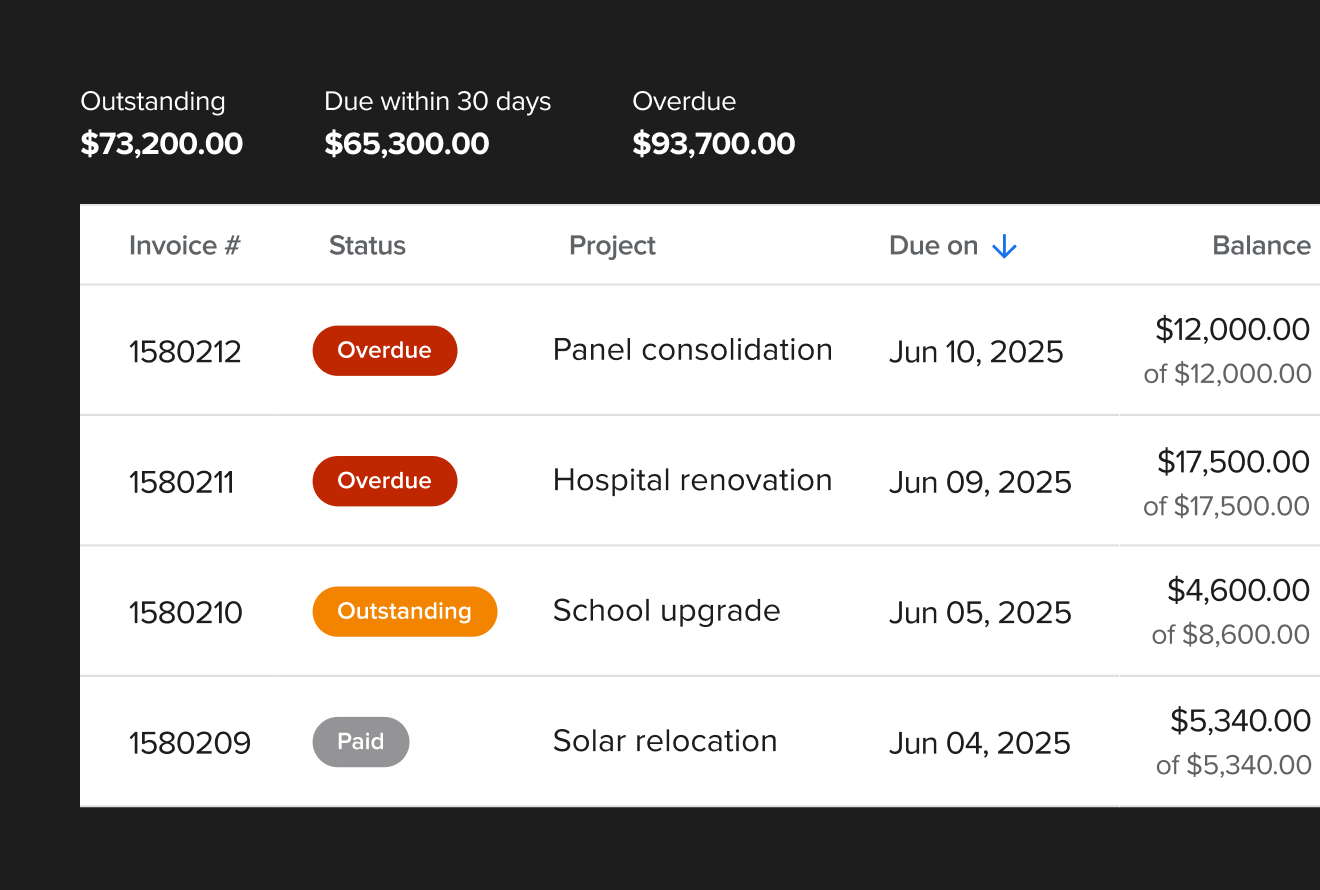
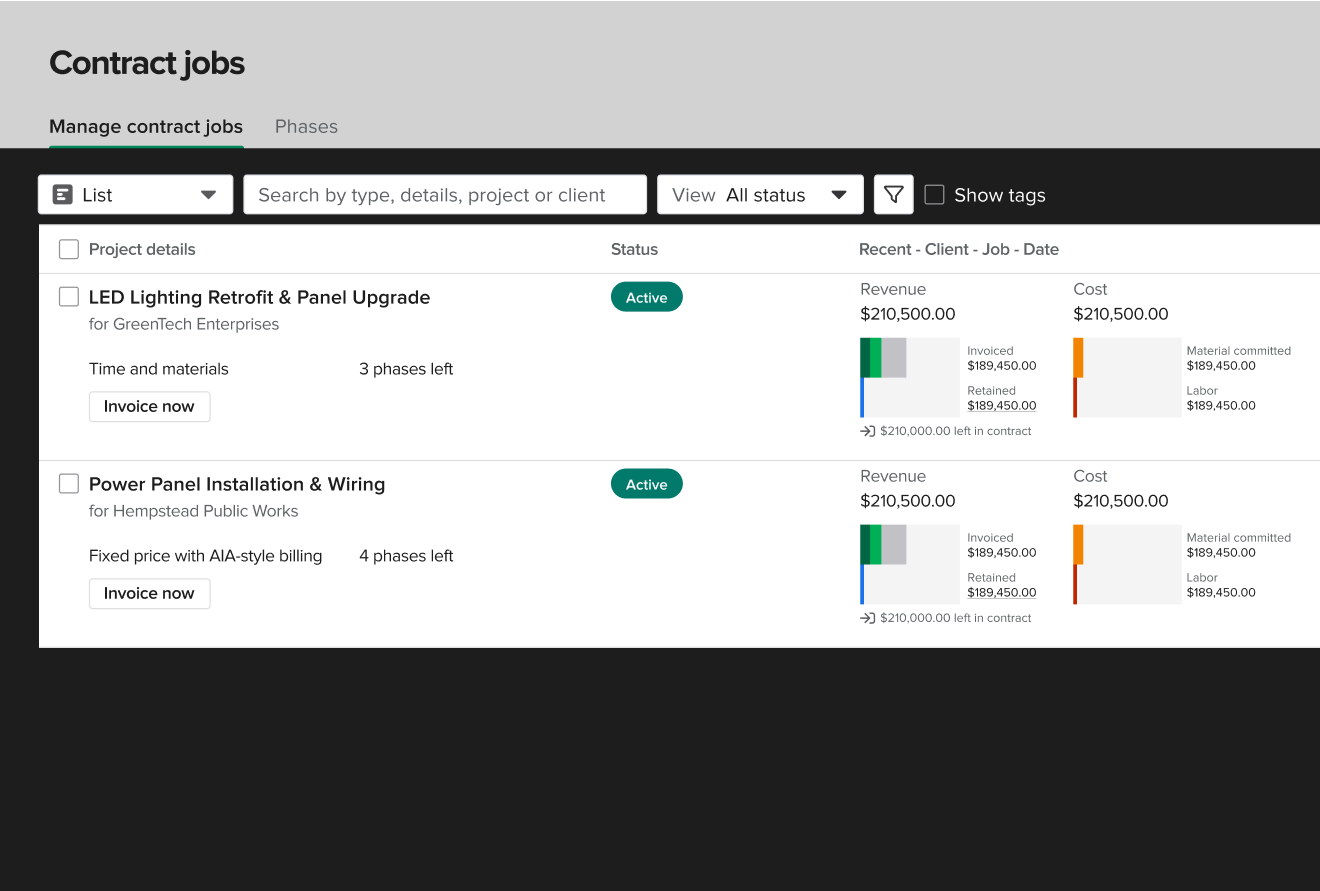
Know where every job stands — before it's done
Knowify tracks labor, materials, subs, and equipment against your budget in real time. Projected profitability updates as costs come in. You see the truth about every job while there's still time to act.
- Cost tracking by phase and category — not just by job
- Budget vs. actual at a glance, updated in real time
- WIP reporting shows when it's time to bill
- Projected profitability before the job closes
Win the job, then bill it right — from the same system
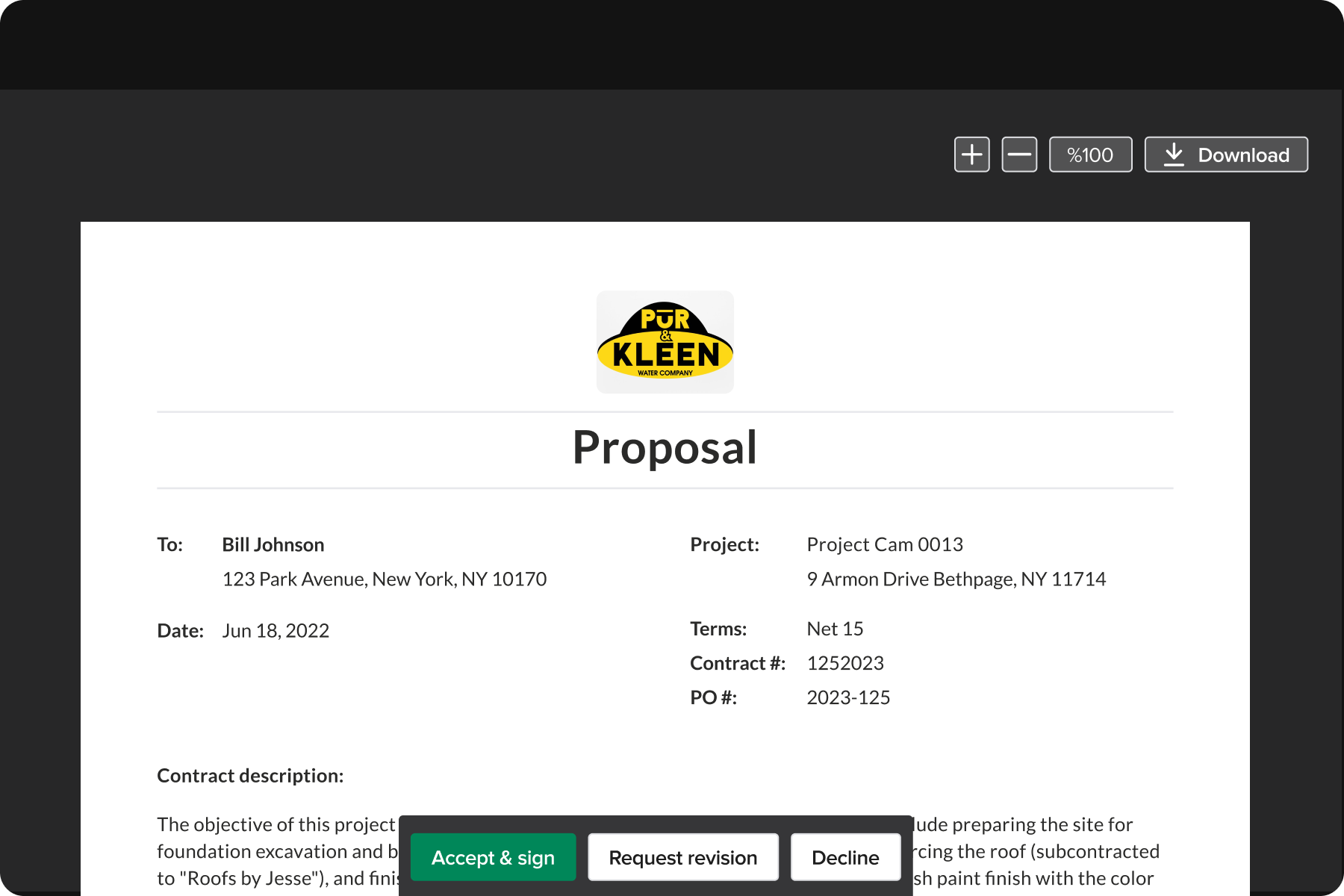
Build your proposal in Knowify, win the job, and your budget is already in place. No rebuilding the SOV from a Word doc. The proposal becomes the project becomes the billing schedule.
- Professional PDF proposals in minutes
- Proposal converts to project budget on contract sign
- Budget-backed SOV ready when billing starts
- Fixed-price, AIA, and cost-plus contract types supported
Watch a full billing cycle happen in under 10 minutes
Book a 20-minute walkthrough. We'll show you how Knowify handles your actual billing workflow — SOV setup, progress updates, change orders, and the invoice out the door — start to finish.
Book a 20-minute walkthrough
See progress billing end to end, live.