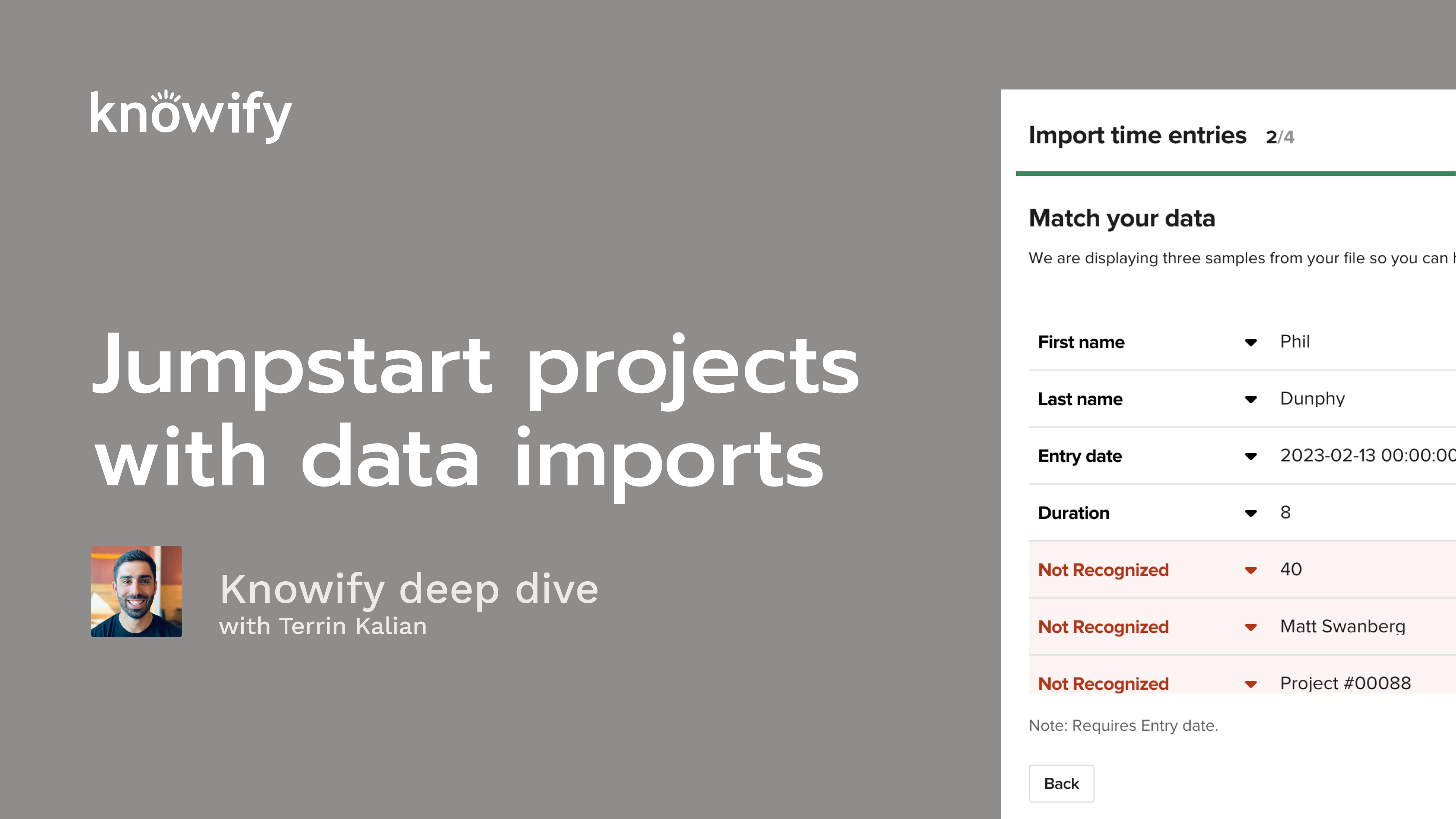
The #1 QuickBooks Integration in Construction
Knowify connects your construction operations to QuickBooks Online with a real-time, two-way sync — so your team enters data once, and your books are always right.
Schedule a WalkthroughFree 14-day trial · No credit card required
QuickBooks Is Great for Your Books.
But It Wasn't Built for the Jobsite.
QuickBooks handles your accounting, but it doesn't know what's happening on your projects — who's on the clock, what materials were ordered, or whether that change order got approved.
So your team fills in the gaps. Spreadsheets for job costing. Paper timesheets. Emails back and forth between the field and the office. And at the end of every month, someone sits down and manually enters it all into QuickBooks — hoping nothing got missed.
That's not a system. That's a workaround — and it gets harder to hold together with every new project you take on.
What If Your Project Data and Your Financial Data Were Already in Sync?
That's what Knowify was built for. It's construction project management software designed from day one to work with QuickBooks Online — not as an afterthought, but as a core part of how the system works.
Your field team works in Knowify. Your accountant works in QuickBooks. And both platforms stay up to date automatically, in real time, without anyone re-entering a thing.
Knowify is the heart of your operations. QuickBooks is the backbone of your finances. Together, they give your entire team one source of truth.
The Deepest QuickBooks Integration in Construction
Real-Time, Two-Way Sync
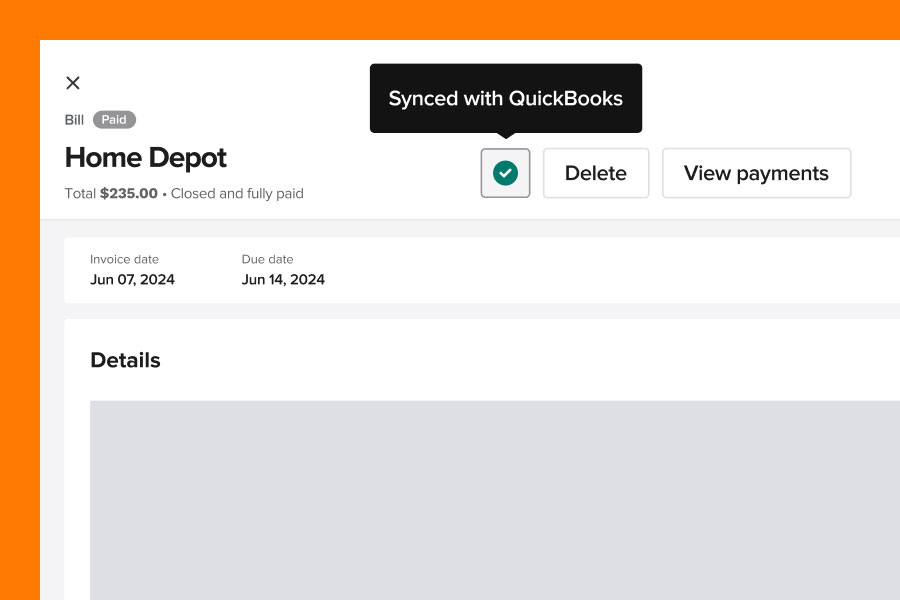
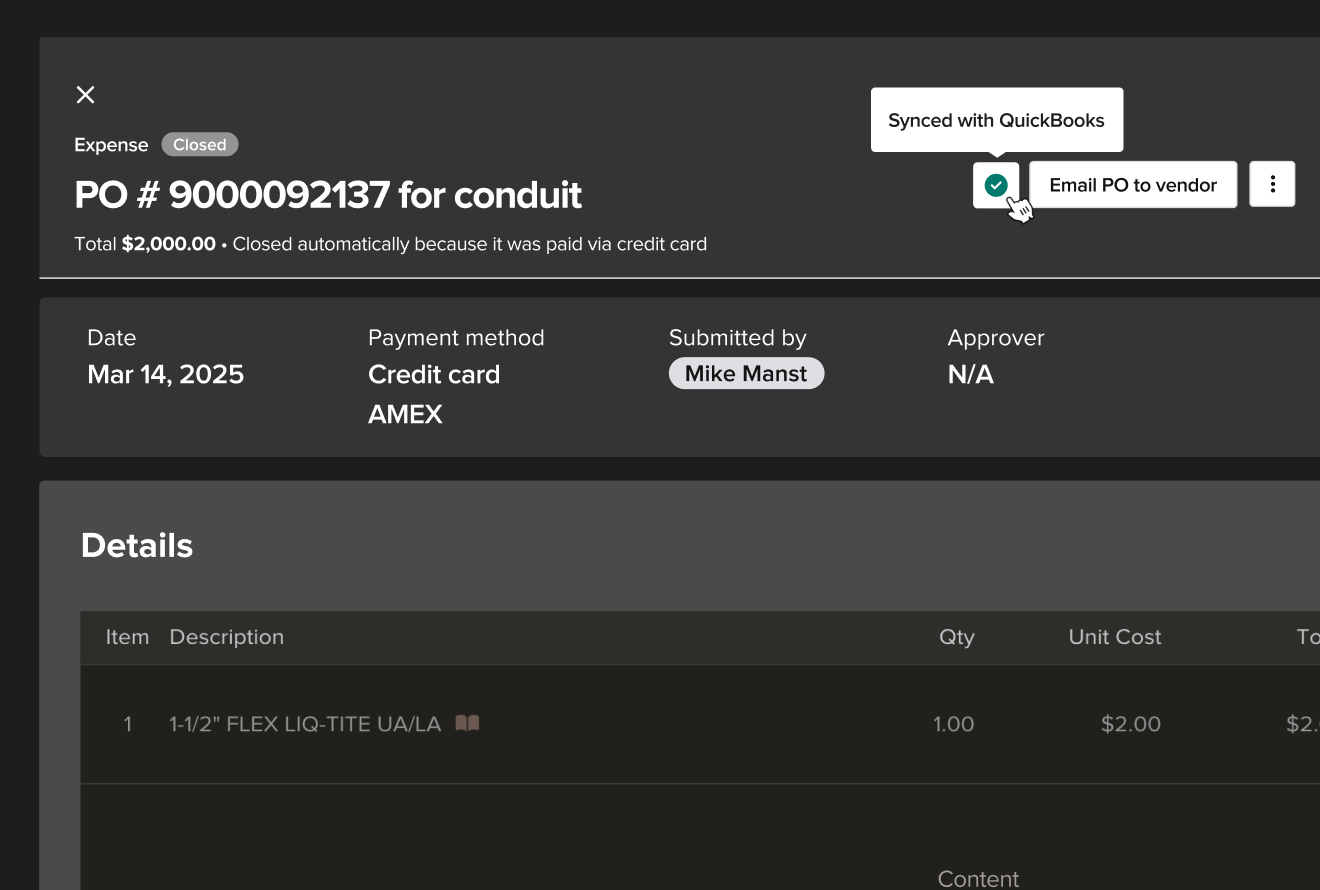
Purchase orders, vendor bills, expenses, time entries, invoices, and payments sync automatically between Knowify and QuickBooks Online. Update it in one place, and it's updated in both — no batch exports, no waiting until end-of-day.
Built for How Contractors Actually Work
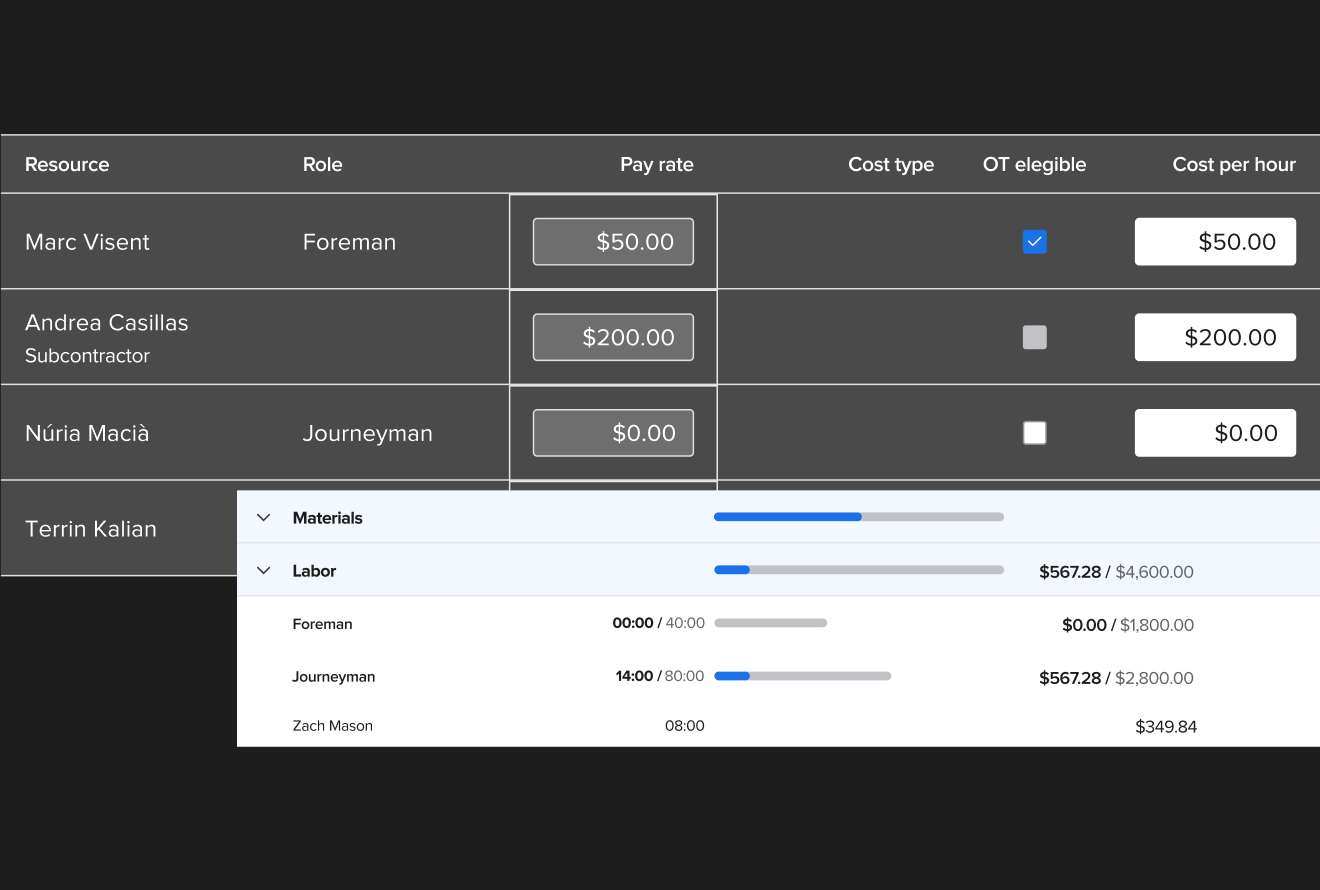
Track costs by job, phase, and cost category — labor, materials, equipment, and subs. Knowify organizes your project data the way you think about it, then sends it to QuickBooks with that same structure intact.
The Only Full Intuit Ecosystem Integration
Knowify is the only construction software that integrates with QuickBooks Projects, QuickBooks Payroll, and Intuit Enterprise Suite. No other platform connects this deeply with the tools your accounting team already uses.
Everything Stays Connected. Here's How It Works.
Job-Level Cost Tracking
Send labor, material, subcontractor, and equipment costs to QuickBooks by job, category, and phase. Your books are organized the way your projects are — clean, reconciled, and ready for reporting.
Purchase Orders, Bills & Expenses
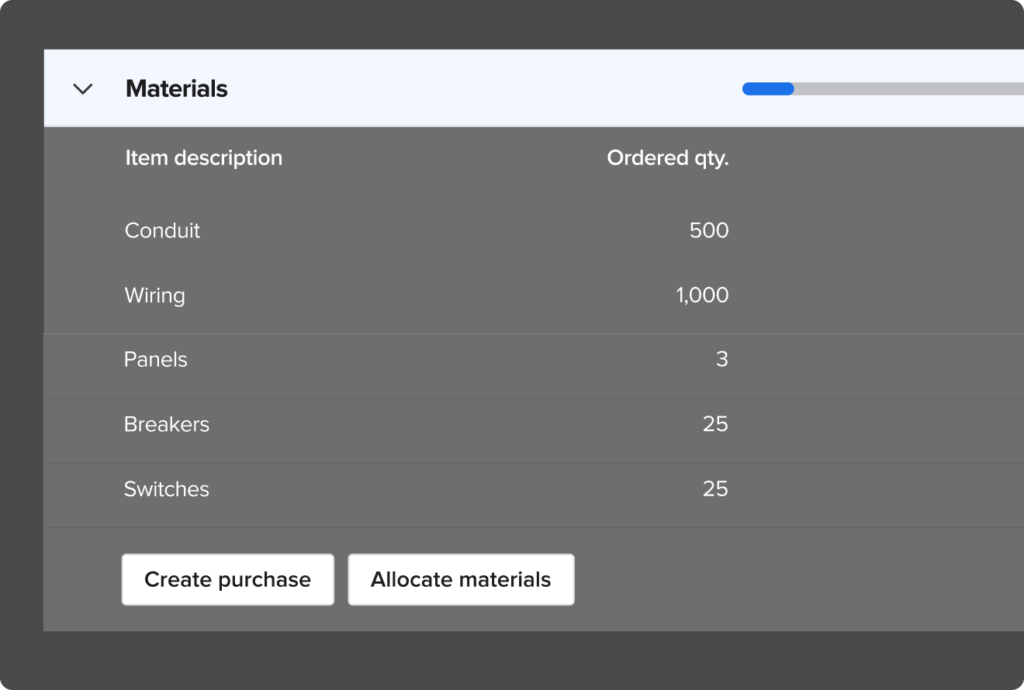
Create purchase orders directly from your project budgets. Log expenses from the field or the office. Manage vendor bills in either Knowify or QuickBooks — the two-way sync keeps both platforms current.
Time Tracking & Payroll
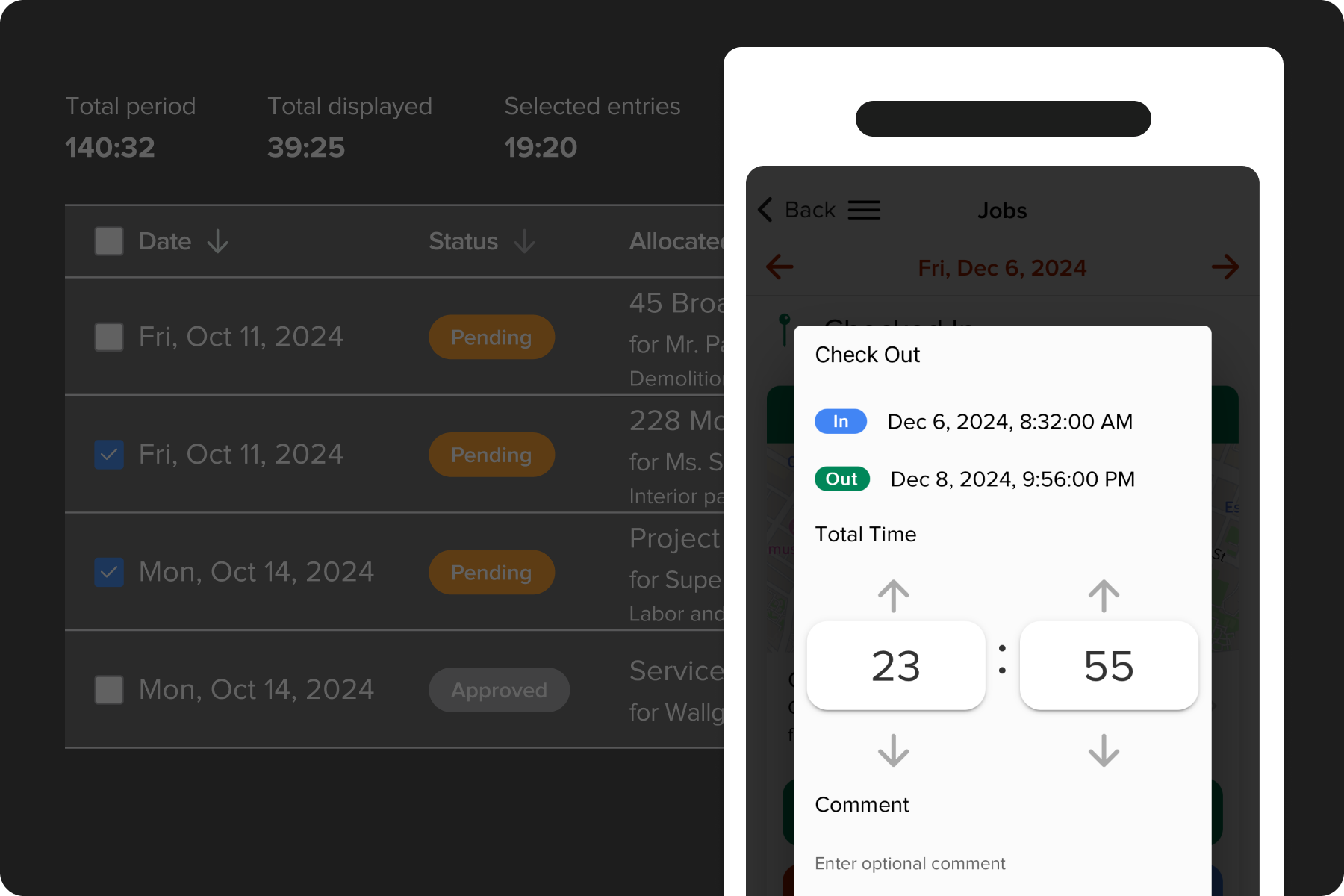
Your crew clocks in from the mobile app or a foreman enters time manually. Either way, hours are linked to the right job and phase automatically, then synced to QuickBooks for payroll. No re-keying. No chasing down timesheets.
Invoicing & Payments
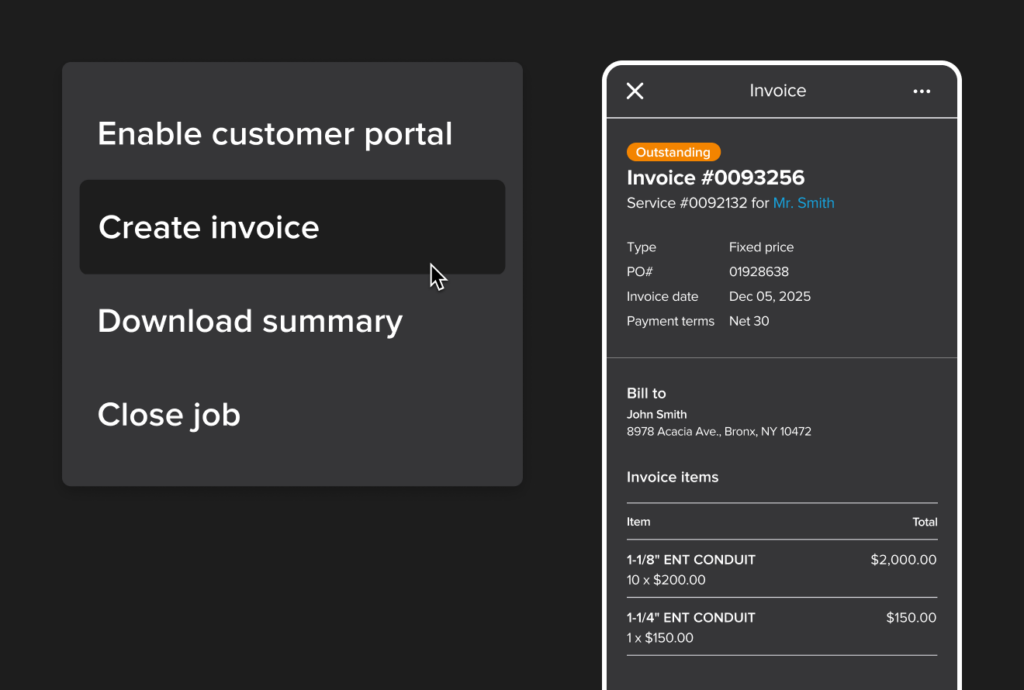
Generate invoices based on your contract terms and actual project costs. Send them to clients, collect payments online, and see everything reflected in QuickBooks — in real time, without reconciliation headaches.
Accountant-Approved. Contractor-Tested.
"With Knowify, we're able to track our jobs on a job-by-job, phase-by-phase, and day-by-day basis. It's the most critical tracking tool that we have."
When Mack Chrisman saw 1st Choice Services growing 60% year over year, he knew spreadsheets weren't going to cut it anymore. With Knowify syncing his project costs directly to QuickBooks, his team saves hours on billing every week — and his cashflow is healthier than it's ever been.
See how Knowify works with your QuickBooks setup
You Might Be Wondering...
Will my accountant or bookkeeper actually like this?
They already do. Knowify is one of the only accountant-approved construction apps in the QuickBooks App Store. Hundreds of accountants and bookkeepers endorse it — because it gives them clean, organized data without chasing the field team for numbers.
How long does it take to set up?
Most teams are synced and running within a day. Knowify connects directly to your existing QuickBooks Online account — no middleware, no complicated mapping. And our onboarding team walks you through every step.
What if I already have data in QuickBooks?
No problem. Knowify syncs with your existing QuickBooks data, including your chart of accounts, vendors, and customers. You're not starting over — you're adding construction-specific tools on top of what you already have.
Can I manage both service work and contract work?
Yes. Knowify handles residential, commercial, and industrial jobs — including T&M contracts, fixed-price billing, and AIA pay applications — all on one platform.
See It in Action With Your QuickBooks Setup
Schedule a 20-minute walkthrough and we'll show you exactly how Knowify connects to your QuickBooks account — with your chart of accounts, your job types, and your workflow.
No pressure, no commitment — just a clear look at how it works
Prefer to jump right in?
Start your free 14-day trial →