
Built for both the office, and the field
Most field techs never opened your last software. The problem wasn't your crew — the tool just wasn't designed to work from a job site. Knowify is built for both sides of the operation, from the truck to the office.
The real reason software fails in the field
It wasn't your crew. The tool just wasn't built for how electrical work actually happens.
Most job management software was designed for a desk and handed to field techs as an afterthought. When nobody uses it, the office ends up re-entering everything manually. You end up paying for software that creates more work.
The app techs skip
If a field app isn't dead simple from a phone, techs won't bother between jobs. Notes go in a pocket, hours get reconstructed at the end of the day, materials get forgotten on the invoice.
Everything lands back on the office
Without field input, someone on the office side is re-entering timesheets, decoding handwritten notes, and piecing together materials lists. Every job. That's the double-entry trap most electrical companies are stuck in.
Invoices wait. Cash flow takes the hit.
When techs don't log as they go, invoicing waits until someone reconstructs what happened. That delay — a few days, sometimes a week — adds up fast. Cash you've already earned sits uncollected.
"This will give us the platform that we can use both in the field and in the office."
— Verified Knowify customer, G2 reviewHow Knowify works differently
Designed for the field first. Not bolted on.
Every workflow in Knowify starts from the assumption that your techs are on a job site — not at a desk.
A mobile app techs actually open
Log hours, add materials, update job status, collect signatures. Simple enough to use between jobs — no training required.
Field appJob tracking from the truck
Every time entry, expense, and note updates live. When techs log it from the job, it's already in the system — no catch-up work for anyone.
Live trackingService dispatch for service calls
Schedule and reassign jobs in real time. Techs get notified on their phone. You see job status from the office without picking up the phone.
Service ProAIA billing for commercial work
G702/G703-style pay apps, auto-generated schedule of values, retainage by phase. Send a professional pay app in under 10 minutes.
AIA billingQBO sync, always
Everything that happens in the field shows up in QuickBooks in real time. No spreadsheet bridge. No manual export. No double entry.
#1 QBO integrationSee the details
From the job site to the invoice — every step in one system
No hand-off friction between field and office. Knowify keeps every piece connected in real time.
Invoice from the job site. Get paid before you leave.
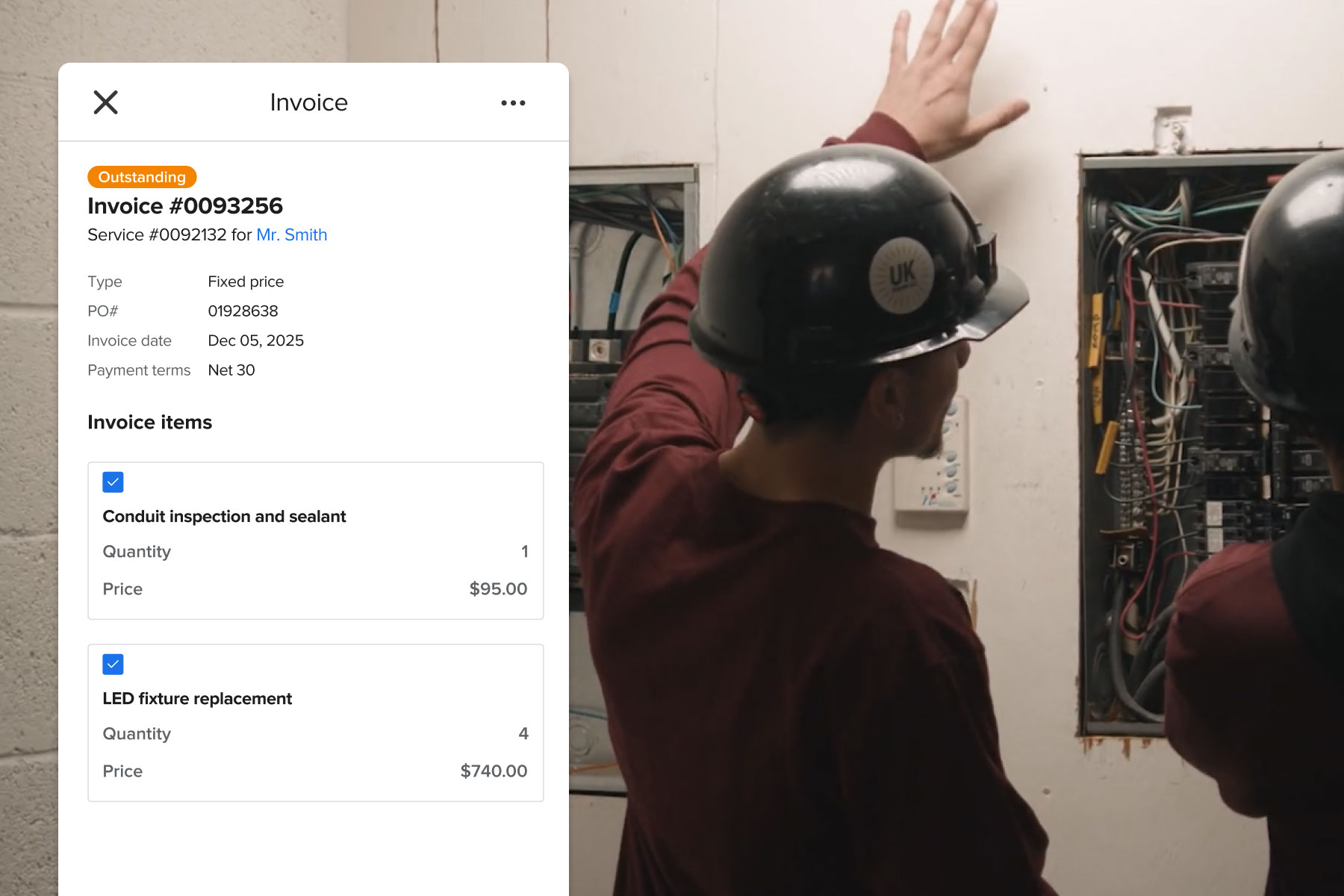
A finished job is the best moment to invoice. Your tech logs materials, labor, and notes — then generates a professional invoice right there. Customers pay by card or ACH on the spot.
No back-office delay. No chasing payments two weeks later. The whole collection cycle collapses to the same day.
- One-click invoice from the completed job record
- Accept card or ACH payment on site — lower processing fees than Intuit
- Professional PDF emailed to the customer automatically
Every open job, visible from one screen.
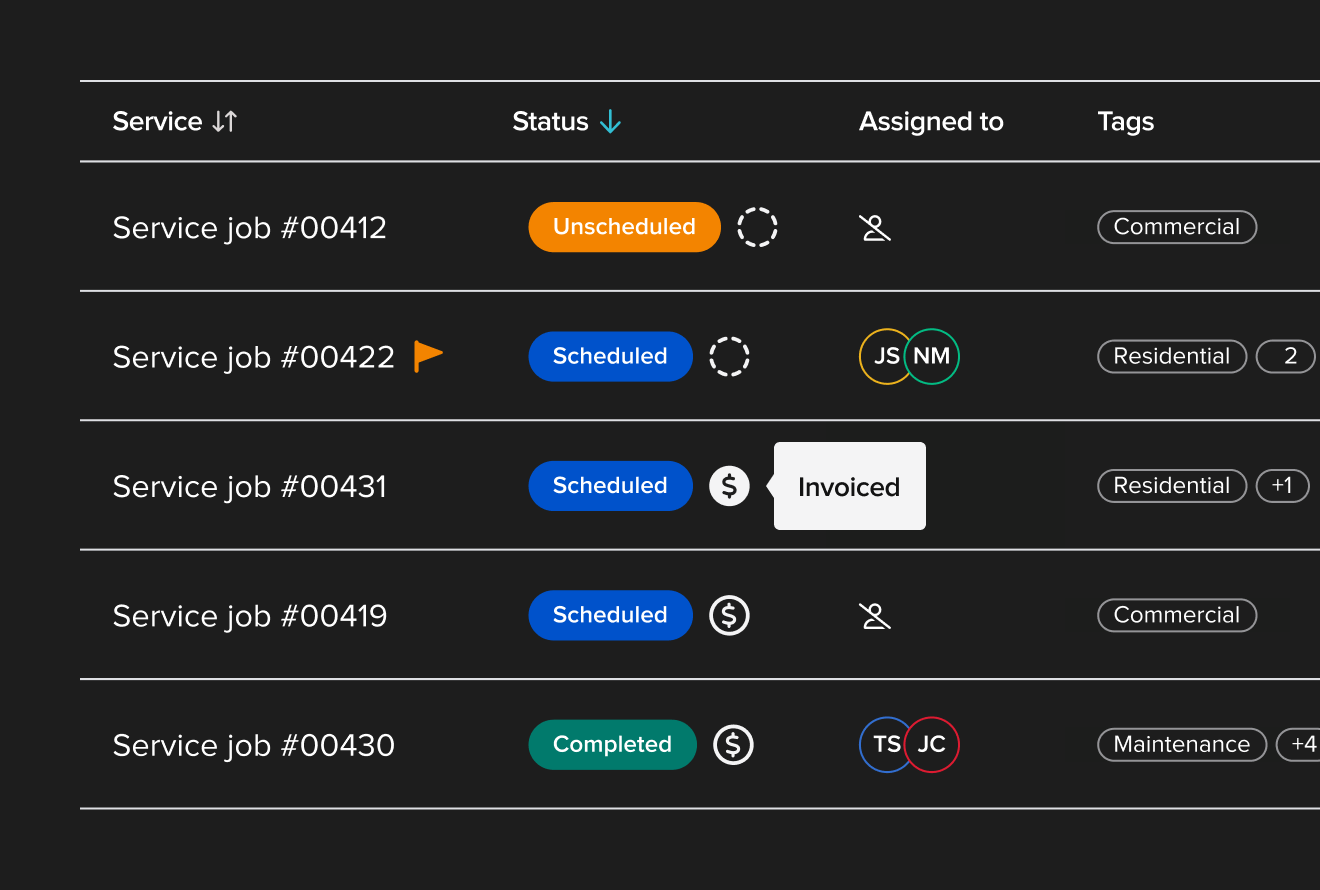
Your service manager can see every open job, its current status, what's been invoiced, and what's outstanding — without digging through email threads or calling techs for updates.
When something changes in the field, it shows up in the office immediately. Nothing falls through at the end of a busy day.
- Real-time status on every service call and project
- Invoice and payment status visible at a glance
- Assign, reassign, and update jobs from office or field
Track every line item as work happens.
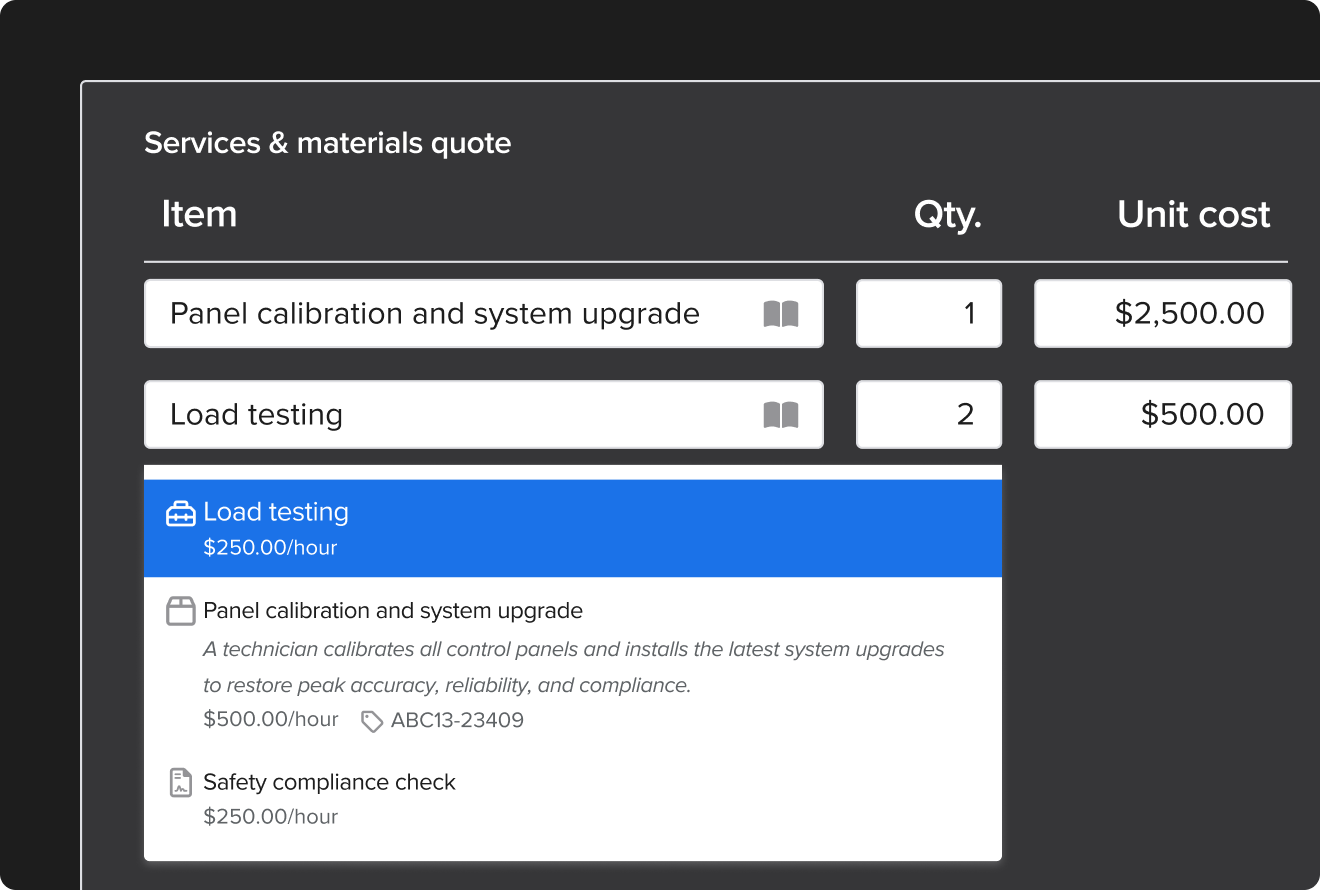
Materials, labor, equipment — every cost gets logged against the job in real time from the field. By the time you're ready to invoice, the line items are already there. Accurate, complete, ready to send.
This is how you stop under-billing. And stop finding out a job lost money after the crew has moved on.
- Log materials from the truck — inventory tracked across vehicles and locations
- Time entries sync automatically to job costs
- Fully loaded labor burden calculated per job, per phase
One system, every kind of electrical work
Service calls. Commercial projects. Prevailing wage. Knowify handles all of it.
Whether it's a residential service call or a multi-phase commercial job with AIA billing — one platform, from proposal to payment.
Estimates & Proposals
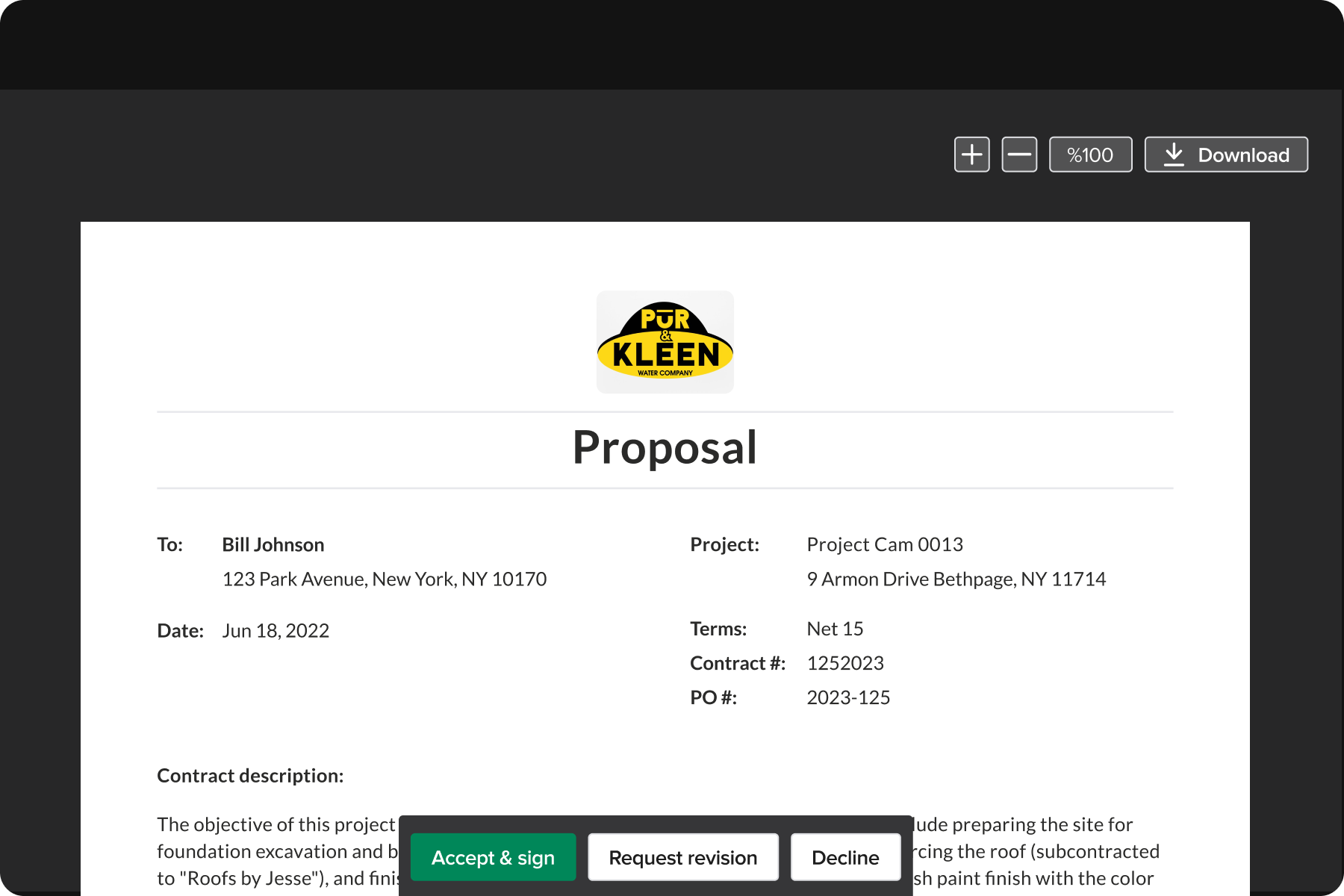
Win more jobs with professional, budget-backed proposals. Build and send in minutes, not hours.
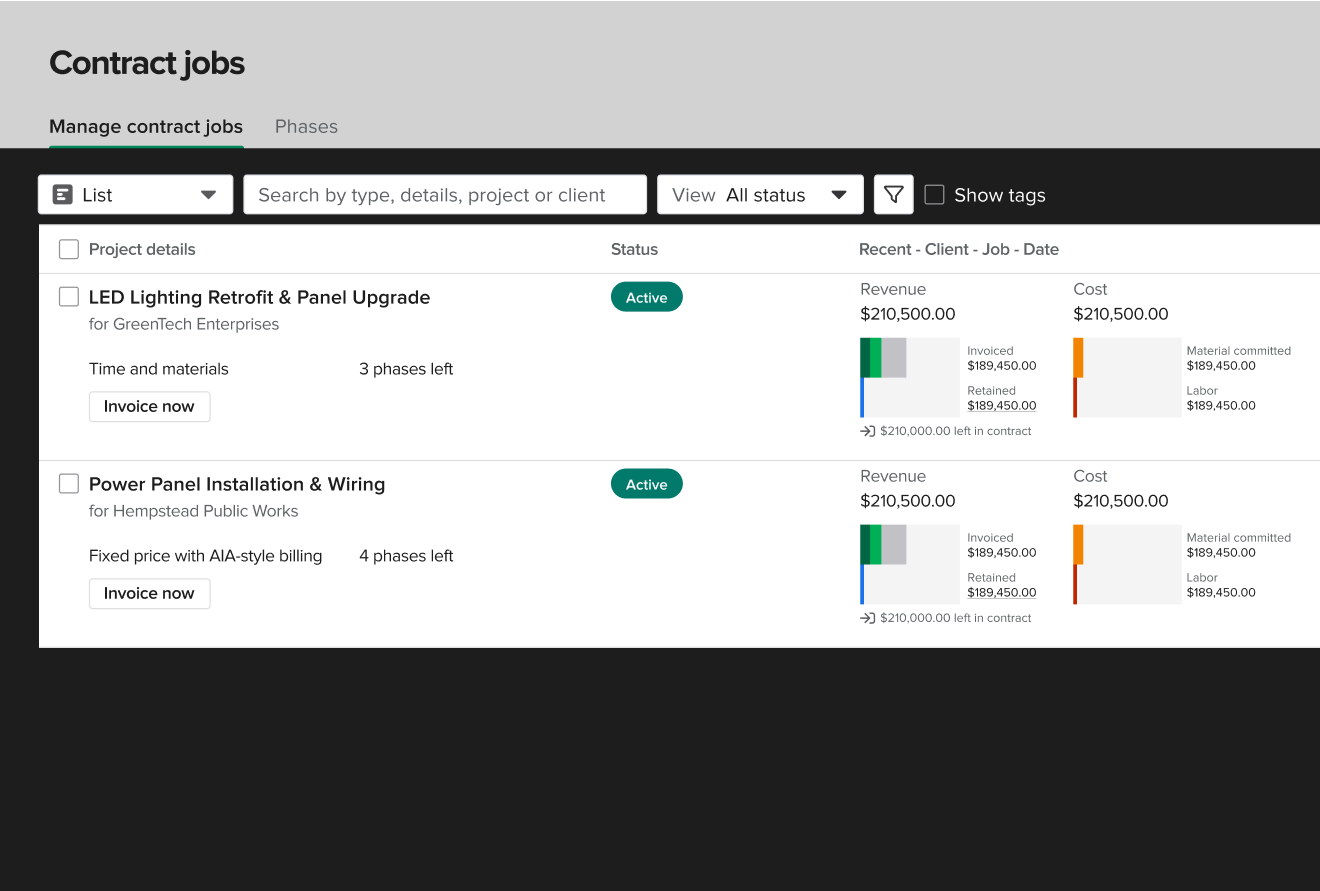
Job Costing & Budgets
See budget vs. actual costs in real time. Know if a job is making money before it's done.
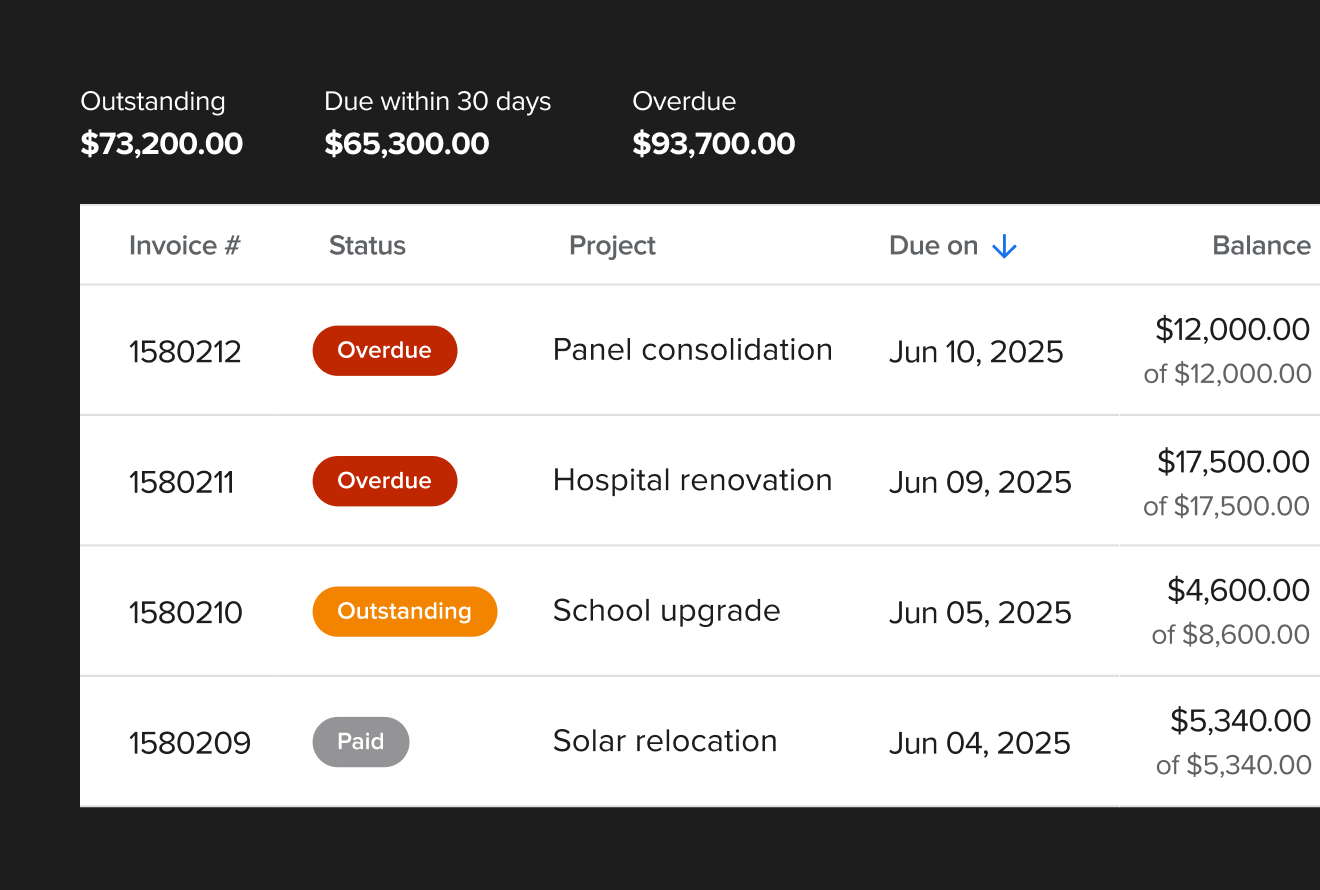
Invoicing & Payments
Progress billing, AIA pay apps, and online payments — from the field or the office.
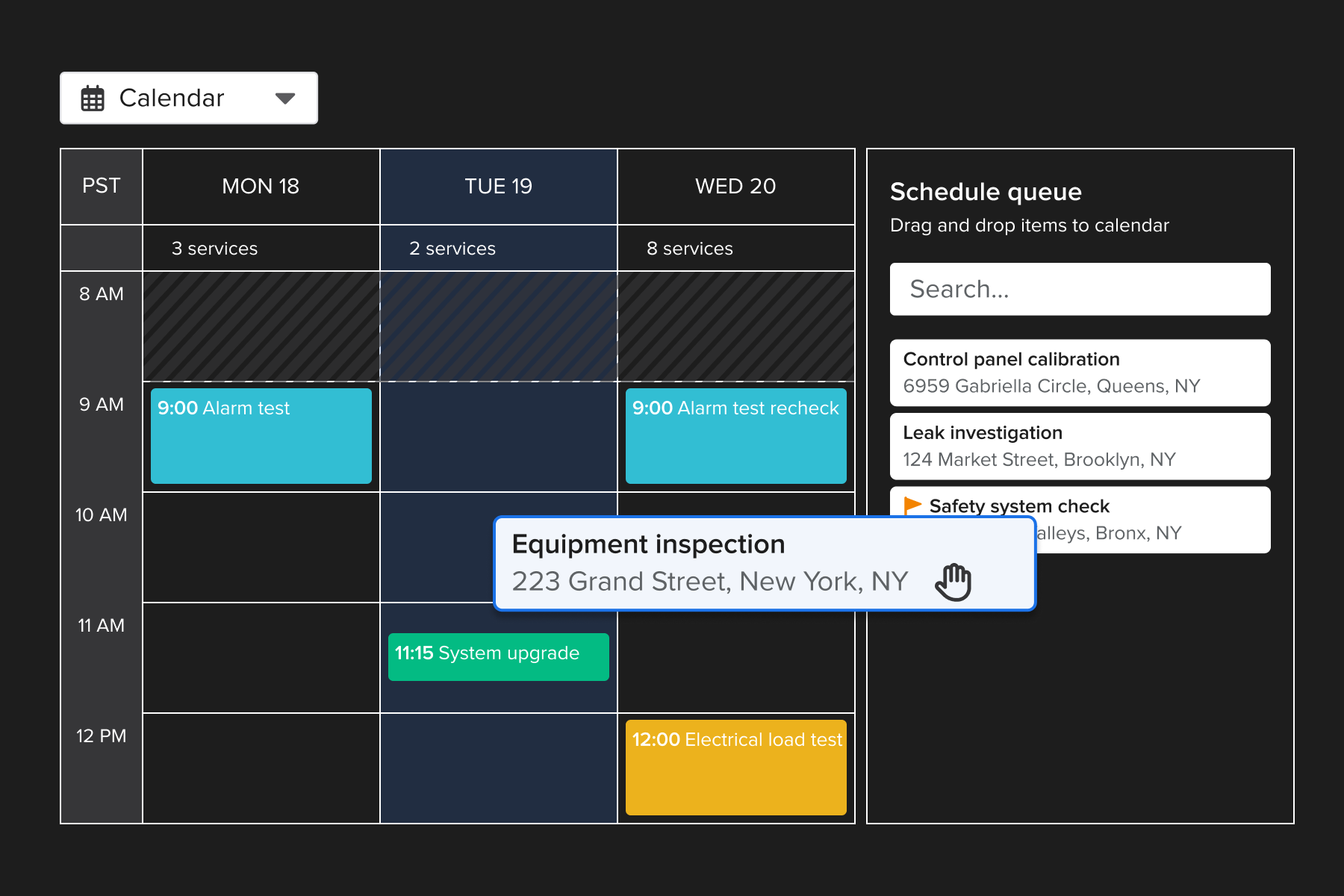
Service Job Management
Dispatch, track, invoice, and collect payment on service calls — all in one connected workflow.
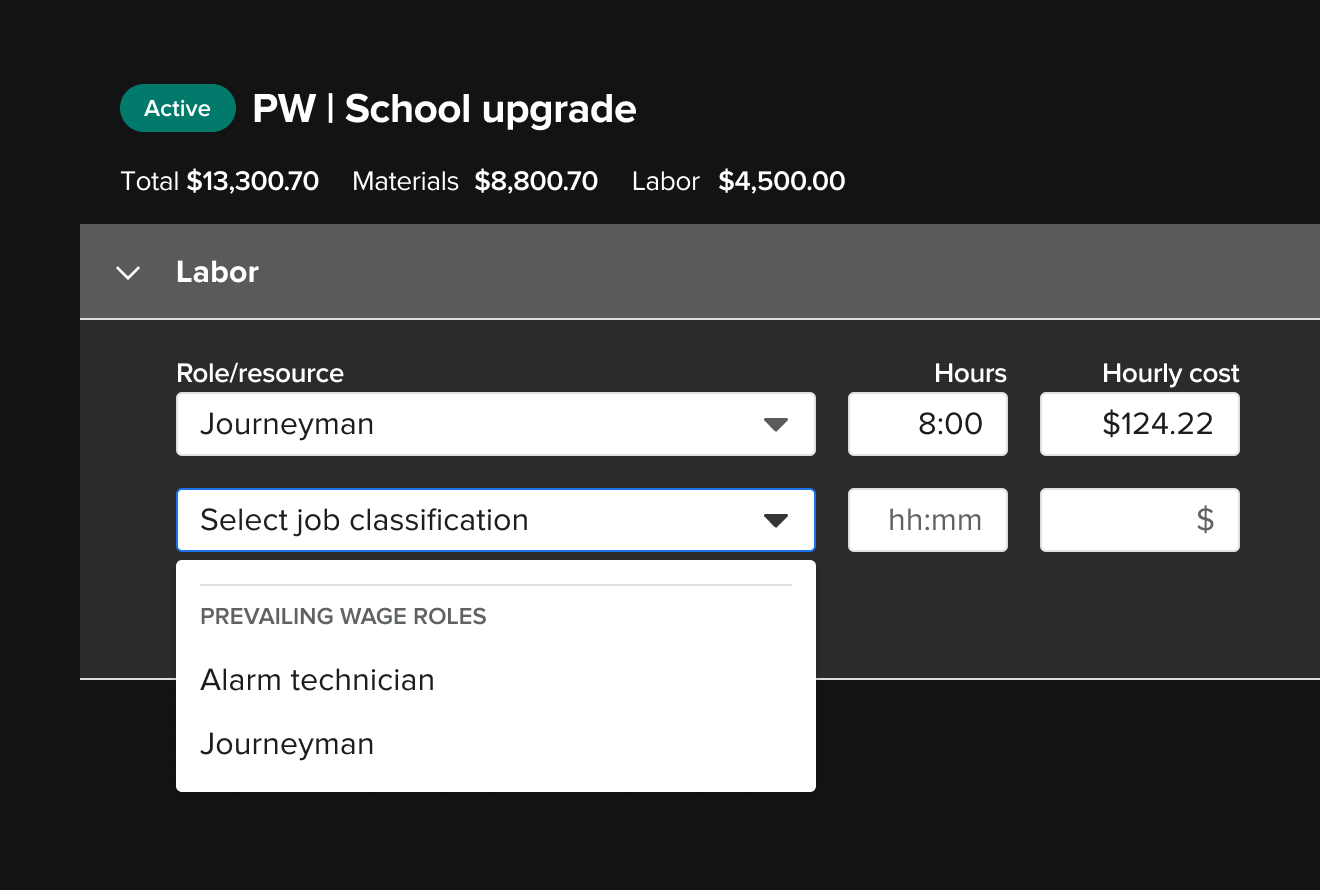
Prevailing Wage
Track certified payroll and prevailing wage rates by job, phase, and worker classification.
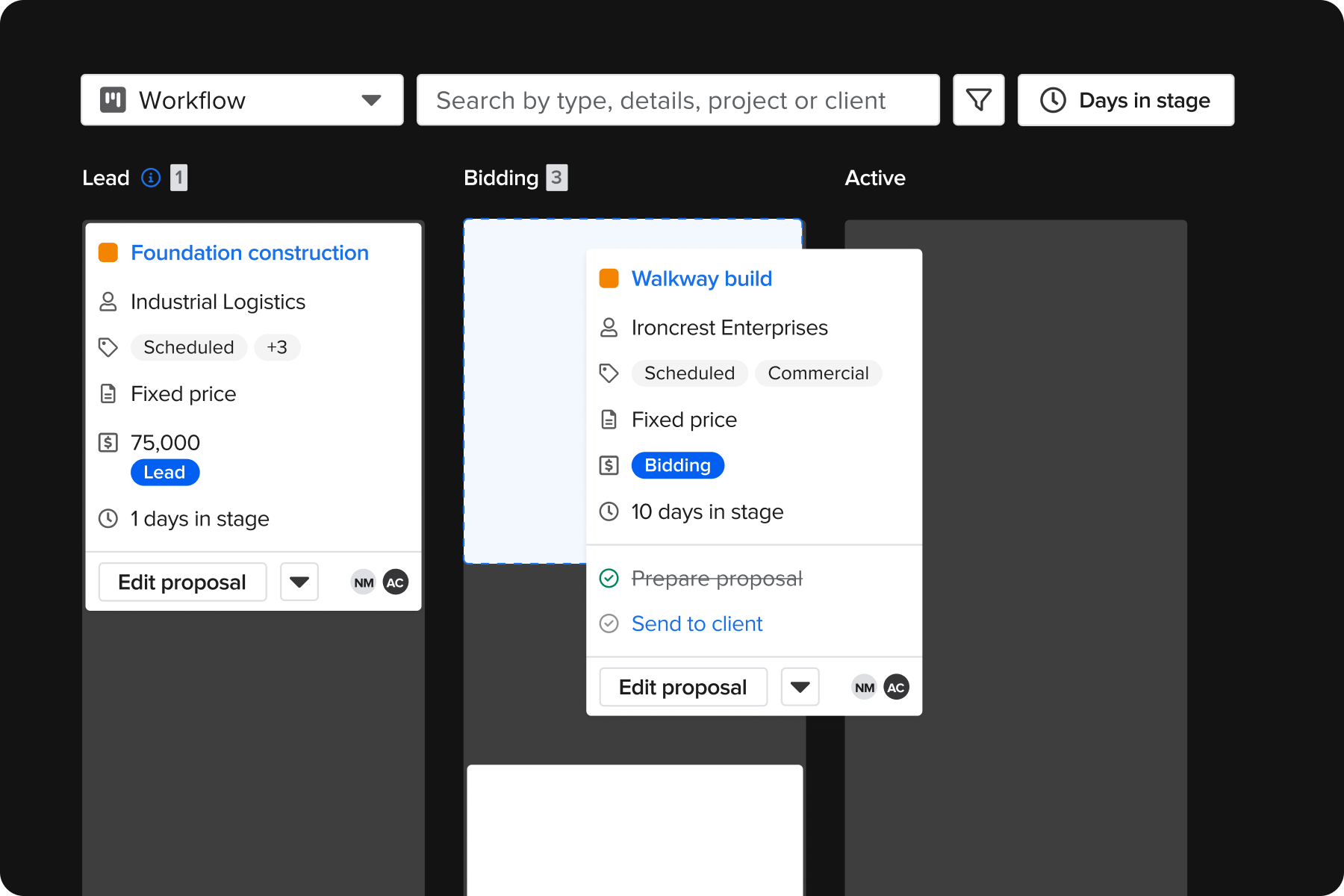
Custom Workflows
Build the process that fits your operation — not the other way around.
What contractors say after switching
"Knowify Has Helped Us Scale 300% over the Last 5 Years."
"I didn't see anything like this at any other software."
(on AIA billing with SOV and holdback)
Growth reported by one Knowify contractor over 5 years on the platform
"It has really helped us organize as a team to get us all on the same page with all our projects."
"Knowify continues to have stellar customer service. They are true partners — right there to help us when we need things like a customized report."
"We are able to control our project costs and stay close to our budget easier — seeing budget vs. actual costs to the profit."
See how Knowify works for electrical contractors.
A Knowify specialist walks you through the field and office workflows that matter most to your operation. No generic demo. No pressure.
Talk to a Knowify specialist
30 minutes. Walk away knowing exactly how it fits your business — service calls, commercial projects, QBO, all of it.
Prefer to explore on your own? Start a free trial — no credit card required.