The Construction Software That's Actually Built for the Trades
Softwares like BuilderTrend, Procore, and JobTread were designed for general contractors and home builders. But if you're a trade contractor, you need software that works the way you do. That's Knowify.
Schedule a WalkthroughSee how Knowify handles your workflows — in a quick, no-pressure call.
Built for the trades. Built for you.
Most construction software was designed for general contractors and home builders. The workflows, the billing, the terminology — all of it assumes you're running residential builds with client selection portals and warranty tracking.
You're not. You're running service calls and project jobs. You need AIA pay apps, prevailing wage costing, and a QuickBooks sync that actually works.
What You Get With Knowify vs. What You're Used To
The other platforms aren't bad products — they just weren't built for your business. Here's what that looks like in practice.
| What trade contractors need | Knowify | The Other Guys |
|---|---|---|
| Service + project work | Full service management — dispatching, mobile app, maintenance contracts, asset tracking — alongside project management. One platform for everything you do. | Project-focused only. No service scheduling, no dispatch, no maintenance agreements. You'll need a second tool for service work. |
| Trade-specific billing | Native AIA pay applications (G702/G703), progress billing, T&M, cost-plus, and maintenance invoicing. Change orders factor into billing automatically. | AIA billing is either missing, bolted on, or designed for the GC side of the table — not for subs submitting pay apps. |
| Real labor costing | Fully loaded labor burden: hourly rates, benefits, taxes, insurance, overtime, union rates. Prevailing wage job costing for Davis-Bacon projects. | Basic time tracking. You're left calculating the true cost of labor in a spreadsheet. |
| QuickBooks integration | The deepest in construction. Real-time two-way sync with QBO, QuickBooks Projects, Payroll, and Intuit Enterprise Suite. Accountant-approved. | QuickBooks sync that requires manual reconciliation, throws errors, or only goes one direction. Your accountant still has to clean things up. |
| Subcontractor management | Track licenses, insurance, and compliance docs with expiration alerts. Create subcontracts and track costs — all from one place. | Basic vendor management designed for GCs coordinating subs — not for trades managing their own. |
| Pricing | Plans for growing trade businesses. 14-day free trial. No onboarding fees. | $500–$1,100/month before onboarding fees. Annual price increases. You're paying for features designed for someone else. |
Your Business Doesn't Fit in One Box. Your Software Shouldn't Either.
Most trade contractors don't just do project work. Monday morning you're dispatching techs to three service calls. By lunch, you're reviewing costs on a commercial project. After that, you're sending an AIA pay app for the school renovation and invoicing a T&M repair from last week.
The other platforms don't have service dispatch, scheduling, or maintenance contract management — because GCs and home builders don't need it.
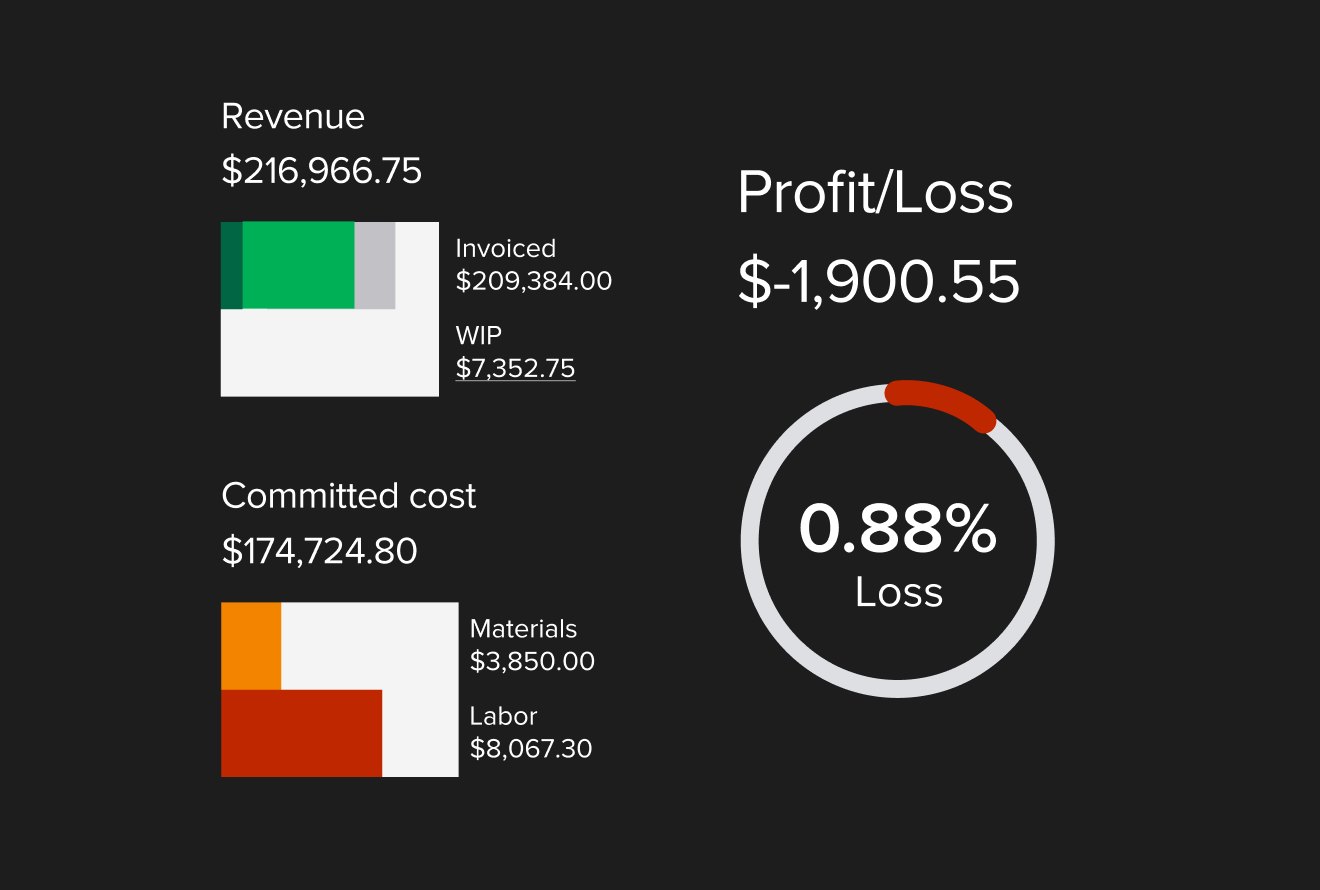
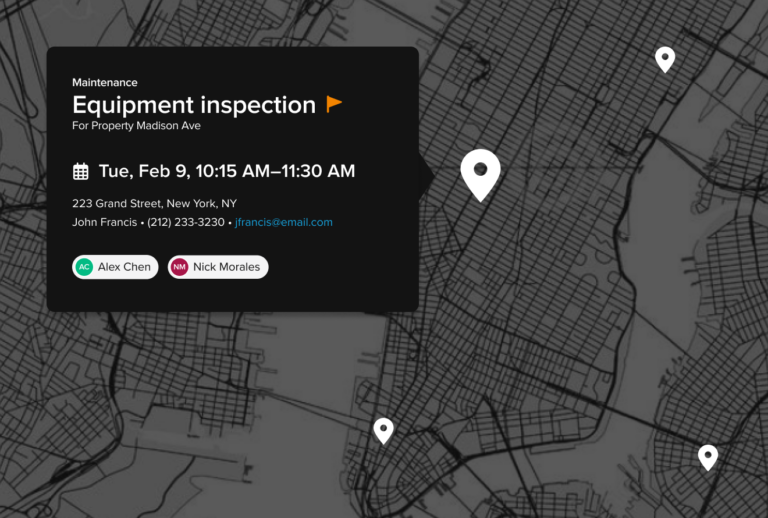
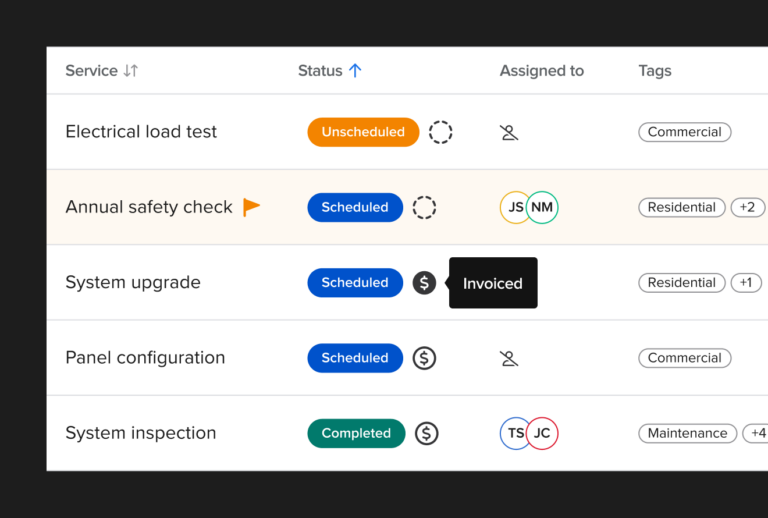
Knowify's Service Pro gives you drag-and-drop dispatching, a mobile app for field techs, asset tracking, maintenance agreements, and one-click invoicing — all connected to the same job costing, financial reporting, and QuickBooks sync that powers your project work.
One platform. Every type of work. No duct-taping two systems together.
"As the owner of the company, Knowify easily saves me 20–40 hours a week vs. what I was doing on paper before."
Nathan Kohatsu · Owner, UK Electric
QuickBooks Integration
The #1 QuickBooks Integration in Construction. And It's Not Close.
If you run your business on QuickBooks, the integration isn't a nice-to-have — it's the foundation of everything. A sync that breaks, duplicates entries, or forces you to reconcile manually every month is worse than no integration at all.
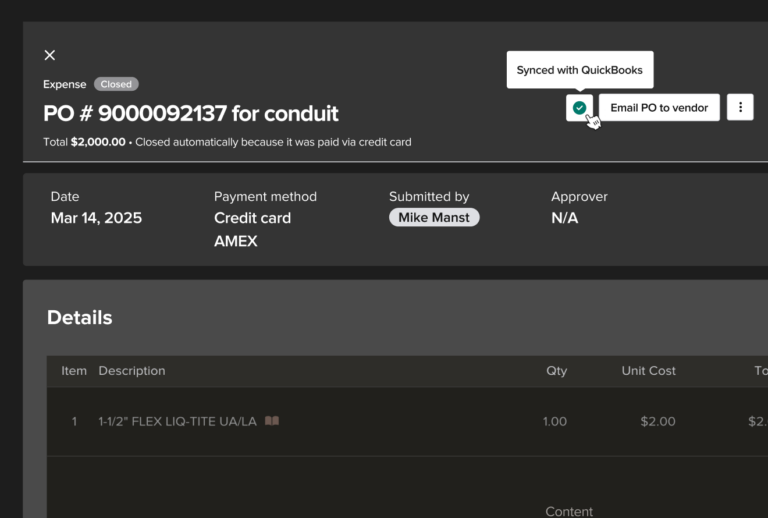
Knowify is the only construction software that integrates with QuickBooks Projects, QuickBooks Payroll, and Intuit Enterprise Suite. The sync is two-way and real-time — POs, bills, expenses, time entries, invoices, and payments all flow automatically.
Your accountant works in QuickBooks. Your PMs work in Knowify. Both systems stay perfectly in sync without double entry.
See the QuickBooks SyncWe'll show you exactly how the sync works for your setup.
See How Knowify Works for Your Trade
You've done the research. You've compared the options. Now see the software that was actually built for how your business works — from proposals and budgets to job costing, invoicing, service dispatch, and everything in between.
- 30-minute walkthrough tailored to your trade
- See job costing, billing, and service tools in action
- Ask about QuickBooks integration for your setup
- No commitment, no hard sell
Schedule a Walkthrough
Fill out the form and we'll reach out to set up a time.
Not ready to talk yet? Try Knowify free for 14 days and see it for yourself. No credit card required.
Start your free trial