Job costing in QuickBooks is painful. Knowify makes it painless.
QuickBooks is great for accounting. But when it comes to tracking real job costs across labor, materials, subs, and equipment in real time — it wasn't built for that. Here's what actual construction job costing looks like.
See how contractors track job costs without the spreadsheet gymnastics
We Get It — You've Tried to Make It Work
You've set up classes. You've created items for every material and labor type. You've built a system of sub-customers to track costs by job.
And it sort of works — until it doesn't.
Maybe it's the end of the month and you're manually pulling reports from three different places just to figure out if a job is profitable. Or your field team logged time, but it didn't land in the right cost category, so now you're spending your Friday night fixing entries instead of being at home.
And that's the part that matters most.
Step 2: Create sub-customers for phases ✓
Step 3: Manually assign every expense ✓
Step 4: Pull 3 reports and cross-reference ✓
Step 5: Build a spreadsheet to compare budget ✓
Step 6: Realize the data is 2 weeks old ✗
Step 7: Repeat every month ✗✗✗
"With Knowify, we're able to track our jobs on a job-by-job, phase-by-phase, and day-by-day basis. It's the most critical tracking tool that we have."
The Problem Isn't You. It's the Tool.
QuickBooks was designed for accounting — invoicing, expenses, payroll, taxes. It does those things really well.
But construction job costing isn't just accounting. It's tracking labor hours against specific project phases. It's knowing your fully loaded labor burden — not just the hourly wage, but insurance, benefits, and taxes too. It's seeing committed costs from purchase orders before the bill even arrives. It's comparing your budget to your actuals in real time, not at the end of the job when it's too late to course-correct.
None of that exists natively in QuickBooks. And no amount of workarounds, custom reports, or class tracking will change that.
You need a system that was built for how contractors actually work — and that connects back to QuickBooks so your financial data stays clean.
Meet Knowify — Job Costing Built for the Trades, Connected to QuickBooks
Knowify is construction job management software with the deepest QuickBooks integration in the industry. It handles the construction-specific workflows QuickBooks can't — while keeping your books perfectly in sync.
Payroll
Expenses
Tax prep
2-way sync
Budgeting
Time tracking
Scheduling
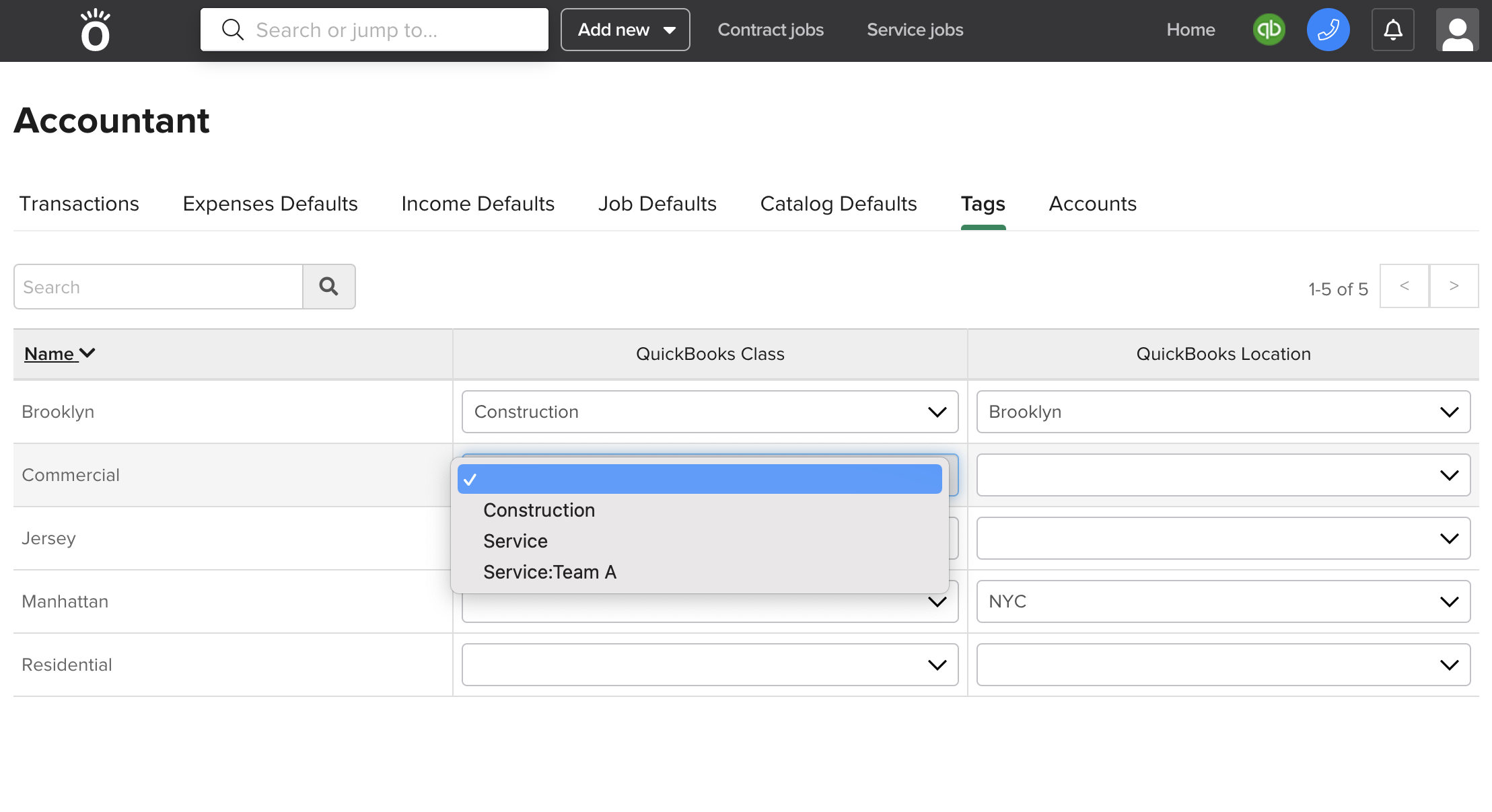
Think of it this way: QuickBooks is the backbone of your finances. Knowify is the brain of your operations. Your team works in whichever system makes sense for them — and everything stays connected. No double entry. No reconciliation headaches.
Real-Time Job Costing That Actually Works for Construction
See Every Job's Profitability From One Screen
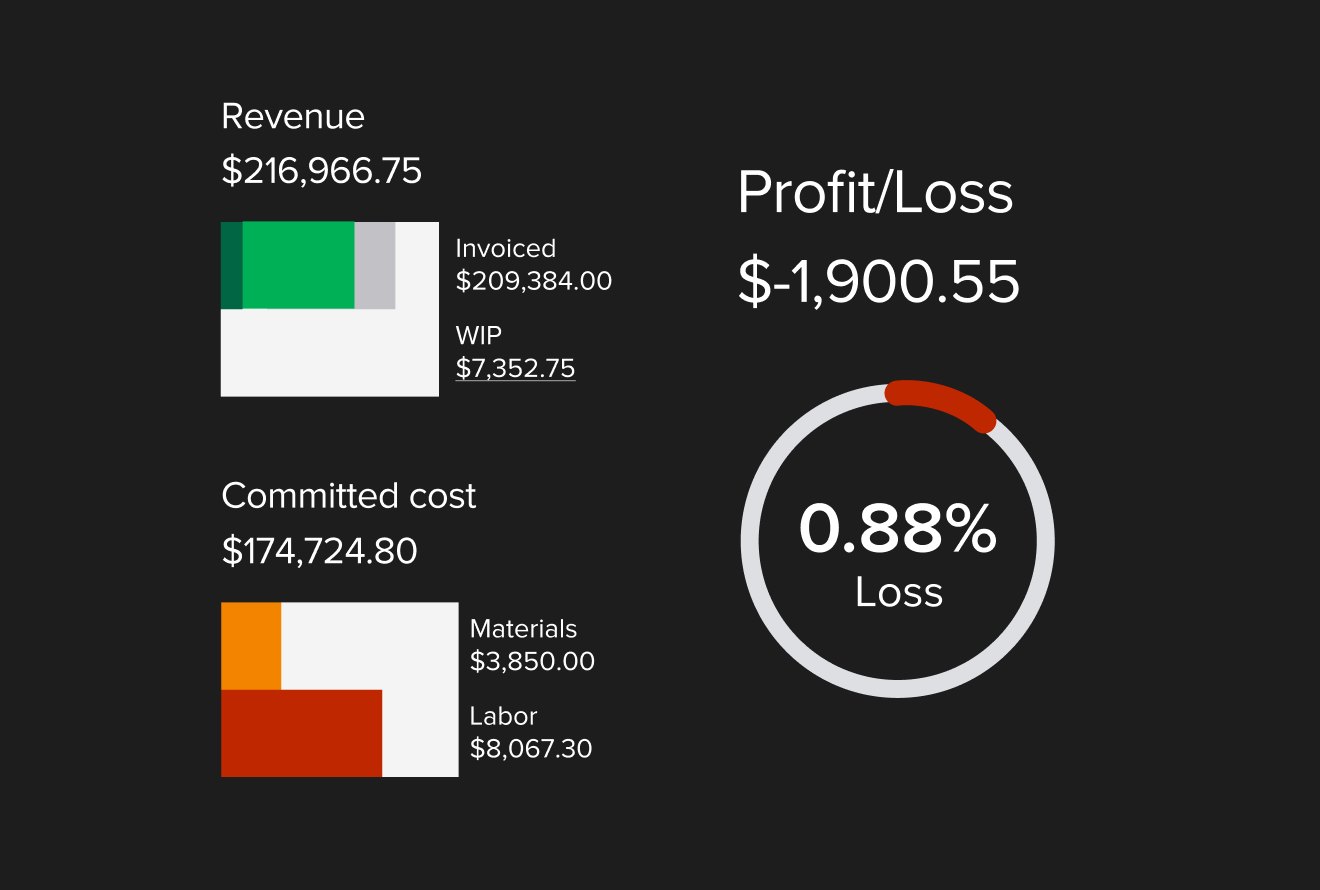
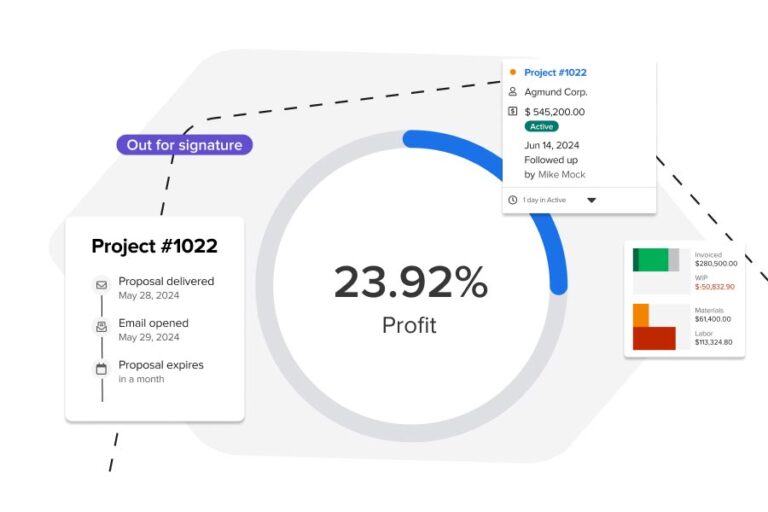
Stop digging through reports. Knowify gives you a real-time profitability overview for every active job — including budgeted vs. actual costs, committed costs from open POs, and projected profit at completion. You'll know which jobs need attention before they go sideways.
Track Costs as Your Team Works — Automatically
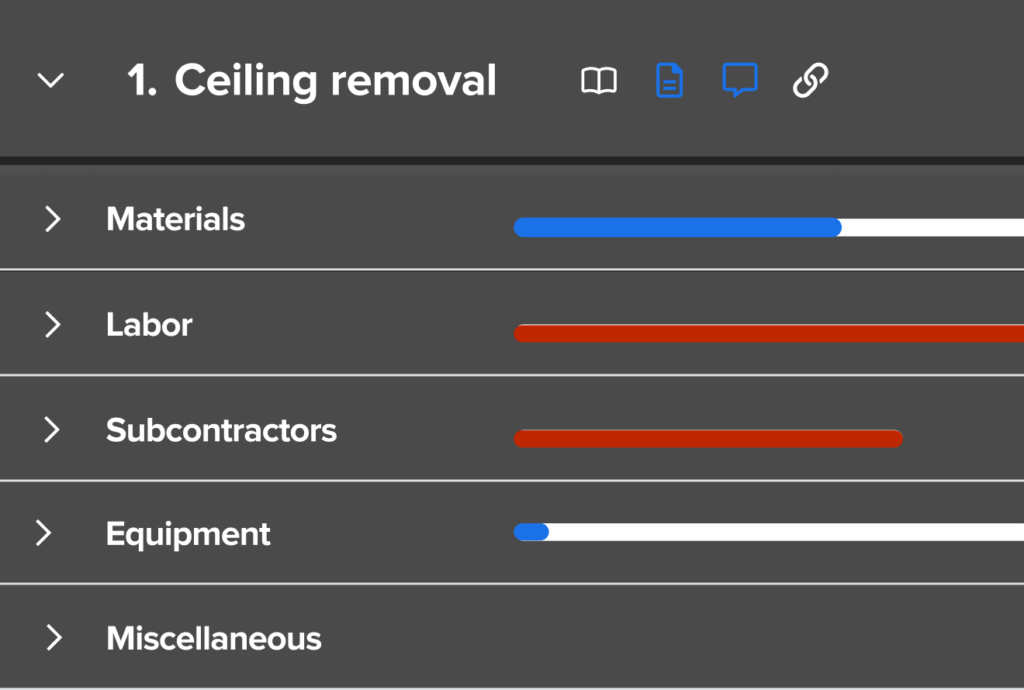
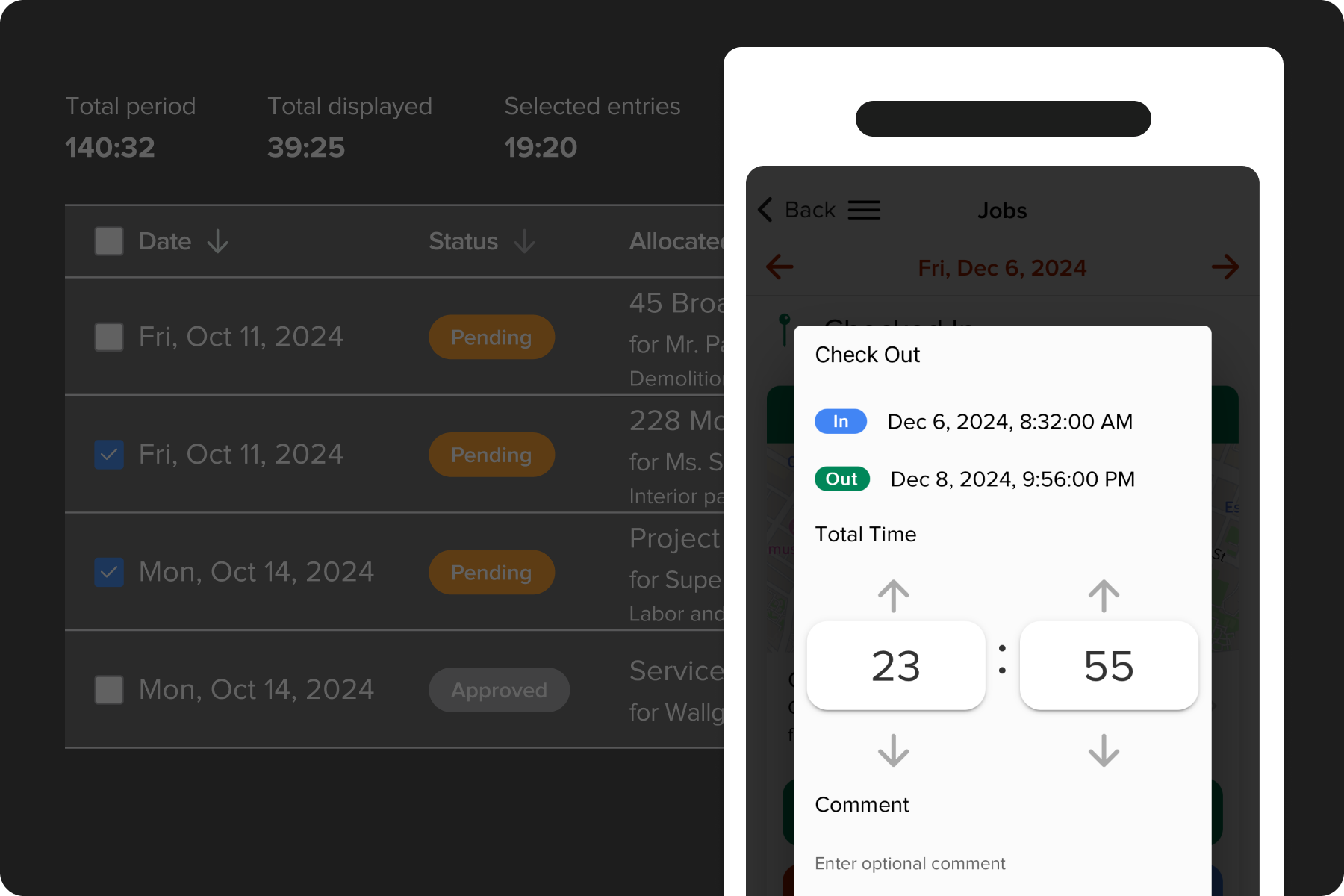
When your crew clocks in on the mobile app, those hours are assigned to the right job and phase. When you create a purchase order, the committed cost shows up in your budget immediately. Labor, materials, equipment, and subcontractor costs all flow into one place without anyone doing extra data entry.
Budget With Your True Labor Costs
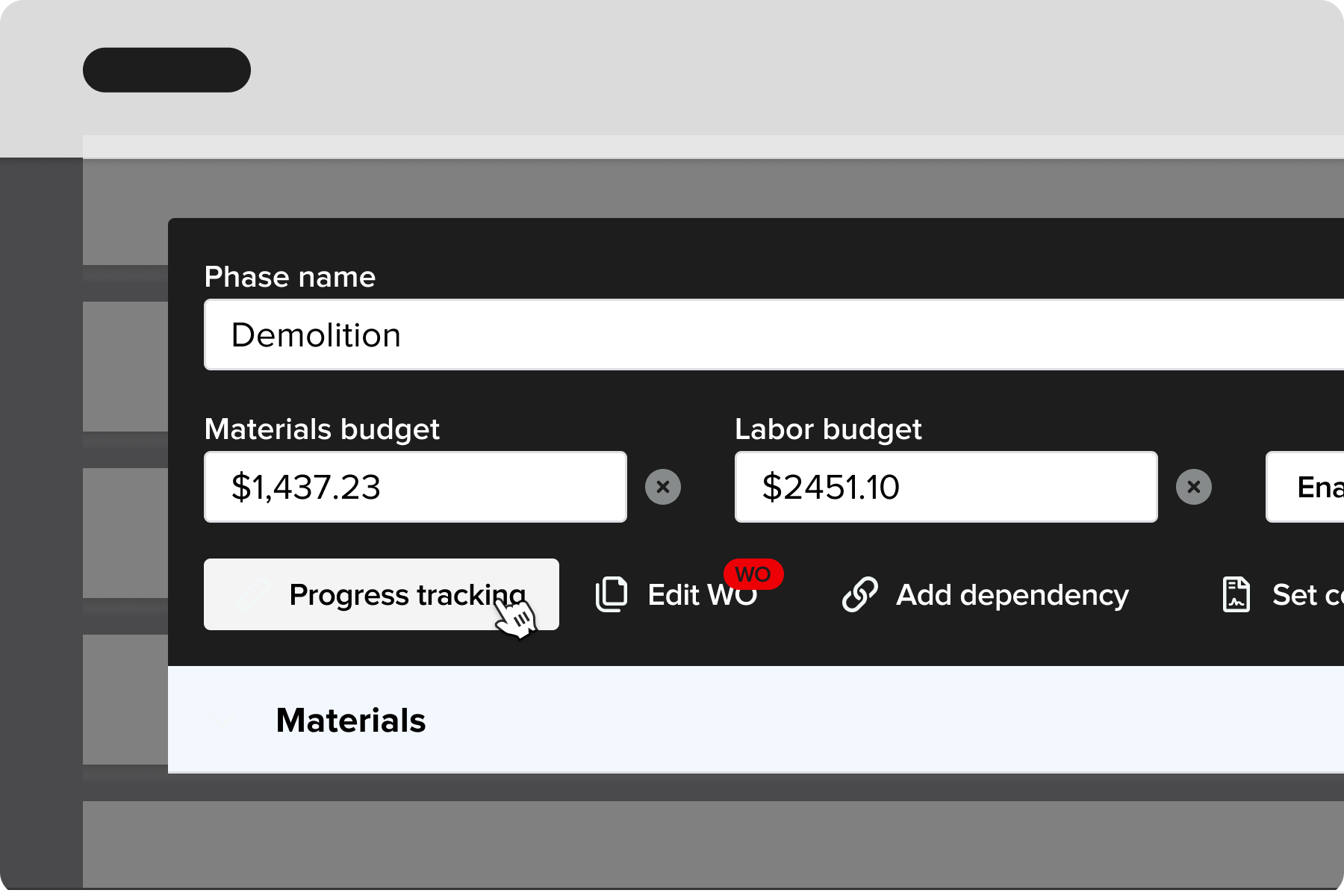
QuickBooks tracks wages. Knowify tracks your fully loaded labor burden — hourly rates plus benefits, insurance, taxes, overtime, and union rates. That's the real cost of putting someone on a job, and it's what you need to know if your bids are actually profitable.
Sync Everything With QuickBooks — Both Ways, in Real Time
Purchase orders, vendor bills, expenses, time entries, invoices, and payments all sync between Knowify and QuickBooks automatically. Your accountant stays in QuickBooks. Your PMs stay in Knowify. Both systems always have the same data.
The #1 QuickBooks Integration in Construction
You've already invested in QuickBooks. You don't need to abandon it — you need to extend it.
Knowify's real-time, two-way sync means that whether your team creates a PO in Knowify or logs a bill in QuickBooks, both systems update automatically. Job costs are organized by project, phase, and cost category, so your books are always clean and your job profitability reports are always accurate.
No other construction software integrates as deeply with the Intuit ecosystem.

Stop Wrestling With Spreadsheets. Start Seeing Your Real Job Costs.
Knowify gives you one connected system for managing project costs, tracking profitability, and keeping QuickBooks in sync — so you can stop doing the manual work and start making smarter decisions about your business.
We'll walk through your current setup and show you exactly how Knowify handles job costing for your type of work.