Last updated: June 2026
Most trade contractors don’t have a warehouse problem. They have a job-costing problem. When parts disappear off trucks, never get charged to the job they were used on, or you reorder materials you already own, your inventory is quietly eating your margin. The signs below tell you whether it’s time to track parts in a system instead of in your head.
The honest answer: it’s usually not the question you think it is. Contractors searching for inventory software are rarely worried about running a distribution center. They’re worried about money they can’t see. Material that walked off. A job that looked profitable until the receipts came in. A truck that’s out of the one fitting the tech needed.
So the real question isn’t “do I run a warehouse.” It’s “am I losing money on materials I can’t account for?” If you can’t answer that with confidence, you have an inventory problem, even if you’ve never thought of it that way.
And here’s the part most software skips: tracking parts only matters if those parts land on the job. A list of what’s on the shelf tells you nothing about whether a job made money. Inventory that isn’t connected to your job costs is just a spreadsheet with extra steps.
Run through these. If three or more sound like your business, it’s time to fix how you track materials.
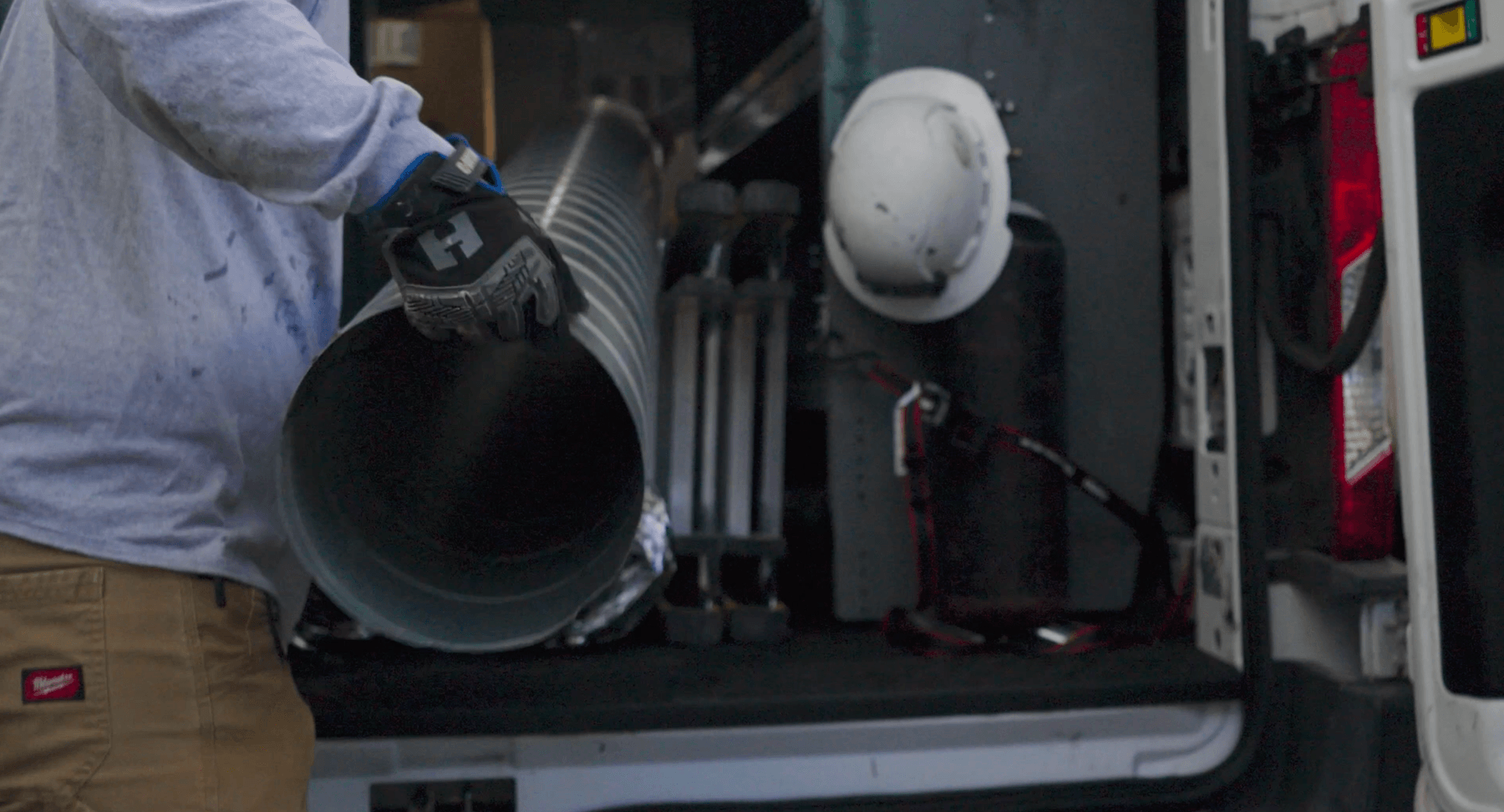
1. Parts walk off the truck and nobody knows where they went. Truck stock is the easiest inventory to lose because nobody’s counting it. A tech grabs a part for one job, uses it on another, and it never gets recorded anywhere. Multiply that across a few crews and a season, and it adds up fast.
2. You buy materials you already own. Someone runs to the supply house for a part that’s sitting in the shop or on another truck, because there’s no way to check what’s on hand. You’re paying twice and you don’t even know it.
3. Material costs never make it onto the job. This is the expensive one. Parts get used, the job gets invoiced, but the material cost never got allocated to that job. So your profitability report looks better than reality, right up until the job closes red. You can’t fix a margin problem you can’t see.
4. Your job costs are a surprise at the end. You find out what a job actually cost after it’s done, not while it’s running. By then it’s too late to do anything about it. Real-time visibility into material costs is the difference between catching an overrun and explaining one.
5. The field and the office disagree about what’s in stock. The office thinks there are ten units in the shop. The field knows there are two. Nobody’s wrong, the information just lives in two places that don’t talk to each other.
6. Counting inventory is a weekend spreadsheet job. If keeping track of parts means one person sitting down with Excel every few weeks, the system is the problem. It’s out of date the moment it’s finished, and it pulls someone off real work to maintain it.
7. You’re growing and it’s getting worse, not better. A system held together with memory and text messages works at five jobs. It breaks at fifteen. If every new crew or location makes your material tracking shakier, you’ve outgrown the way you’re doing it.
Step back and look at what every one of those signs has in common. They’re not really about parts on a shelf. They’re about not knowing what each job actually cost.
When a fitting gets used and never charged to the job, that’s a job-costing gap, not a stockroom gap. When you can’t see material costs until a job closes, that’s a profitability blind spot. When the field and office disagree on what’s in stock, that’s the same disconnect that makes your numbers wrong everywhere else.
This is why the generic “track your inventory” advice misses for contractors. The goal isn’t a tidy stockroom. The goal is to control your project costs and stay close to your budget, which is exactly how contractors describe it when they finally get it working. Material is one of the three things that determines whether a job made money, alongside labor and subs. If you’re tracking the other two and guessing on material, you’re flying with one instrument covered up.
Not every business searching for inventory software needs the same things.
If you run a distribution warehouse with thousands of SKUs, barcode scanning, and stock you’re selling rather than installing, you need dedicated inventory or ERP software built for that. That’s a different category, and a job management tool isn’t the right fit.
If you’re a trade contractor tracking parts across trucks, a shop, and maybe a couple of locations, and your real goal is getting those parts charged to the right job, you need inventory built into your job management system. Not a standalone tool that creates a second place to enter data. One system where a part used in the field becomes a cost on the job automatically.
Most HVAC, plumbing, and electrical contractors are in the second group. They don’t need warehouse-grade depth. They need material to stop falling through the cracks between the truck and the invoice.
Knowify tracks parts inventory across trucks, warehouses, and locations, and ties it to the thing that actually matters: the job.
Here’s what that looks like in practice. A tech allocates parts to a job from the field, and the office sees it in real time. No end-of-week reconciliation, no asking the crew what they used. When materials are received against a purchase order, your counts adjust automatically. And because those parts are allocated to the job, the cost shows up in your job costing right away, so you see budget versus actual before you send the invoice, not after.
That’s the whole point. It’s one system for managing your project and service work, so material cost flows into profitability without anyone doing double data entry. Knowify is backed by the most powerful QuickBooks integration in construction, so the financial side stays current in both places while your crew works.
“Manage our project quotes, purchase orders, expenses and labor time very well. With Knowify, we are able to control our project cost and stay close to our budget easier.” — Danielle M., Operations
One thing to note: Knowify’s parts inventory is built for allocating materials to jobs and keeping job costs accurate, not for running a high-volume warehouse with deep stock-control needs. If thousands of SKUs and barcode-driven stock management are your core business, ask about that specifically in a demo so you get a clear answer before you commit.
Do I need inventory management software or just better job costing? For most trade contractors, they’re the same problem. The reason to track parts is so material cost lands on the right job. If your job costs are accurate and you always know what materials cost per job, you may not need a separate inventory tool at all. You need parts tracking connected to job costing.
What’s the difference between inventory software and construction inventory tracking? Warehouse inventory software is built to manage stock you store and sell, often with thousands of SKUs and barcode scanning. Construction inventory tracking is about getting materials charged to the jobs they’re used on, across trucks and locations, so your job costs and profitability stay accurate.
Can I track inventory across multiple trucks and locations? Yes. Knowify tracks parts across trucks, warehouses, and multiple locations, and lets you allocate parts to jobs from either the field or the office, so what’s used in the truck shows up against the job without a separate data-entry step.
How does parts tracking affect job profitability? Directly. Material is one of the three cost drivers on any job, with labor and subcontractors. When parts get used but never charged to the job, profitability looks higher than it is. Allocating parts to jobs in real time means your budget-versus-actual reflects what the job actually cost.
Does Knowify’s inventory sync with QuickBooks? Knowify’s job costs, purchase orders, bills, and invoices sync with QuickBooks Online in real time through the deepest QuickBooks integration in construction. Parts allocation flows into your job costs. If QuickBooks-level inventory stock management specifically is a hard requirement for your business, confirm the exact boundaries with the team in a demo so you know precisely what syncs before you decide.
See how Knowify ties parts to every job. Explore inventory management in Knowify →