



Coast

Knowify now integrates with Coast, the smart fuel and corporate card built for contractors, so you can automatically turn card purchases into phase-level job costs.

Learn more

Real-time job costing, without the manual work

When your team uses their Coast fuel and corporate card to make purchases, receipts and job details are captured automatically and sync to QuickBooks and Knowify with the proper categorization.

Always up to date

Coast card transactions sync automatically to Knowify and QuickBooks, so your books stay current, invoices go out faster, and cash comes in sooner

Full visibility on every transaction

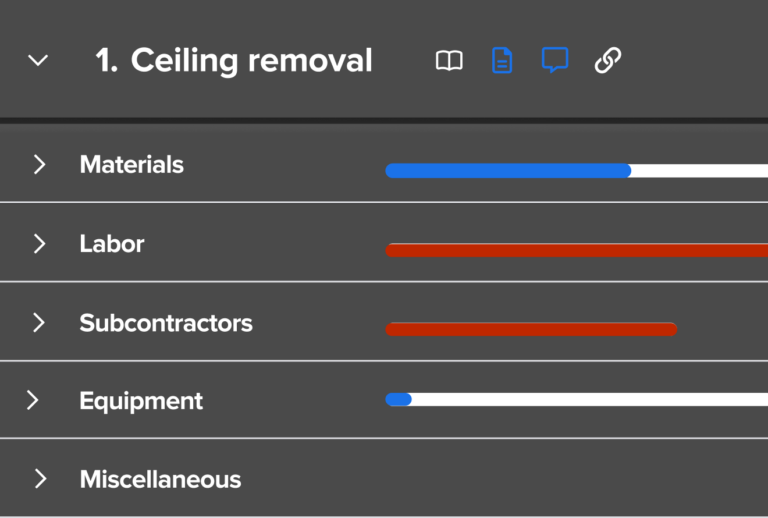
Every purchase (fuel, fleet maintenance, job supplies) captures vendor, amount, project, cost code, and receipt automatically, giving you instant visibility into project costs and budget health.

An image showing Knowify's software for electrical contractors. The screenshot is focused on project budgeting for a commercial contractor's project.

No busywork for anyone

Technicians and field teams skip the expense reports. Your back office skips the double entry.

Two construction executives working in an office
An image showing Knowify's software for electrical contractors. The screenshot is focused on project budgeting for a commercial contractor's project.
Two construction executives working in an office

Why Coast?

You control the cards

Set spend limits and category restrictions by card or employee, block unapproved merchants, and give your team the flexibility to request one-off purchases when the job calls for it.

One integration. Three platforms. Zero gaps.

Keep your financial data in sync across Coast, Knowify, and QuickBooks without lifting a finger. Categorize transactions in Coast using your existing Knowify and QuickBooks fields, then push everything back automatically, receipts included.

Transactions that code themselves

Create rules based on merchant, expense category, or cardholder, and Coast codes your transactions correctly every time. No manual sorting, no end-of-month scramble.

Receipts and job codes, captured before they forget

Prompt employees to snap a receipt and tag the right project the moment they swipe, straight from their phone. Better compliance, fewer back-and-forth conversations with your crew.

How it works

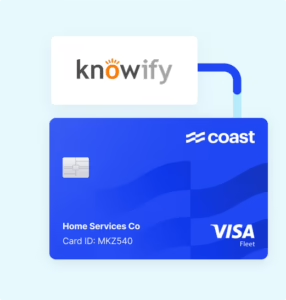
Coast and Knowify card illustration

Capture

Your team collects receipts and tags purchases with the associated job and phase as they spend with the Coast fuel card.

Visual using QuickBooks logo and product abstraction | Job costing app integrations for QuickBooks | Knowify

Sync

Enriched purchases sync to QuickBooks with one click. No double-entry. No manual reconciliation. 

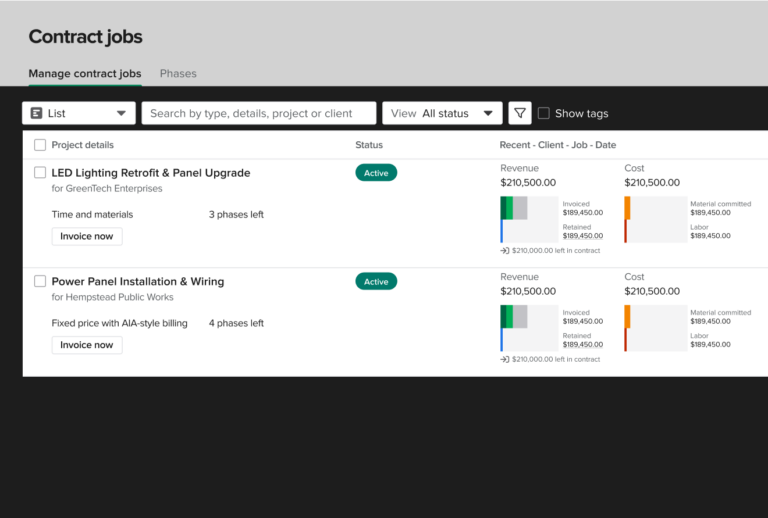
An image showing Knowify's project management software, which allows you to manage multiple jobs and business divisions on one platform.

Job cost

Transactions flow automatically to the correct project and phase in Knowify for accurate, real-time job costing.

Every cent, captured and assigned

Knowify’s preferred fuel & expense card for contractors

Coast, Knowify, and QuickBooks work together to automate your job costing from the field to the books, so you close faster and always know where each job stands on profitability.