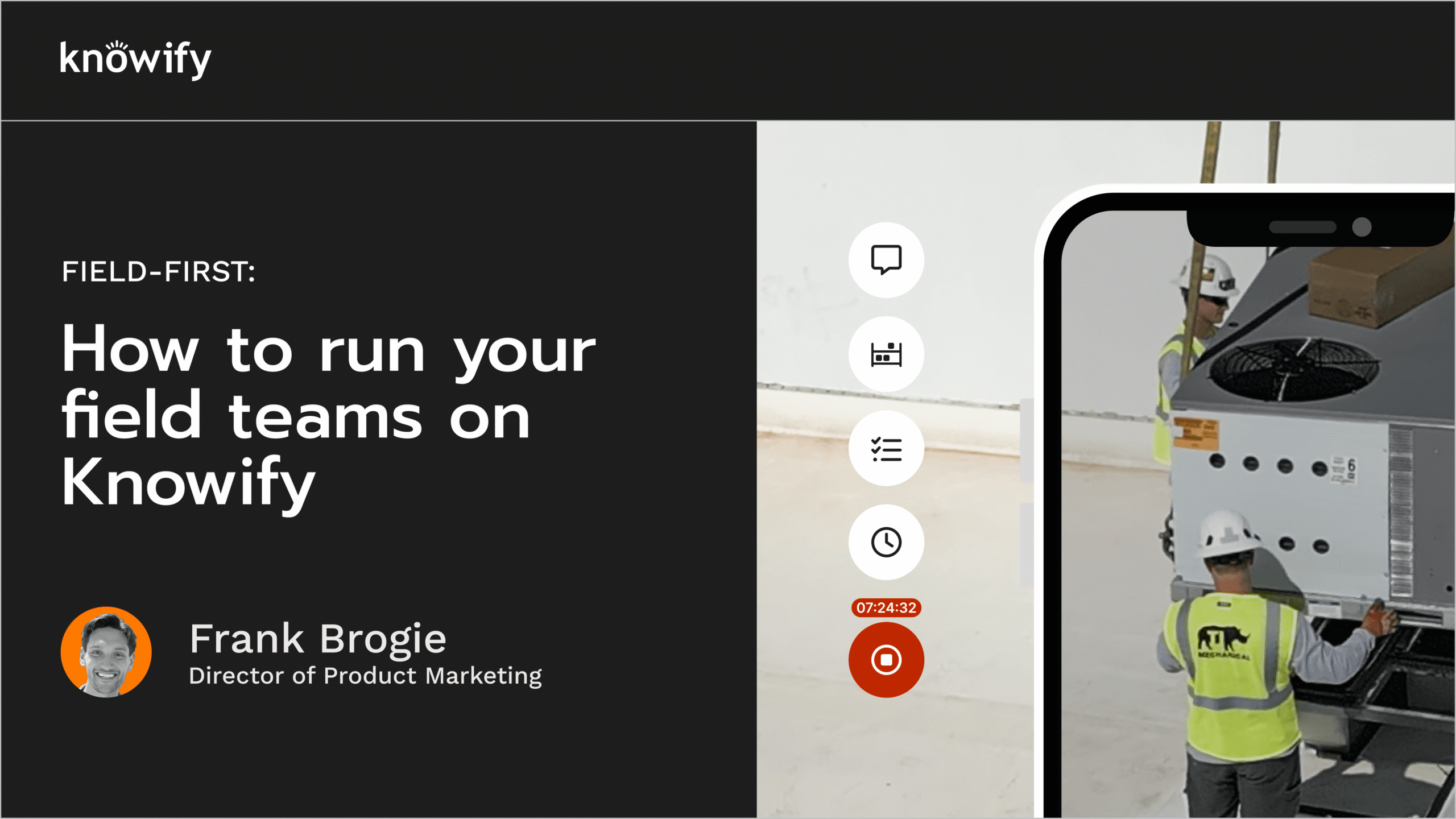
Most contractors find out a job lost money after it's already done.
Knowify shows you where every dollar is going while the job is still running — so you can fix it before it costs you.
When you don't know your job costs in real time, you're guessing on every decision.
You bid the job. You win it. You do the work. Then — weeks later, when the invoice is out and the crew has moved on — you sit down to see if you made any money. Half the time, the number surprises you.
By then there's nothing to do about it. The labor hours are logged. The materials are used. The subcontractor is paid. The job is done.
"We are using Knowify to help with job costing and be more transparent — seeing the budget vs. actual cost to the profit."
— Danielle M., Operations Manager, Small BusinessMargin problems show up in reconciliation, not in the field. By the time the numbers are in, there's nothing left to fix.
Labor running over? Materials eating the budget? If costs aren't tracked by phase, you can't tell where the leak is.
By the time time cards and receipts get entered, your cost picture is already a week old. That's not job costing — that's job guessing.
Your accounting software is built for history. Your job costing tool needs to show you what's happening right now.
Real-time job costing, tracked by phase
Knowify automatically captures every cost as it happens — labor, materials, equipment, subs — and maps it to the right phase and budget line so you're never surprised at the end of a job.
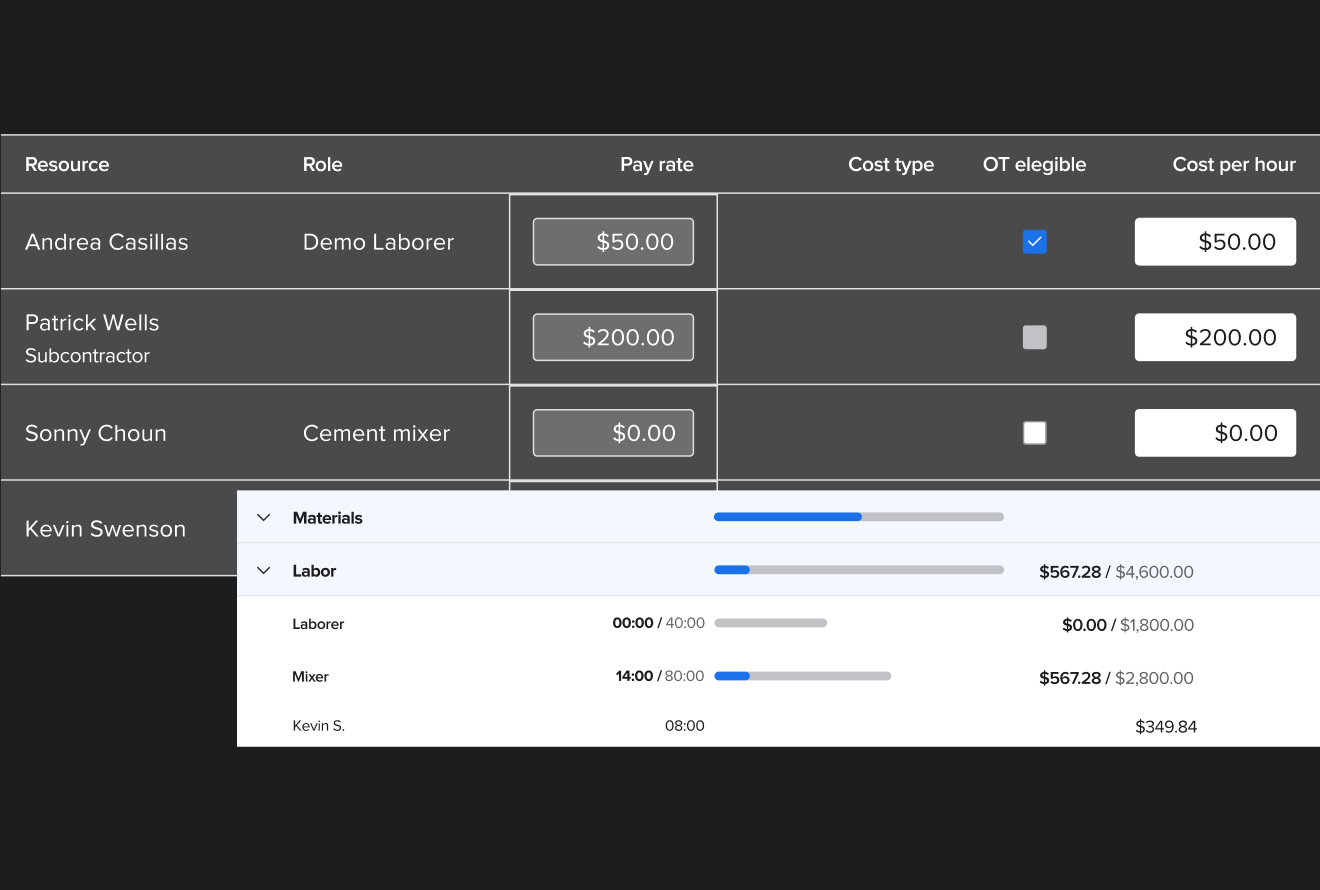
Time cards flow straight into job costs
Your crew clocks in on the app. Knowify maps the hours to the right project, phase, and cost category — automatically. No one has to batch-enter time cards at the end of the week. By the time you check job costs, the labor is already there.
- Mobile time tracking your crew will actually use
- Hours logged by job phase and cost category in real time
- Fully loaded labor burden — wages, benefits, overhead — not just hourly rate
- Projected profitability updates the moment time is logged
- Compare budgeted hours vs. actuals by phase at a glance
Labor and equipment costs, by phase
Know exactly what labor and equipment costs are running against each phase of the job — before you're in over budget. Knowify tracks both against your original bid so you see the gap while you can still close it.
- Budget labor and equipment costs at the phase level before the job starts
- Real-time committed vs. budgeted costs — see overruns as they happen
- Dedicated equipment cost category — no more guessing at utilization
- Prevailing wage job costing built in for public work contractors
- WIP reporting shows where cash flow stands on every active job
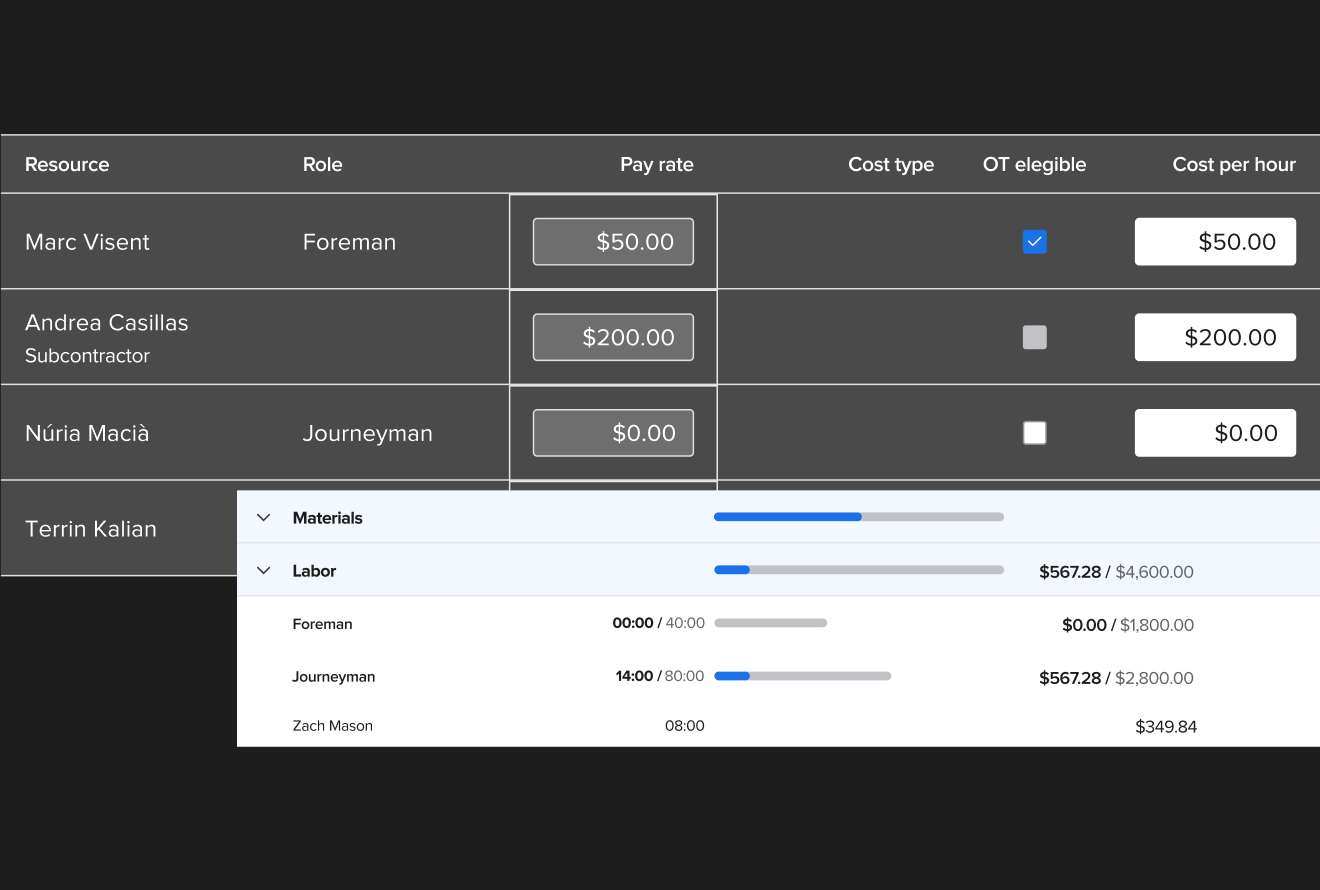
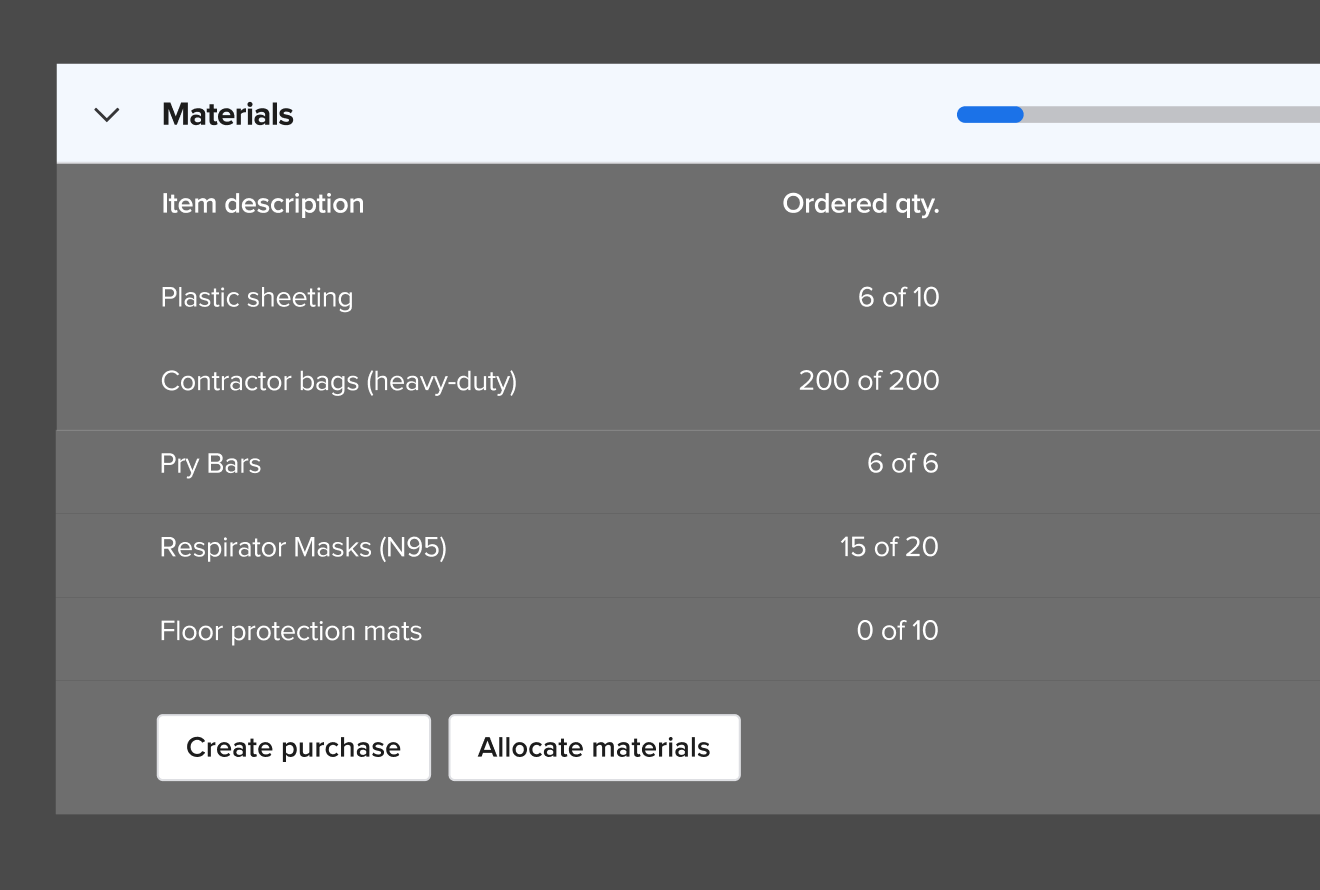
Materials costs tracked down to the last order
Purchase orders, bills, and receipts all flow into Knowify and get mapped to the right job and phase automatically. You can see material spend by job the moment an order goes in — not after the invoice arrives.
- POs and bills auto-allocate to job and phase when created
- See committed material costs before the invoice hits
- Subcontractor costs tracked with dedicated cost categories
- Budget overrun alerts — see when materials are trending over before it's done
- Full revenue and cost breakdown per job — including unbilled expenses
Your accountant lives in QuickBooks. Knowify keeps them there.
You run the job in Knowify. Your bookkeeper works in QuickBooks. Every cost, invoice, payment, and labor entry syncs between both systems — in real time, with no double entry.
That means your accountant always has clean books, and you always have accurate job costs. Two teams, one source of truth.
From contractors who've been where you are
Real quotes from real contractors on G2. No anonymous testimonials — we know these people.
"Knowify has kept us organized with job costing and job information. We are able to control our project cost and stay close to our budget easier."
"Knowify has saved me hours of time. We use both in the field and in the office — it's very team friendly and gives us real visibility into what's happening on every job."
"NO MORE EXCEL or SMART SHEETS. Knowify does everything I need to efficiently run the business — centralizes all project documents and data in one place."
"Knowify has helped us scale 300% over the last 5 years. They are true partners — right there to help us when we need things like a customized report. Stellar customer service."
Job costing is the foundation. Knowify builds on it.
Real-time job costs connect to everything else you need to run the business — from proposals and invoicing to field management and payments.
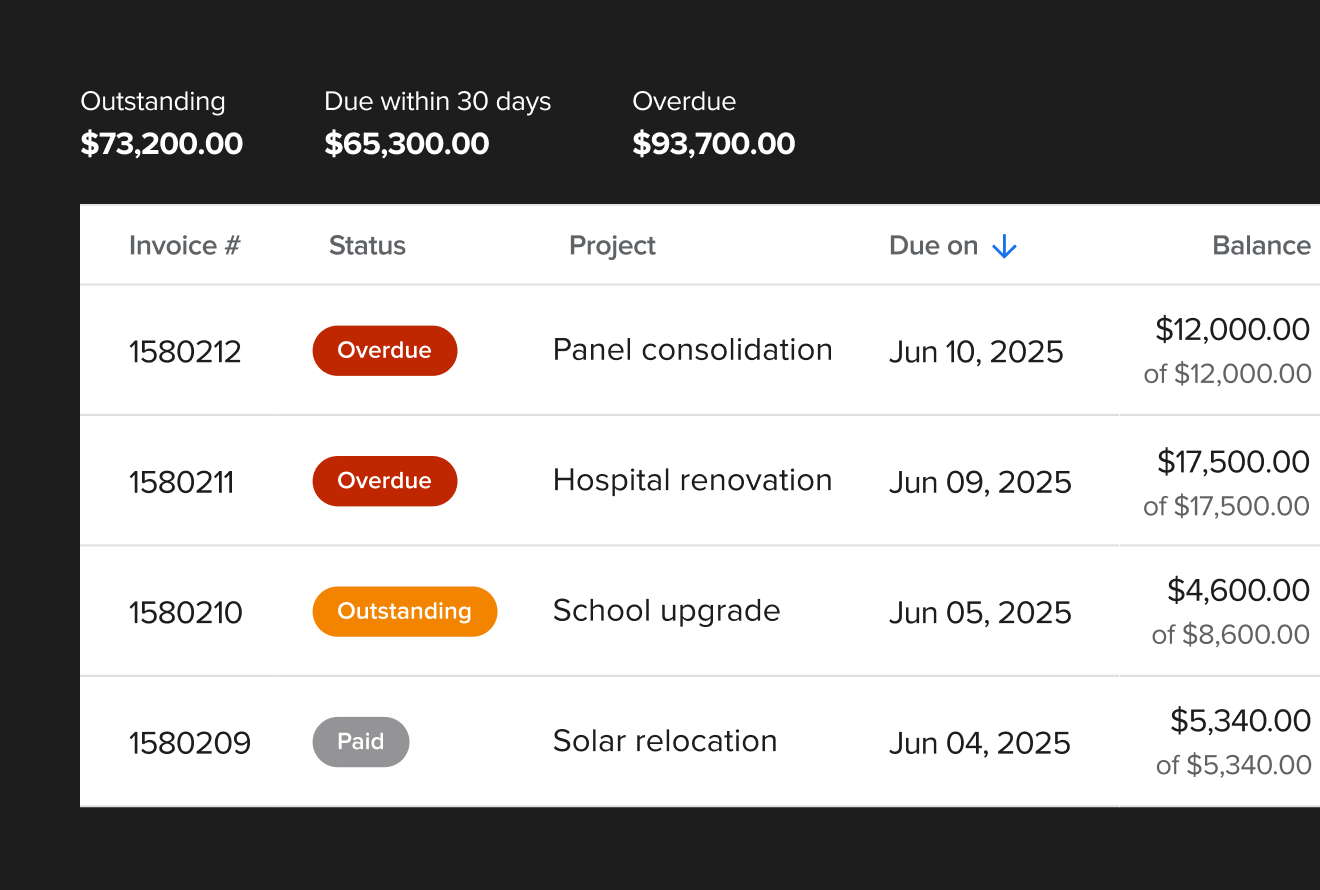
Invoice faster, get paid sooner
Progress billing, AIA pay apps, and service invoicing — all built in. Invoice from the job site, from the office, or anywhere. Payments sync back to QuickBooks the moment they land.
- Progress billing and AIA G702/G703 invoicing built in
- Accept credit card and ACH payments online
- Invoice from the job site — get paid before getting back in the truck
- Payment processing fees lower than standard Intuit rates
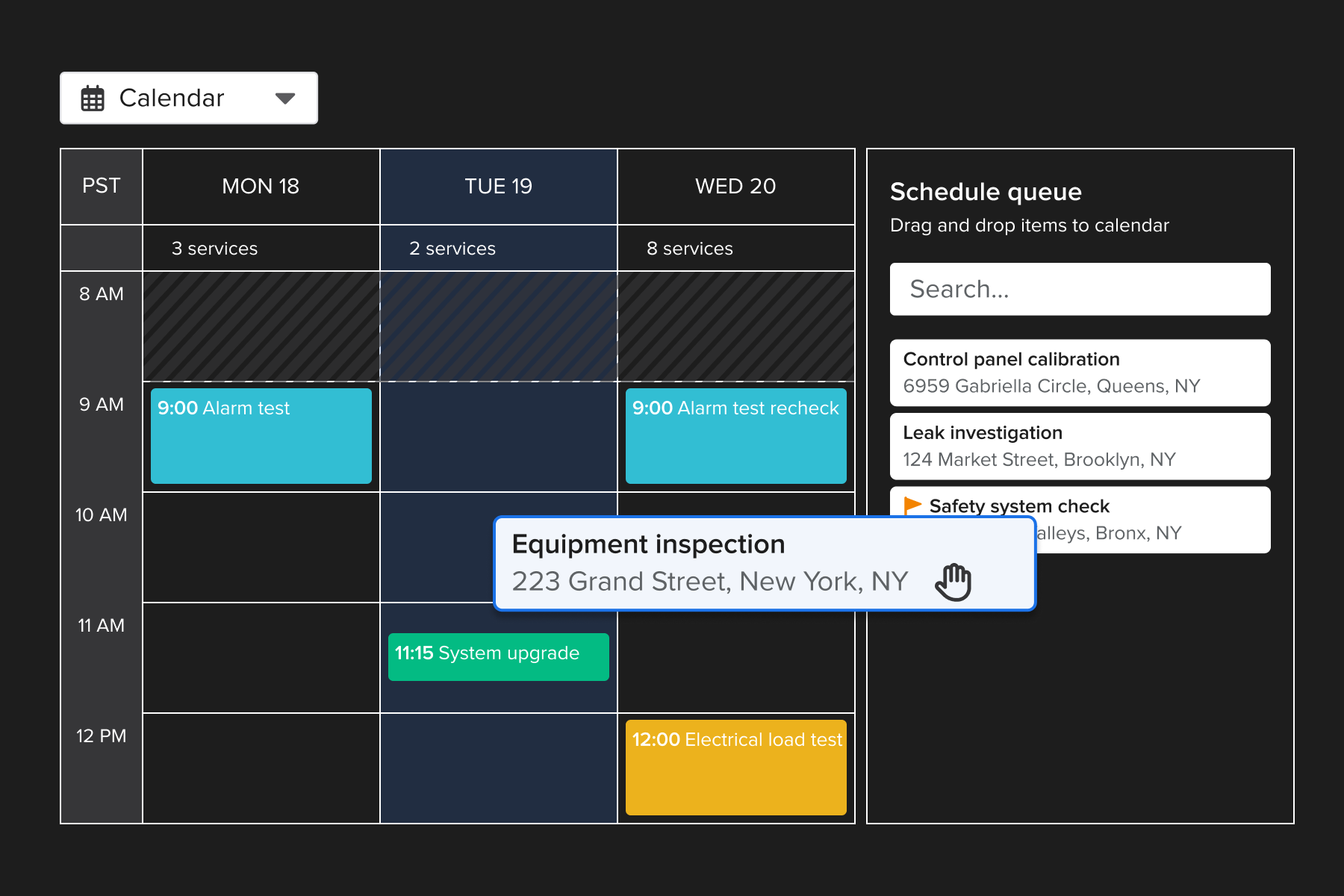
Project work and service calls in one place
Whether your team runs multi-week projects or same-day service calls, Knowify handles both. One system, one schedule, one set of financials — and job costing across all of it.
- Schedule service techs and project crews from one screen
- Field-to-office sync in real time — no phone tag
- One-click invoicing from the job site
- Maintenance agreements for predictable recurring revenue
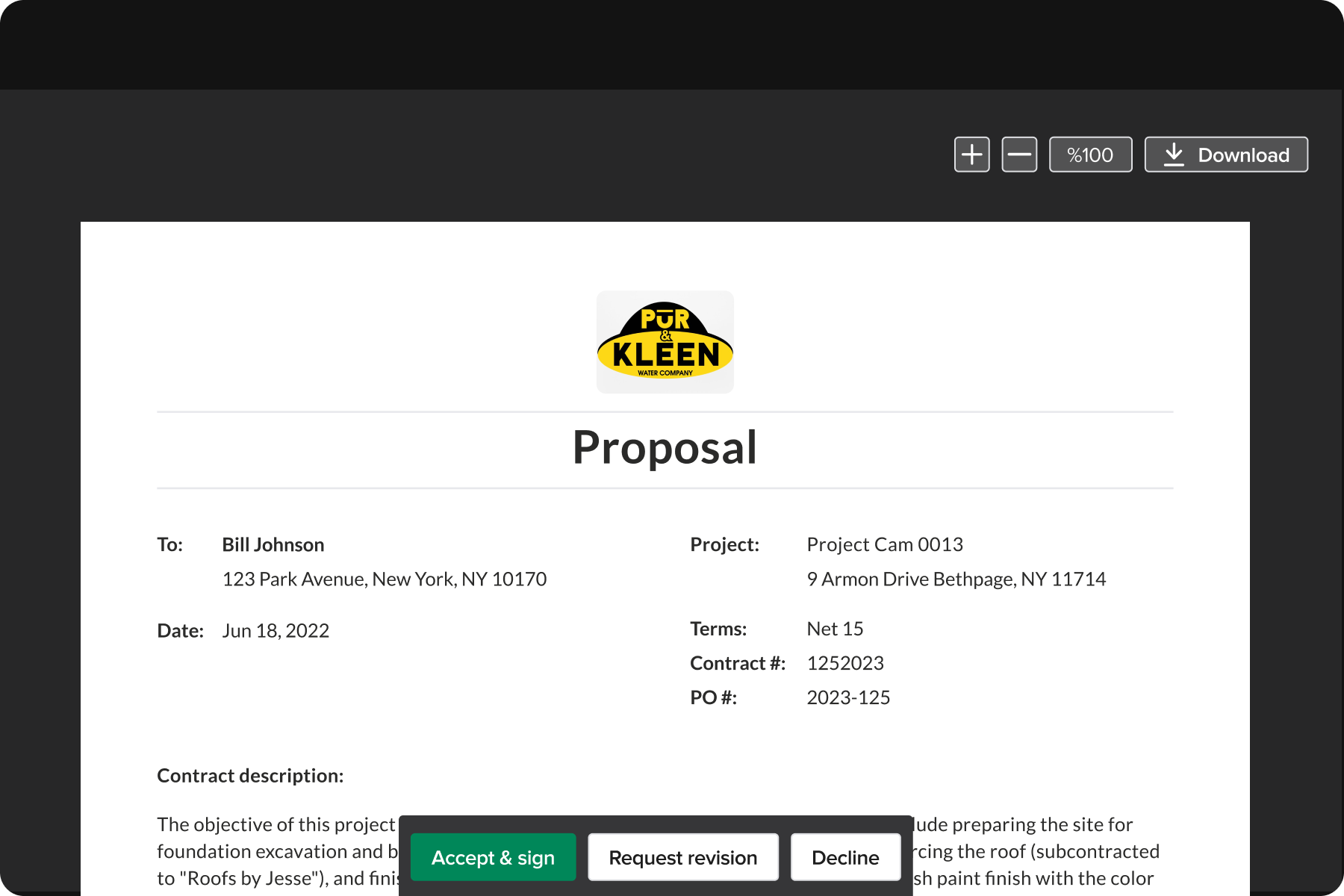
Win more profitable jobs from the start
Build detailed proposals backed by real budget numbers. When you win, turn the proposal into a fully-budgeted project plan in one click — and start costing against it immediately.
- Create professional proposals with PDF templates
- Budget templates for common job types
- Win the job and convert to a project budget automatically
- Job costing begins the moment the project starts
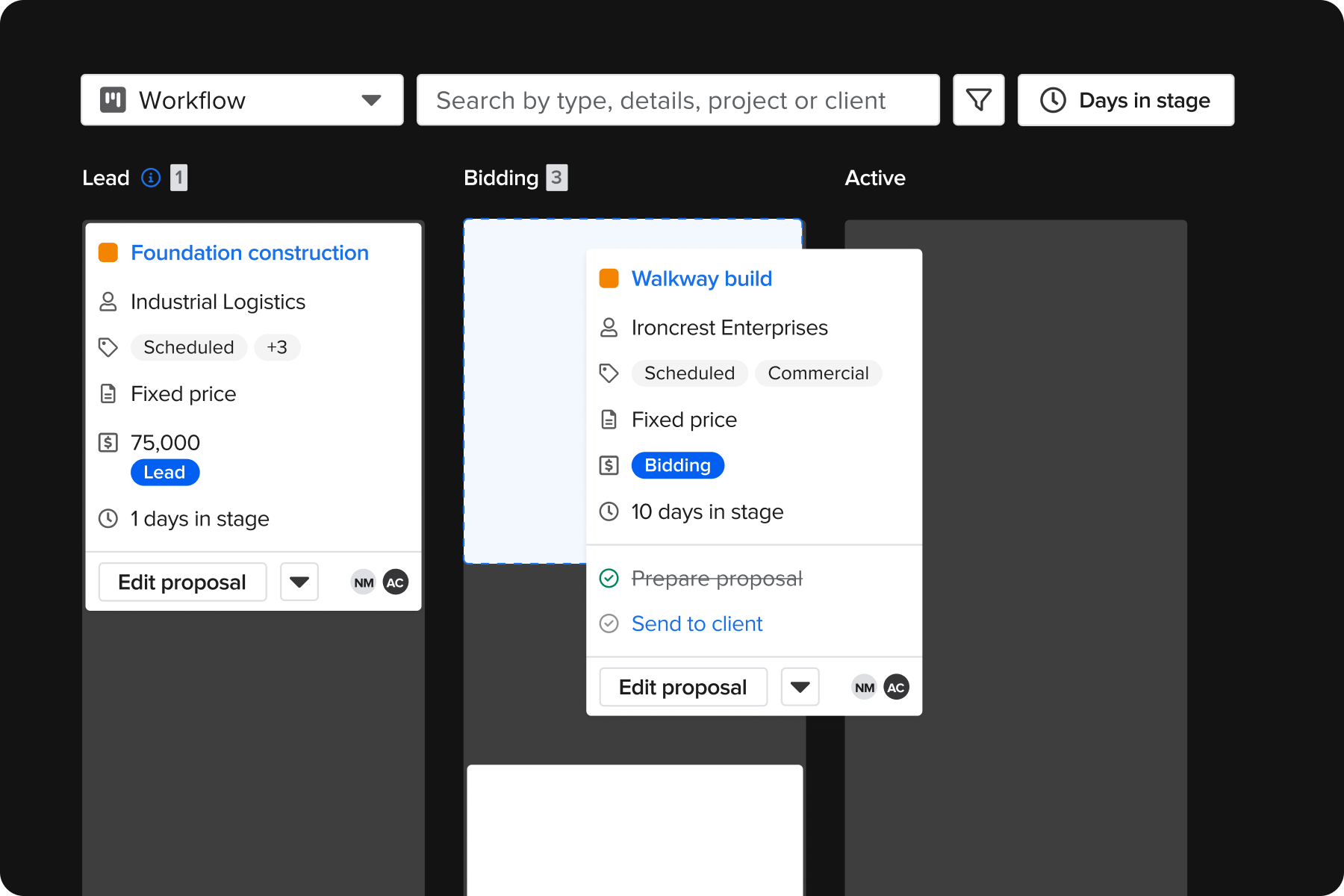
Built around how your business actually runs
Knowify isn't one-size-fits-all. Configure workflows, phases, cost categories, and document types to match your trade, your contracts, and your team's process.
- Custom phases and cost categories per job type
- Change order, RFI, and submittal management built in
- AI connector helps get you contextual answers - fast
- Works for electrical, plumbing, HVAC, painting, and more
Stop guessing on your jobs. See Knowify in 30 minutes.
We'll walk you through real-time job costing, budget tracking by phase, and the QuickBooks sync — in a live walkthrough built around your trade and your workflow.
- See budget vs. actual costs by phase updating in real time
- Watch time cards flow into job costs automatically
- See how QuickBooks syncs both ways with no double entry
- US-based team — real people, no sales scripts
Prefer to explore on your own? Start a free trial — no credit card required.