
When jobs get complex,
old tools start
costing you money.
Phases, change orders, AIA billing, field-to-office visibility — most tools weren't built for this. Knowify was. One connected system from proposal to final pay app, with real-time job costing built in.
Sound familiar?
The job looked fine — until it didn't.
Phase two ran long. A sub added scope. A change order slipped through without getting approved in writing. Nobody caught it until the invoice went out. By then, the margin was gone.
"We finished the job, sent the invoice, and only then realized we'd burned through our contingency two phases back. There was no visibility while it was happening."
If you're past a handful of jobs a year, you already know the symptoms:
- Change orders tracked in email threads — whoever updates the spreadsheet last wins
- You find out a phase went over budget after the crew's already moved on to the next one
- AIA pay apps built by hand in Excel, cross-checked against QuickBooks — still wrong sometimes
- Field and office are working off different job info. Someone's always chasing someone.
- You can't tell which jobs made money until the accountant closes the books — weeks after the job ends
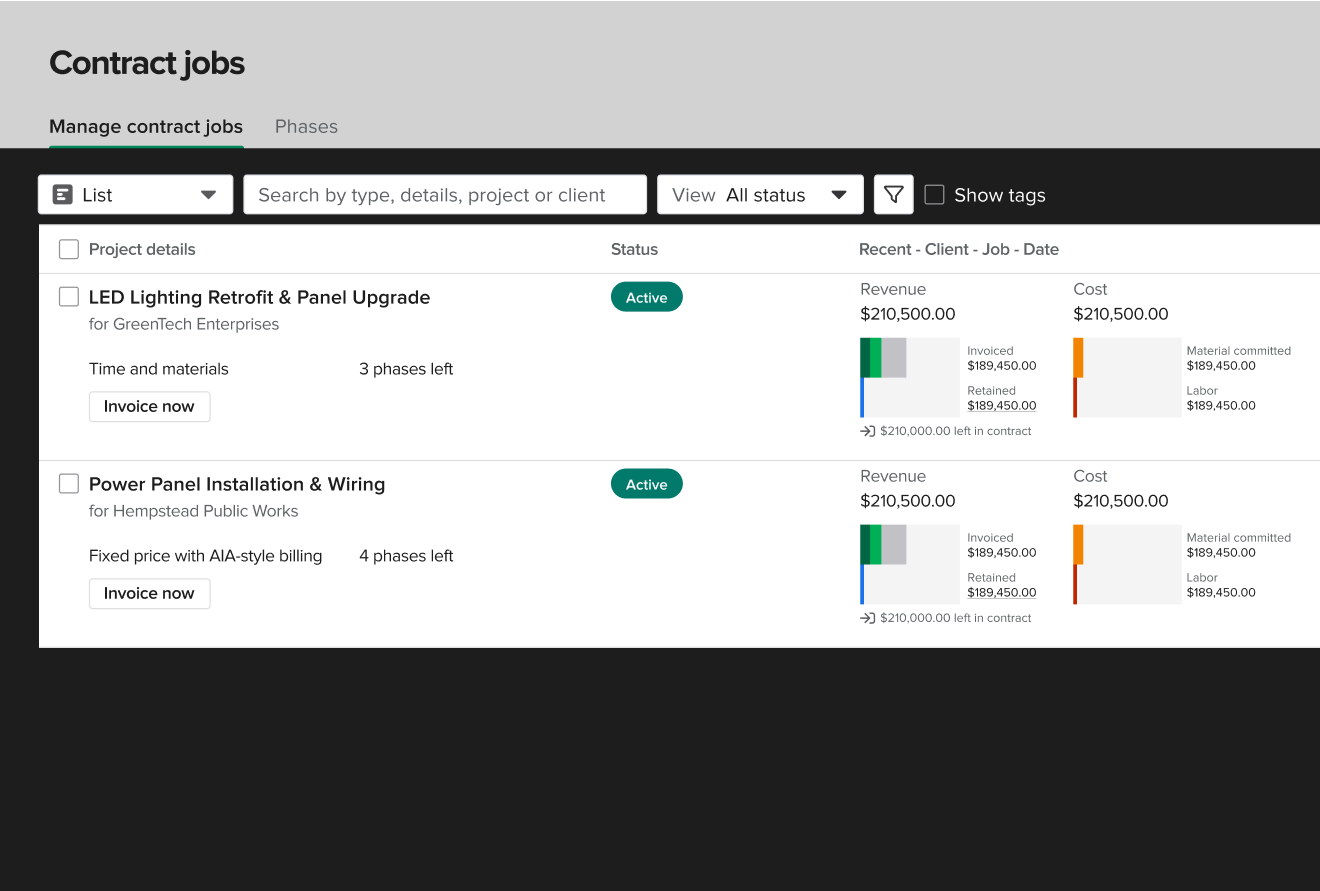
Not just a project tracker. Knowify connects your project management directly to your job finances — so every hour, every PO, and every change order hits your cost report the moment it's entered.
Your old system wasn't wrong.
It just wasn't built for this.
Spreadsheets and simple tools work when every job fits in a single file and your crew is small enough to manage with a phone call. You built that system. It worked. The problem isn't what you built — it's that the jobs got bigger. The GCs started asking for certified payroll and AIA pay apps. The crews got large enough that no one person knows what's happening on every phase. Now the system you built is the thing slowing you down.
Built for complexity
The project management system your jobs actually need
From the first proposal to the final pay app — every phase, every change order, every cost tracked and connected to your books.
01 — Phase Management
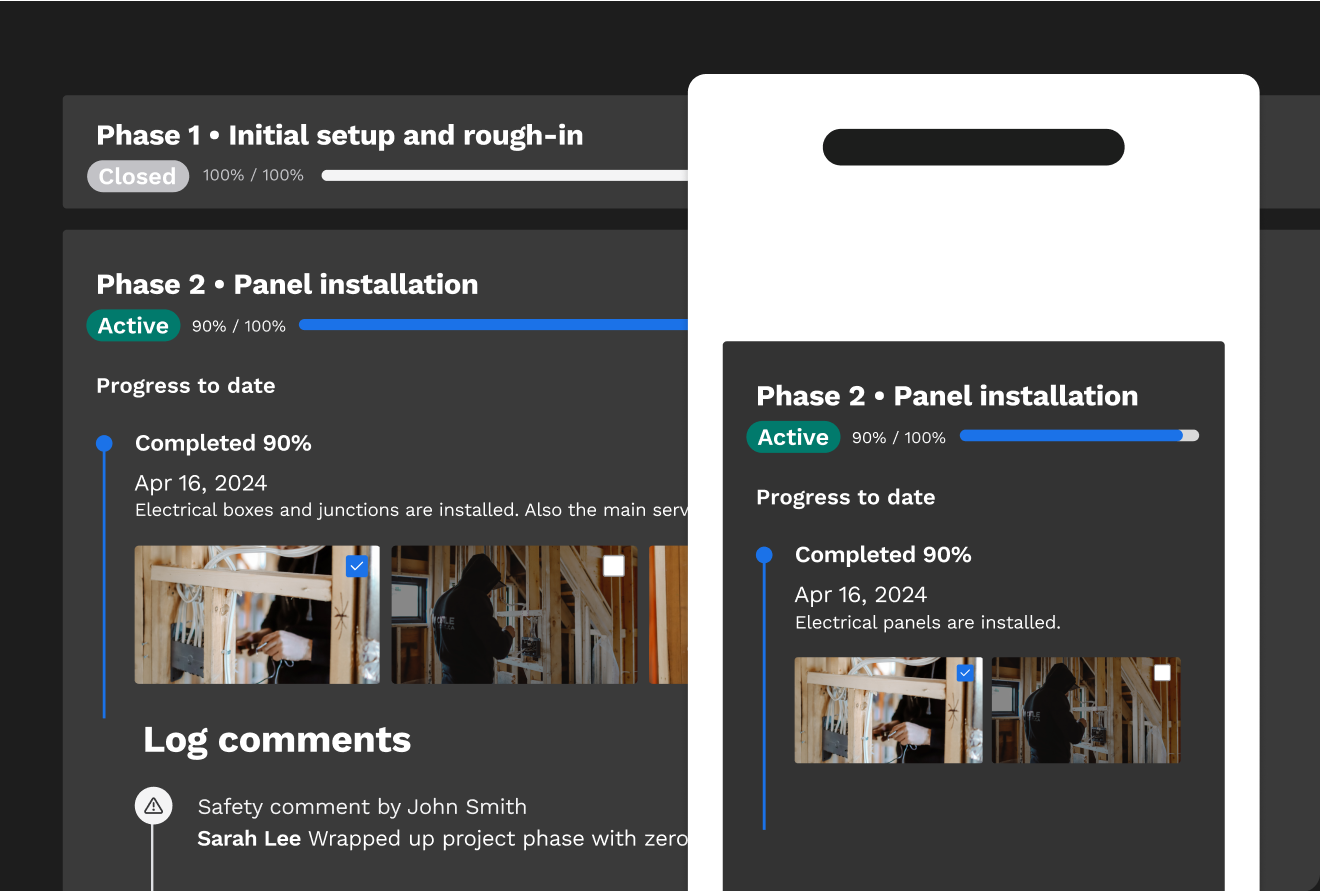
Know exactly where every phase stands — while it's happening, not after.
Knowify tracks progress by phase. Every labor hour, every material purchase, every sub bill flows into your phase-level budget the moment it's entered. You can see what's been spent, what's committed, and where you stand on margin before the next invoice goes out.
- Track costs by phase and expense category — live, not end of month
- Always know your projected profitability before a job closes
- WIP reporting shows cash flow position at a glance
- Budget vs. actual: see overruns while there's still time to act
02 — Change Orders & Field Coordination
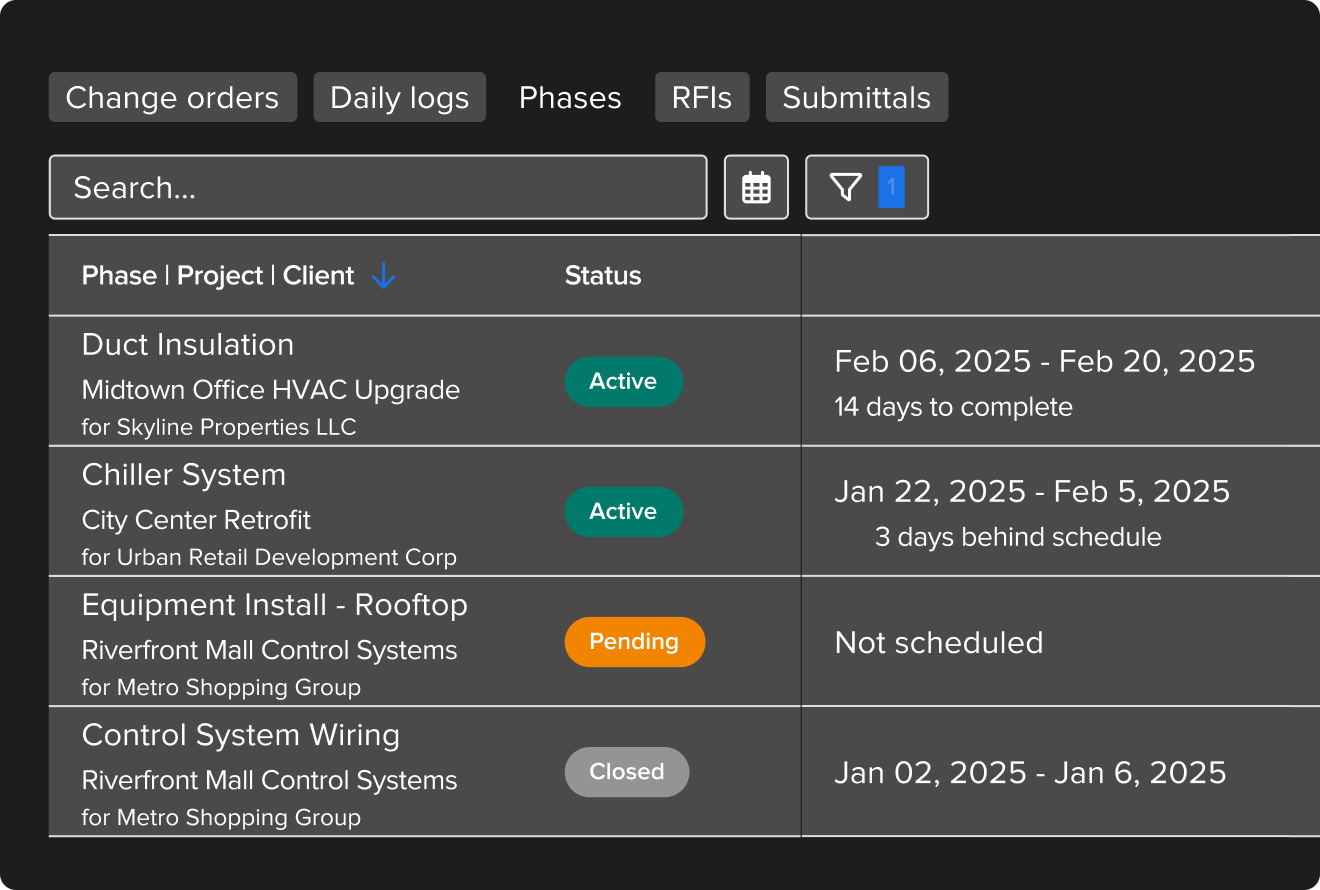
Every scope change documented. Every change order billable.
Change orders are where margin goes to die when they're tracked in email threads and approved with a handshake. Knowify gives every change order a time stamp, a financial impact line, and a paper trail. Field and office stay on the same job — not two versions of it.
- Log change orders with automatic impact on project costs and revenue
- Time-stamped, organized paper trail — dispute-proof
- Push assignments to field crews from the office via mobile
- RFIs and submittals built into the project, not a separate tool
03 — AIA Billing & QuickBooks
G702/G703 in minutes. Not the Excel version — the real thing.
Knowify generates actual AIA-formatted pay applications — auto-populated schedule of values, retainage tracked by phase, stored materials, overbilling alerts, and e-signature. The format your GCs expect. And every invoice syncs to QuickBooks the moment it's sent.
- G702/G703-formatted pay apps, automatically generated
- Retainage tracked by phase — no manual calculation
- Overbilling alerts so you never accidentally over-invoice
- Electronic submission and e-signature built in
- Real-time two-way QBO sync — no double entry, ever
"Knowify Has Helped Us Scale 300% over the Last 5 Years. It centralizes all project documents and data in one place — keeps us organized and gets us all on the same page with all our projects."
One system for every part of the job
Project management is the core. Knowify handles everything from first proposal to final payment — and keeps your QuickBooks in sync the whole way through.
Proposals & Contracts
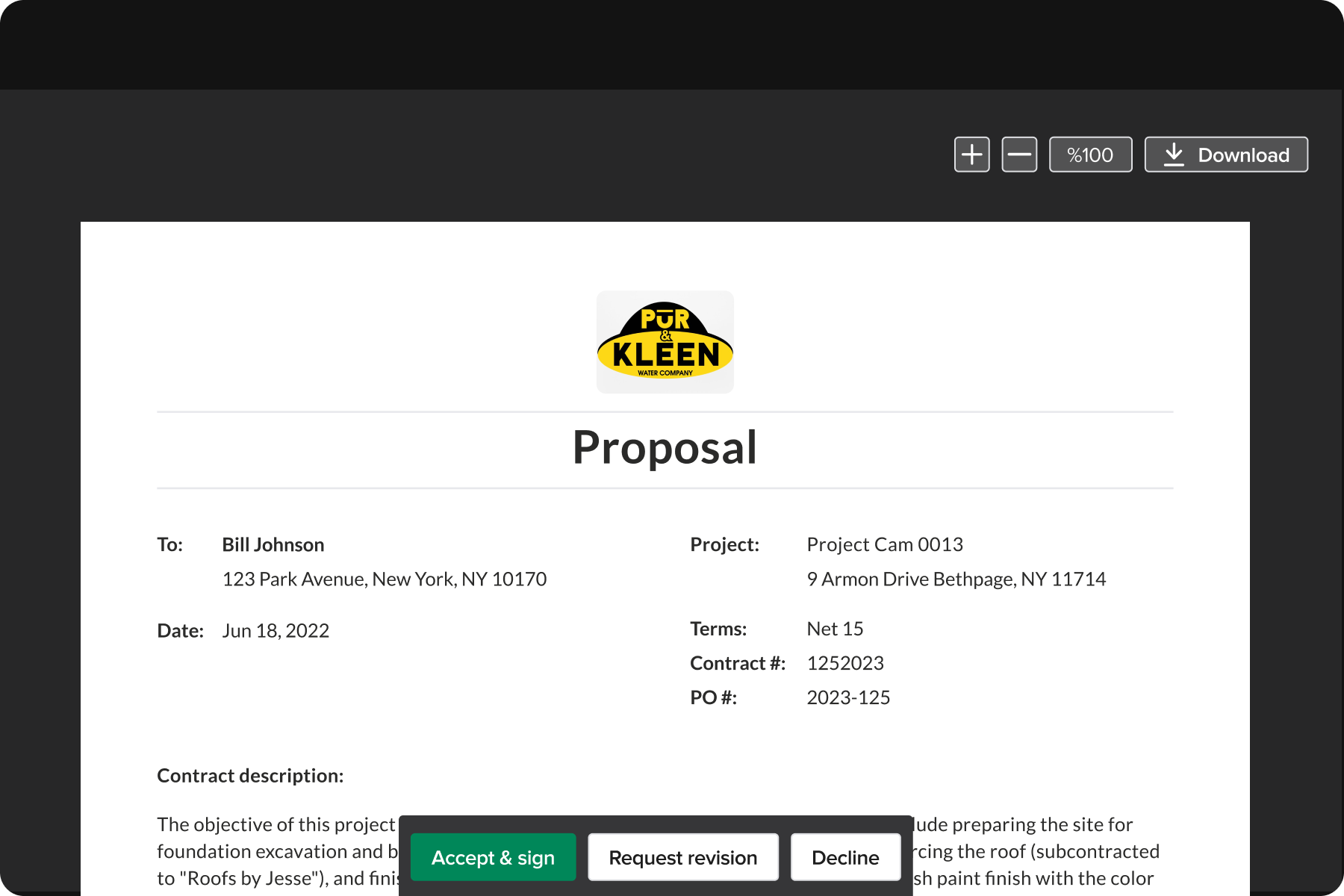
Win more profitable jobs with budget-backed proposals. Turn a won bid into a fully-budgeted project in one click.
Job Costing
Compare budget vs. actual at a glance. Track labor, materials, subs, and equipment by job, phase, and category — live.
AIA & Progress Billing
G702/G703 pay apps in minutes. Retainage by phase, overbilling alerts, e-signature, and QBO sync.
Scheduling & Dispatch
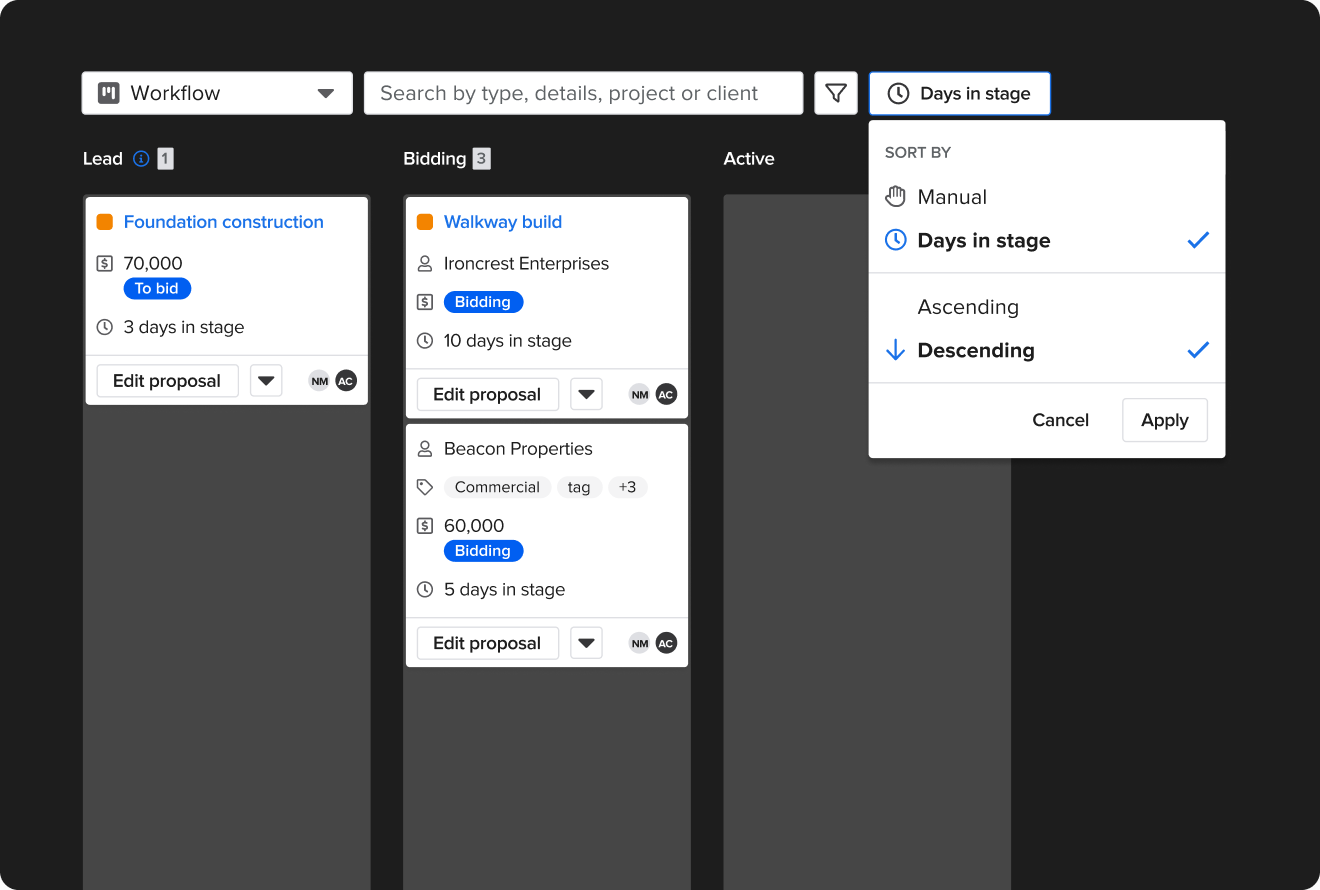
See your whole team's availability on one screen. Push job assignments from the office to the field via the mobile app.
Service Job Management
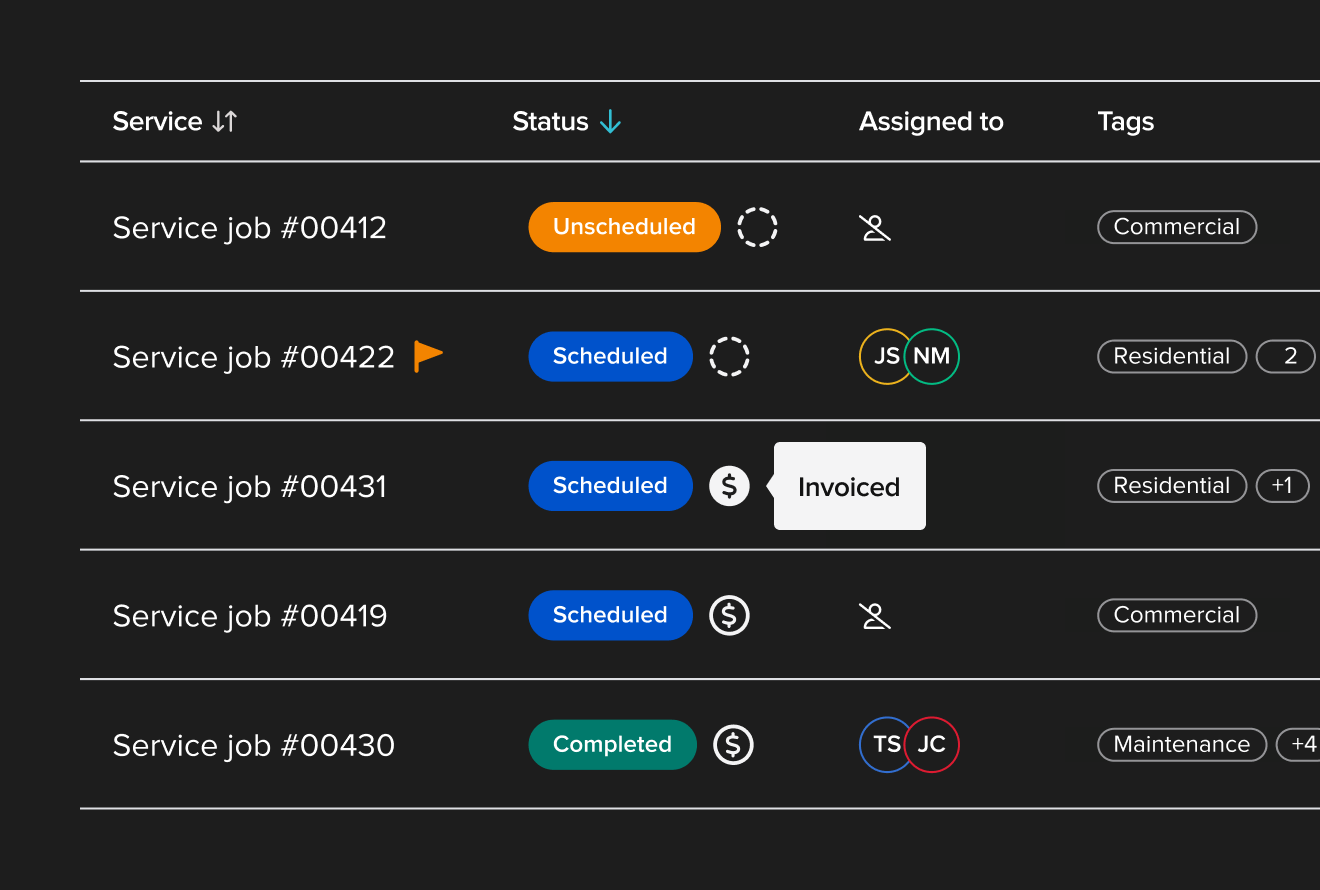
Manage service calls and projects in the same system. Invoice from the job site and get paid before getting back in the truck.
QuickBooks Integration
Real-time two-way sync with QBO. The only construction software that integrates with QBO Projects, Payroll, and Enterprise Suite.
Procore is $14,000 a year.
Buildertrend is $8,400. Knowify isn't.
You don't need software priced for GCs managing $100M project portfolios. You need something built for how trade contractors actually work — and priced like it.
- Powerful for large GC portfolios
- Extensive feature set
- Built for GCs, not trade contractors
- Expensive to implement and train
- Enterprise pricing for a trade-sized job
- Good fit for residential home builders
- Client-facing tools
- Not designed for commercial trades
- AIA billing is limited
- QBO integration has gaps
- Built for trade contractors — not GCs
- Real AIA G702/G703 billing
- #1 QuickBooks integration in construction
- Phases, change orders, job costing
- US-based support, free onboarding
or start a free trial — no credit card required
See what Knowify does for jobs like yours.
We'll walk you through a 30-minute demo built around your trade and the complexity you're managing. Not a canned presentation — your questions, the features that matter to you.
- See phase-based job costing live — with real job data
- Walk through setting up and tracking a project from start to finish
- See how QBO sync actually works — zero double entry
- Get your specific questions answered by someone who knows construction
4.6/5 on G2 · 30-minute walkthrough · No commitment required
Schedule Your Walkthrough
30 minutes. Built around your jobs. No commitment.
Contractors call it a game changer.
Three of them, independently.
Verified reviews from G2 — real names, real jobs.
"Seeing the budget vs. actual cost to the profit — that visibility alone changed how we manage jobs. We can control project cost and stay close to our budget in real time, not after the fact."
"NO MORE EXCEL. Centralizes all project documents and data in one place. I didn't see anything like the AIA billing — the SOV with holdback — at any other software. Amazing progressive invoices."
"True partners — stellar customer service. They get us all on the same page with all our projects. Knowify has helped us scale 300% over the last 5 years. Couldn't have done it without this system."