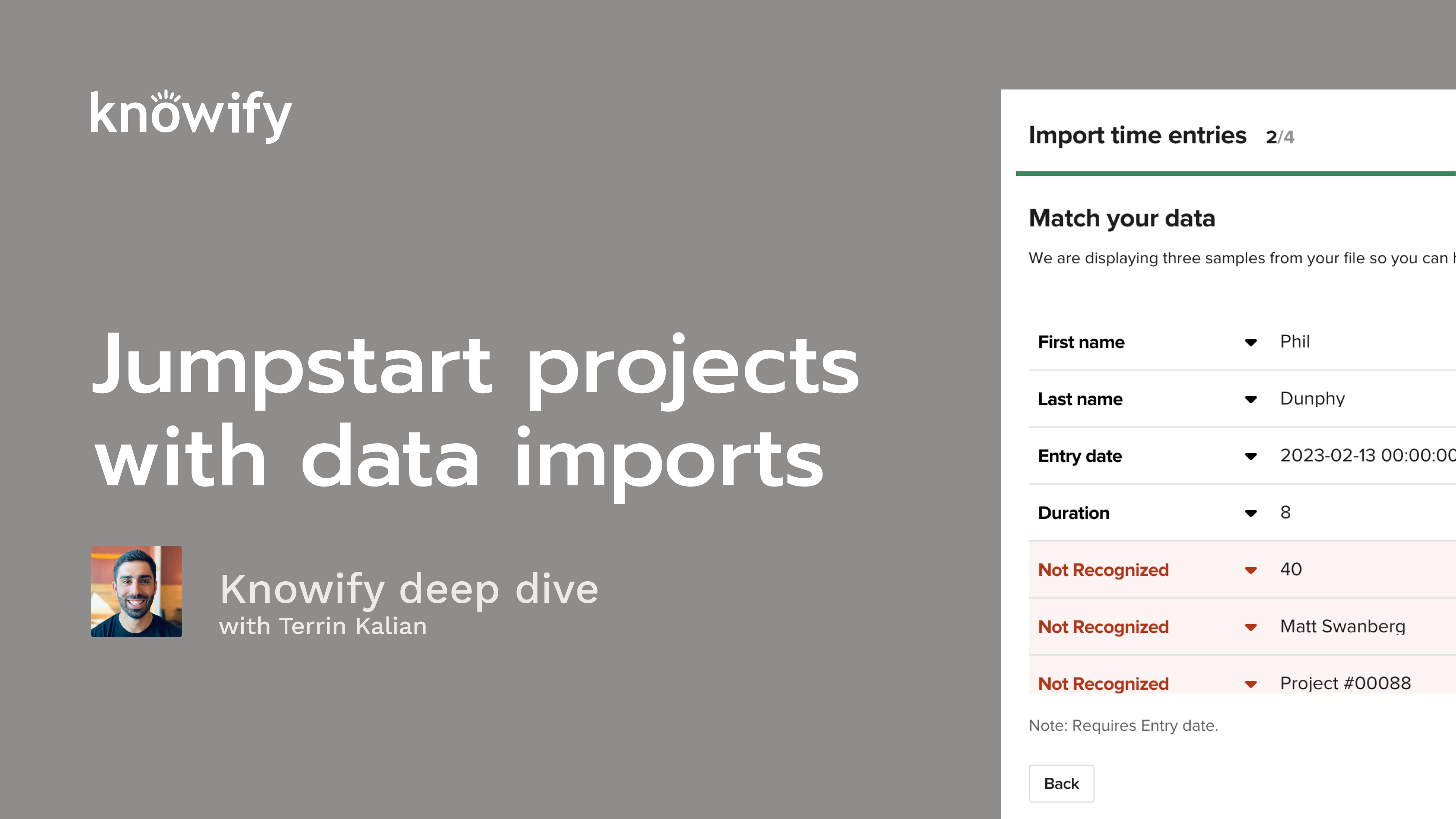
QuickBooks Handles Your Books. Knowify Handles Your Jobs
QuickBooks is the right tool for your accounting. But running a construction business takes more than accounting — it takes job costing, field tracking, scheduling, and project billing that QB was never designed to do. That's where Knowify comes in.
Schedule a WalkthroughFree 14-day trial · No credit card required
QuickBooks Is a Powerful Accounting Tool. But Accounting Is Where Its Features End.
Your accountant loves QuickBooks — and they should. It's built for managing your chart of accounts, tracking AP and AR, running payroll, and keeping your books clean. That's what it does, and it does it well. But there's a clear line where QuickBooks stops and construction begins.
That second column? That's where your spreadsheets, paper timesheets, and manual workarounds live right now.
Sound Familiar?
You keep a spreadsheet for every job — materials, labor hours, sub costs — because QuickBooks can't track costs by project phase. At the end of the month, someone manually enters it all into QB. You're not even sure the numbers match anymore.
Your crew fills out paper timesheets or texts their hours to the office. Someone re-enters those hours into a spreadsheet, then re-enters them again into QuickBooks for payroll. Hours get lost. Jobs get mis-costed. Nobody trusts the data.
When it's time to invoice, you pull up your spreadsheet, cross-reference it with your contract notes, manually calculate what's owed, and build the invoice in QuickBooks from scratch. For AIA billing? That's a whole afternoon.
You don't actually know if a job is profitable until it's done. By then it's too late to adjust. You're making decisions based on gut feel because the real numbers are scattered across three systems and a truck glovebox.
None of this is a QuickBooks problem. It's a construction operations problem. And QuickBooks was never designed to solve it.
Meet the Other Half of Your Business
Knowify is a construction project management platform built for everything QuickBooks doesn't do — budgeting, job costing, scheduling, time tracking, billing, change orders, purchasing, and subcontractor management. All in one place. All purpose-built for the trades.
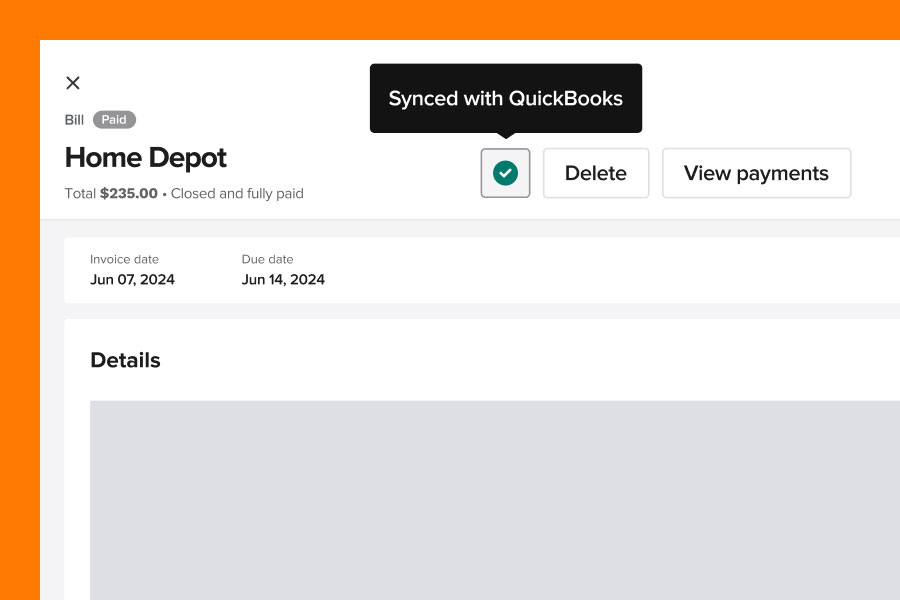
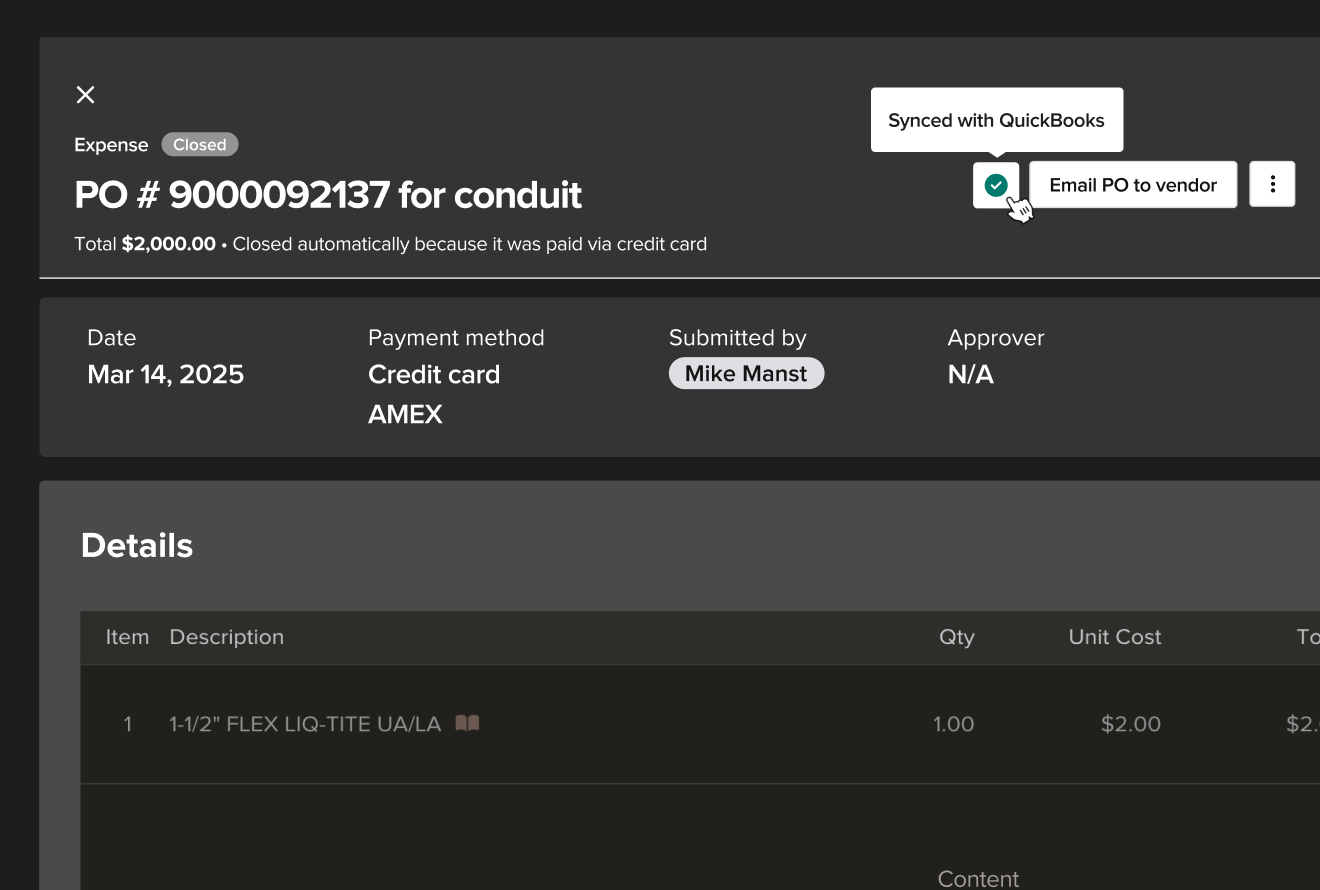
It's not a QuickBooks add-on. It's a standalone system your project team works in every day — from the field and the office. And it syncs with QuickBooks in real time, so your financial data flows between both platforms automatically. No double entry. No reconciliation headaches.
Knowify is the heart of your operations. QuickBooks is the backbone of your finances. Your team works in both — and both stay in sync.
Here's What the Other Side Looks Like
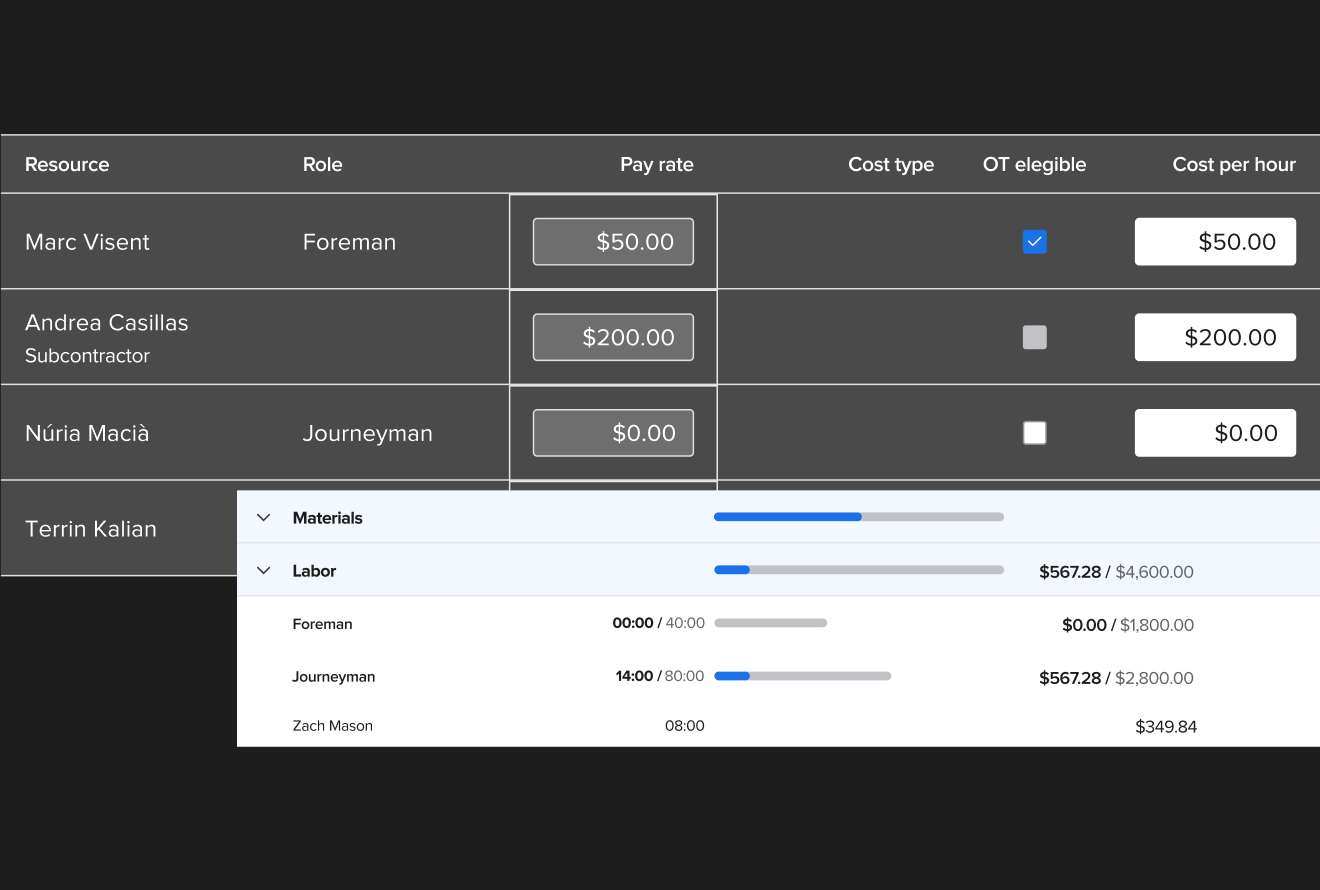
Job Costing That Actually Works
The old way: Spreadsheets next to QuickBooks. Manual tracking. Month-end data entry marathon.
With Knowify: Track labor, materials, equipment, and subcontractor costs by job, phase, and cost category — automatically. Costs flow to QuickBooks as they happen. No re-entering. No reconciling.
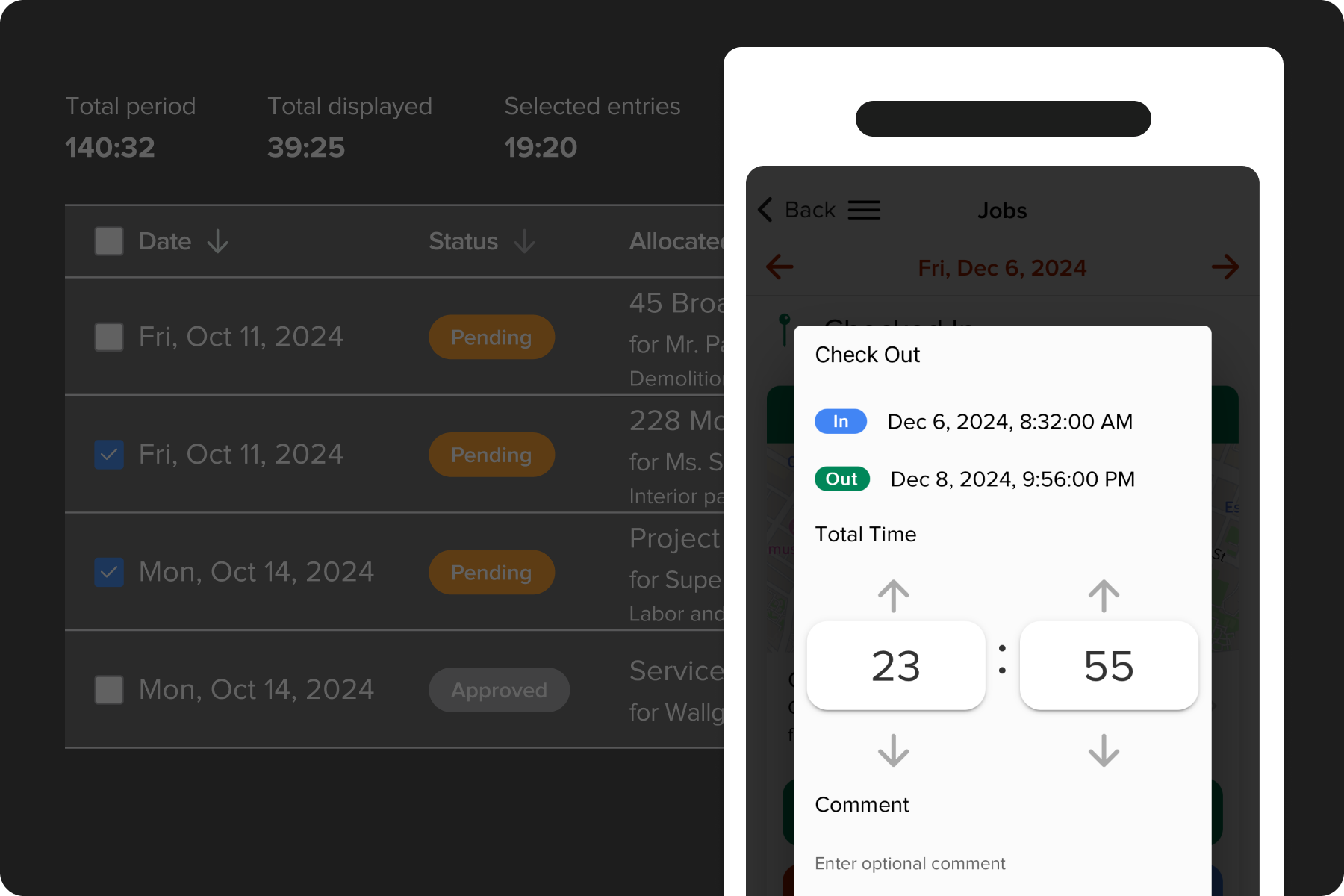
Time Tracking That Ties to Jobs
The old way: Paper timesheets. Texts to the office. Hours re-entered twice.
With Knowify: Your crew clocks in from the mobile app. Hours are linked to the right job and phase automatically, then synced to QuickBooks for payroll. One entry. Done.
Billing Without the Guesswork
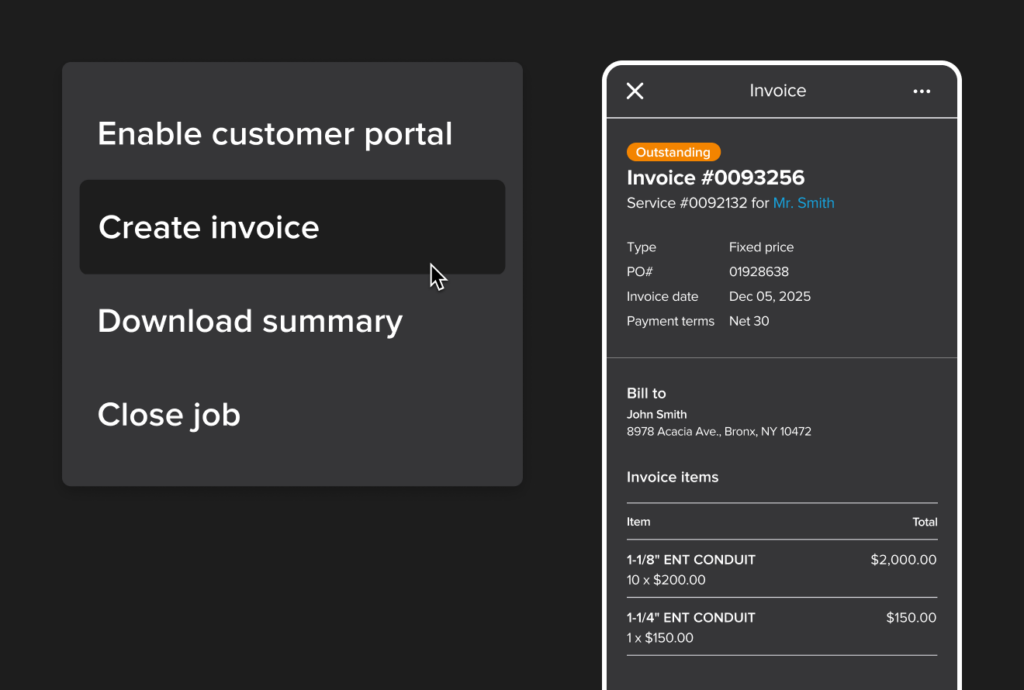
The old way: Manual invoice calculations from spreadsheets and contract notes. AIA billing as an all-day event.
With Knowify: Generate invoices from your actual project costs and contract terms. T&M, fixed-price, and AIA pay apps — all built in. Invoices sync to QuickBooks automatically.
Real-Time Visibility Into Every Job
The old way: Profit surprises at the end of the project. Gut-feel decisions.
With Knowify: See actual costs vs. budget on every job, in real time. Know which projects are on track and which need attention — before it's too late to do anything about it.
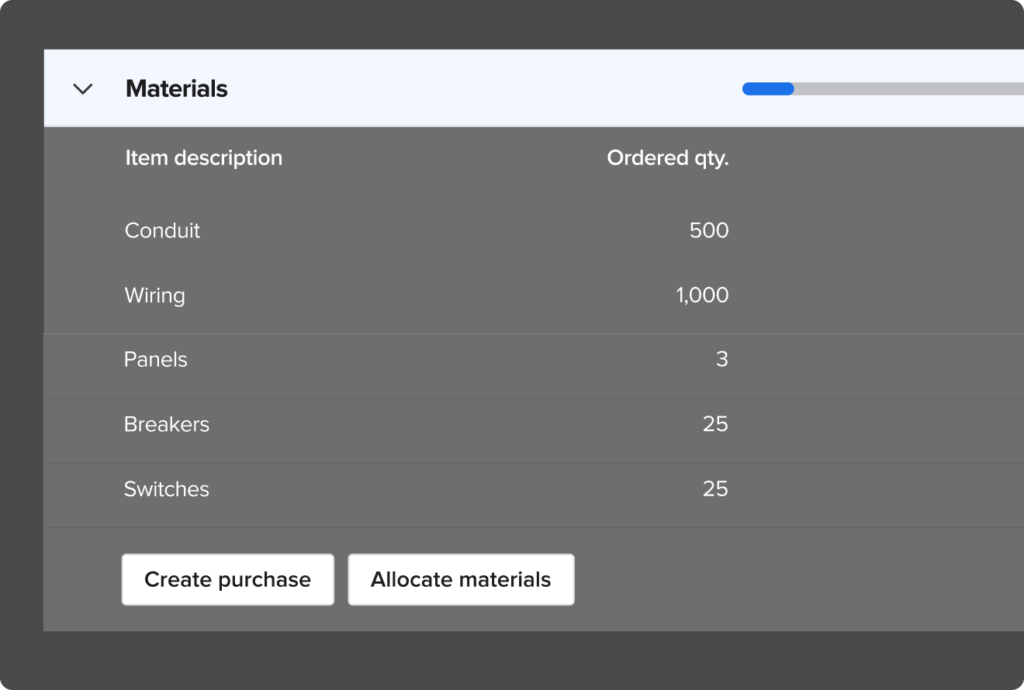
One Platform for the Whole Job
And every piece of it syncs with QuickBooks Online in real time.
Contractors Who Made the Switch
"With Knowify, we're able to track our jobs on a job-by-job, phase-by-phase, and day-by-day basis. It's the most critical tracking tool that we have."
When Mack Chrisman saw 1st Choice Services growing 60% year over year, he knew spreadsheets alongside QuickBooks weren't going to cut it anymore. With Knowify handling his project operations and syncing costs directly to QuickBooks, his team saves hours on billing every week — and his cashflow is healthier than it's ever been.
See what Knowify looks like for your business
A Few Things You Might Be Thinking...
I'm not looking to replace QuickBooks.
You don't have to. Knowify doesn't replace QuickBooks — it fills the gap where QB's features end. Your accountant keeps working in QuickBooks. Your project team works in Knowify. Both stay in sync automatically.
Will my accountant be okay with this?
They'll probably thank you. Knowify is one of the only accountant-approved construction apps in the QuickBooks App Store. It gives your accountant clean, organized job cost data in QB without them having to chase your field team for numbers.
How hard is it to set up if I already have everything in QuickBooks?
Most teams are up and running within a day. Knowify connects directly to your existing QBO account — your chart of accounts, vendors, and customers come over automatically. You're not starting from scratch. You're adding the construction layer on top.
We're a small crew. Is this built for big companies?
Knowify is built for trade contractors — from 5-person crews to 50+ employee operations. Whether you're doing residential service calls or commercial contracts, the platform scales with you.
See What the Other Side of the Line Looks Like
Schedule a 20-minute walkthrough and we'll show you exactly how Knowify fills the gaps in your QuickBooks workflow — with your job types, your billing style, and your team structure.
No pressure, no commitment — just a clear look at how it works
Prefer to jump right in?
Start your free 14-day trial →