A two-hour service call and a two-month tenant improvement are two completely different animals. One needs a tech dispatched fast, an invoice sent from the driveway, and a payment collected before the truck pulls away. The other needs a phased budget, progress billing, and a paper trail that holds up when the general contractor asks questions. Most software is built for one of those jobs, not both.
If you run new construction projects and residential and commercial service calls, that split is your daily reality. This guide walks through the specific capabilities to look for so a single system can run both sides of your business without forcing your service work into a project mold, or your projects into a dispatch app. The timing matters: electrician employment is projected to grow 9% from 2024 to 2034, much faster than the average for all occupations. There is more work coming than most shops can staff for, and the right software decides whether you capture it profitably.
Demand for electrical work is climbing fast. Electrification, EV charging, and a data-center building boom are all pulling on the same pool of electricians. U.S. data-center power demand alone is projected to rise from 31 gigawatts in 2025 to 66 gigawatts in 2027. For most shops, the constraint is no longer finding work. It is getting through the work you already have.
Labor is the bottleneck. Electrician employment is projected to grow 9% from 2024 to 2034, with about 81,000 openings per year on average, and most of those openings come from workers retiring or leaving the trade rather than new positions. You cannot hire your way out of a labor crunch that tight. Efficiency is how you capture more demand with the crew you already have.
Then there is cash flow, the quiet problem that sinks otherwise busy contractors. 74% of construction companies faced moderate-to-severe cash-flow challenges in 2024, and slow payments cost the U.S. construction industry an estimated $280 billion that year, roughly 14% of total construction spending. When work is plentiful but cash is slow, the gap between the two is where businesses fail.
Put those three forces together and software stops being a back-office nice-to-have. It becomes the thing that decides whether you can take on more work, finish it profitably, and get paid for it before the next payroll run.
Before you compare a single feature, map your revenue. What share comes from new-construction projects versus service calls? Within each, how much is residential and how much is commercial? That mix should drive the entire decision, because it exposes the trade-offs a feature list hides.
Here is the trap. Residential-first dispatch apps are excellent at fast service calls and fall apart the moment you run a multi-month project with phases, a schedule of values, and retainage. Project-first tools handle the long jobs but treat service work as an afterthought, with no fast dispatch and no one-click invoicing from the field. Pick either one and you end up running half your business on spreadsheets.
The contractor who does both needs a platform that treats projects and service work as first-class citizens, not one workflow bolted onto the other. This is exactly the gap in most electrical software: plenty of tools do one side well, few do both in a single system.
Think 12 months ahead, too. If you are adding crews or moving upmarket into commercial general-contractor work, buy for where you are going, not just where you are today. Switching software twice in two years costs far more than choosing the right platform once. Knowify is built to manage both long-term projects and fast-paced service jobs in one system, with a dedicated service module called Service Pro, which makes it a natural fit for a shop that lives on both sides of that line.
With your work mix in hand, here are the capabilities that actually matter for electrical work. Weigh each one against how you make money.
Your estimate is where profit is won or lost. An estimated 85% of construction projects exceed their original budget, by an average of 28%, and most of that overrun traces back to a bid that was never accurate to begin with. Accurate estimates protect your margin before the first wire is pulled.
Look for estimating you can do quickly, ideally from the job site, with reusable material and assembly databases built for electrical work so you are not rebuilding the same panel or circuit line items on every bid. The best tools let you turn a winning estimate directly into a budget-backed project plan, so the numbers you bid become the numbers you cost against. Professional PDF proposals matter too, especially when you are competing for commercial work where the bid itself signals how you run your business. Knowify’s approach here is to win more profitable jobs with budget-backed proposals: build the proposal, and once you win, it becomes a fully budgeted project plan with no re-entry.
Scheduling gets all the attention, but job costing is where you find out whether the work was worth doing. The problem, as McKinsey’s construction research has shown, is that cost visibility usually arrives too late to act on. If you only learn a job lost money after it closes, the software failed you.
Look for a system that tracks labor, materials, and subcontractor costs against your budget as you work, and shows projected profitability before the job closes. For electrical work specifically, that means comparing wire and material used against what you quoted, and costing labor at its true, fully loaded rate. The median electrician wage was $62,350, or $29.98 an hour, in May 2024, but the real cost of that hour includes burden: payroll taxes, insurance, benefits, and overhead. Budgeting at the bare wage quietly erodes every margin. Knowify crunches the numbers while you work, tracking job costs by phase and category and showing committed versus budgeted costs in real time, using the true cost of labor rather than a stripped-down hourly rate.
This is where the dual-workflow requirement gets concrete. You need to schedule project crews for the long jobs and dispatch service techs for the short ones, from the same board. Look for a single view of who and what is available, including equipment, so you are not double-booking a crew or leaving a tech idle.
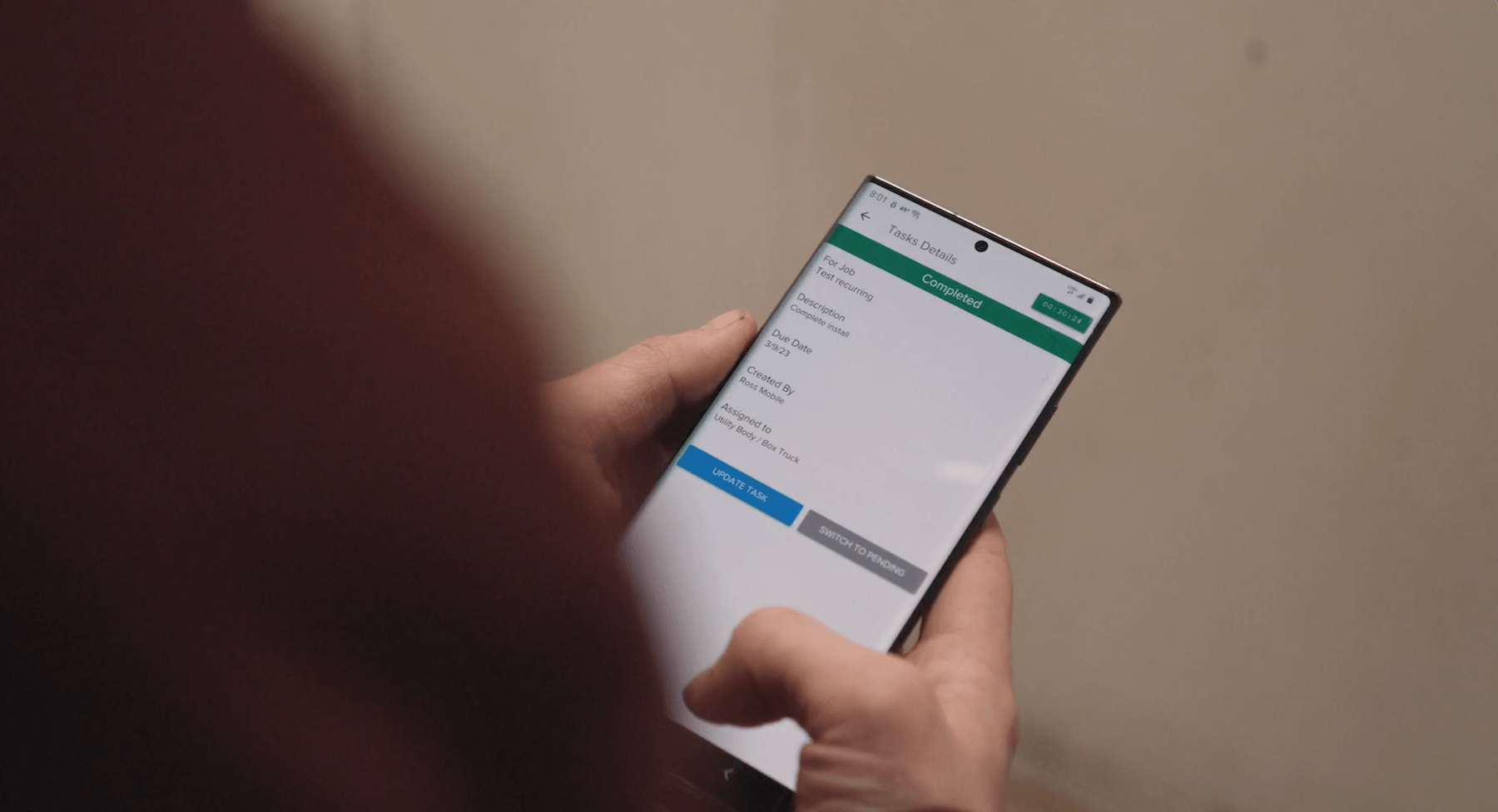
The system should push assignments to the field through a mobile app, so a schedule change reaches the tech without a phone call. As you grow, this is the feature that keeps everyone moving instead of waiting on the office. A tool that dispatches service calls well but cannot schedule a phased project, or vice versa, will force you back into a whiteboard for half your work.
Getting the invoice out fast is a cash-flow decision, not an admin chore. 82% of contractors now face payment waits of more than 30 days, up from 49% two years earlier, and 69% of construction companies still make payments by paper check. Every day you delay an invoice is a day added to a payment cycle that is already too long.
The good news is that electrical work starts from a better position than heavy construction: building-equipment contractors, which include electrical, plumbing, and HVAC, average about 57 days sales outstanding, versus roughly 83 days for construction overall. Faster invoicing compounds that advantage. Look for one-click and mobile invoicing so a tech can bill from the job site, progress billing for your project work, and integrated ACH and credit-card payments so customers can pay without a check. Knowify’s Service Pro lets techs invoice from the site and get paid before getting back in the truck, which is exactly the kind of speed that pulls your DSO down.
Nearly every tool claims to “integrate with QuickBooks.” The claim is close to meaningless on its own. What matters is depth. A one-way export that dumps a file into QuickBooks once a day still leaves someone reconciling two systems. That is double entry with extra steps.
What you want is a two-way, real-time sync: purchase orders, bills, time entries, invoices, and payments flowing both directions as you work, so the field, the office, and your accountant are always looking at the same numbers. Ask specifically what syncs, in which direction, and how often. This is where Knowify’s positioning is strongest. It is built around the deepest QuickBooks integration in construction, a real-time two-way sync that means no double data entry, so your team can work in Knowify while your bookkeeper works in QuickBooks and both stay current.
If you do commercial or general-contractor work, or plan to, this section is your dealbreaker. Residential-first tools simply do not handle it. You need real G702/G703 pay applications, not an “AIA-style” template that a GC will bounce back. You need an auto-generated schedule of values, retainage tracked by phase, and overbilling alerts so you do not bill ahead of your completed work.
Change orders belong in the same conversation. On commercial jobs, the change order is where margin leaks out if you are not disciplined. Look for change-order management that instantly reflects the financial impact on the job and gets accounted for automatically when you invoice, backed by a time-stamped paper trail that protects you if the scope is disputed. This is a genuine gap on the electrical-software market, and it is one Knowify built for directly: actual G702/G703 formatting, retainage tracked by phase, and change orders that flow straight into your billing.
Every capability above lives or dies on the mobile app. If the app is clunky, your techs will not use it, and the office will be back to chasing paper. Look for offline access for jobsites with no signal, photo documentation, straightforward field time tracking, and the ability to attach documents to a job.
For electrical work, that document piece matters more than the generic field-service apps admit. Panel schedules, load calcs, permits, and plan markups usually live outside the software, in a truck or a text thread. The right system lets your crew pull them up on the job, attached to the right job, so the person doing the work has what they need in hand.
Generic field-service software covers scheduling and invoicing well enough. Where it falls short is the reality of electrical work, and these details are where your margin actually sits.
Material and wire tracking come first. Spools of Romex, MC cable pulls, panels, and breakers add up fast, and the gap between what you quoted and what you actually pulled is your profit. A system that tracks material used against material budgeted, by job, tells you where that margin is going.
Permits and inspections are next. Rough-in and final inspections gate your progress, and losing track of status per job is how you end up reopening finished drywall on your own dime. Track inspection status alongside the job so nothing stalls quietly.
Documentation ties it together. Load calcs, panel schedules, and plan markups should attach to the job so the crew in the field can reach them, not the office. And for larger work, look at parts inventory across trucks and warehouses and subcontractor tracking. Knowify handles both: parts inventory across trucks and locations, and subcontractor management that tracks certificates of insurance, licenses, and documents with expiration alerts, so an expired COI does not surprise you mid-job.
Once you know what to look for, run a disciplined evaluation. A few habits separate a good decision from an expensive one.
Count every user honestly before you compare price. Office staff, estimators, apprentices, project managers, and you: per-user pricing looks cheap on the first line and adds up quickly once the whole team is in. Price for your real headcount, not the demo seat.
Then test the software the way you will actually use it. Put the mobile app in the hands of a real tech and watch what happens. Run a real estimate end to end, from takeoff to proposal to budget. If either one is painful in the demo, it will be worse in the field.
Check onboarding, support, and data migration, especially if you are switching off a legacy system like Sage, Foundation, or a stack of spreadsheets. Moving your data is where implementations stall. Knowify is known for award-winning onboarding and U.S.-based support, which is worth weighing when you compare vendors, because the best feature set does not help if you never get fully set up.
The common mistakes are predictable, so name them out loud: buying a service-only tool when you also run projects, treating QuickBooks integration as a checkbox instead of asking about depth, and underestimating how hard adoption is if the app is clunky. Avoid those three and you have avoided most of the regret.
What is electrical service software?
Electrical service software is a system that helps electrical contractors run the operational and financial side of their business, from estimating and scheduling to invoicing and payments. For contractors who do more than dispatch, the best options span both fast service calls and longer project work in one place, rather than handling only one.
What should I look for in software if I do both new construction and service calls?
Start with your work mix, then look for a platform that treats projects and service work as first-class, not one bolted onto the other. That means fast dispatch and one-click service invoicing on one side, and phased budgets, progress billing, and job costing on the other, all in a single system. See the work-mix section above for how to frame the decision.
How much does electrical service software cost?
Pricing usually follows one of two models: per-user pricing that scales with headcount, or flat and tiered pricing based on features or company size. Because per-user costs climb as you add office staff, apprentices, and project managers, price the software for your real user count rather than the starting rate. Vendor prices change often, so confirm current numbers directly.
Does electrical service software integrate with QuickBooks?
Many options do, but the depth varies widely. A one-way export still leaves someone reconciling two systems, so look for a true two-way, real-time sync where invoices, payments, bills, and time flow both directions automatically. That is the difference between real integration and double entry with extra steps.
Can one system handle both residential service and commercial project billing?
Yes, if it supports both billing styles natively. You want one-click invoicing for residential service work and genuine AIA G702/G703 progress billing, with a schedule of values and retainage, for commercial projects. Many residential-first tools do the first but not the second, so confirm both before you buy.
How does electrical software help me get paid faster?
It shortens the gap between finishing work and sending the invoice. Mobile invoicing lets a tech bill from the job site instead of days later, and integrated ACH and credit-card payments give customers a fast way to pay without mailing a check. Given that 82% of contractors wait more than 30 days to get paid, closing that gap directly protects your cash flow.
The decision comes down to a simple frame. Start with your work mix, then insist on a system that runs both your projects and your service calls without compromise. Prioritize real-time job costing so you know if a job made money before it closes, demand genuine QuickBooks depth so no one is entering data twice, and require true commercial billing if you do, or want, GC work. Then test the mobile app with a real tech before you sign anything.
Get this right and the payoff is real. With demand for electrical work climbing and crews hard to find, the right platform lets you take on more work and finish it profitably with the team you already have. See how Knowify runs both your project and service work, from proposal to payment, in one system. Request a demo.