Search “best trade contractor software” and you get the same ranked lists, mostly built around enterprise general-contractor platforms. This guide takes a different approach. Instead of crowning a single winner, it gives you a financial-first framework for choosing the right tool for your work and your size.
Type “best trade contractor software” into a search bar and the results look nearly identical. Most rank enterprise platforms like Procore or Autodesk near the top.
Those are powerful general-contractor tools built to coordinate dozens of subcontractors on large commercial projects. They are rarely the right fit for a specialty trade business running its own crews.
That mismatch matters, because the industry has real ground to make up. McKinsey’s foundational 2016 analysis ranked construction second-to-last among major industries in digitization, just above agriculture (McKinsey Global Institute, 2016).
The gap persisted for years. As recently as 2020, roughly 62–65% of construction firms still ran estimating on spreadsheets (JBKnowledge ConTech data via ASHB, 2020).
So contractors are right to look for better tools. But “what’s ranked #1” is the wrong opening question. The rankings don’t know how you bid, how you schedule crews, how you cost jobs, or how you get paid.
They also don’t account for the cost of manual work. Rabbet found that general contractors spend roughly 73 hours a month managing payments, a 26% jump from the prior year (Rabbet, 2024 Construction Payments Report). Software should give those hours back, not add a new list of tasks.
A better question is simpler and more useful: what fits the way I actually run my business? Answer that, and the shortlist gets short fast. The rest of this guide walks through the features that matter, then the vendors that fit, then a framework for matching a tool to your work.
The category confusion starts with the word “construction.” A general contractor and an electrical subcontractor both work in construction, but they need very different software.
General contractor platforms are built to coordinate many subs across large, complex commercial projects. They optimize for document control, RFIs at scale, and orchestrating trades a GC doesn’t directly employ.
Trade and specialty contractors have a different job. They need to manage their own workforce, cost their own jobs, and keep the field connected to the office. The financial control they need lives inside their own crews and their own margins.
Put plainly, a GC platform is designed to manage the people you hire. Trade contractor software is designed to manage the people you employ. That distinction should drive most of your shortlist.
Trade contractors also rarely do just one kind of work. An electrical, plumbing, HVAC, painting, remodeling, concrete, or excavation business often runs long-term project work and fast-paced service work side by side.
A field crew from an HVAC contractor might spend the morning on a fixed-price build-out and the afternoon on a service call. The software has to handle both without forcing you into two disconnected systems.
Enterprise tools are usually custom-quoted and overbuilt for a business of 1 to 200 people. You pay for coordination features you don’t use while still lacking the job costing and mobile workflows you do. Knowify starts from the opposite point: purpose-built for trade contractors, not general contractors.
Feature lists are long and mostly interchangeable across vendors. A smaller set of capabilities separates the best trade contractor software from the rest. These are the ones that protect your margin and actually get used in the field.
Job costing is the feature that pays for the software. You need to track labor, materials, subcontractors, and equipment by phase, and know your projected profitability before a job closes, not after. If a tool can’t answer “is this job making money right now,” it can’t do the one thing that matters most.
Margins in the trades are thin enough that small costing errors erase profit. CFMA benchmarking data puts specialty trade contractors at roughly 6.9–8.5% net margins, with top performers around 12%.
At those levels, a few uncontrolled purchases or unbilled hours can turn a profitable job red. A solid construction budget and after-the-fact job costing aren’t enough on their own. You need to see the numbers move in real time.
Knowify tracks expenses automatically as you work — purchases, time cards, subcontracts, and equipment rentals. You compare committed and actual costs against your budget at a glance, and see projected profitability and WIP for every job in real time.
It also budgets for the true cost of labor using fully loaded labor burden or prevailing wage rates. Your estimates reflect what a crew actually costs. You find out a job is drifting while you can still do something about it.
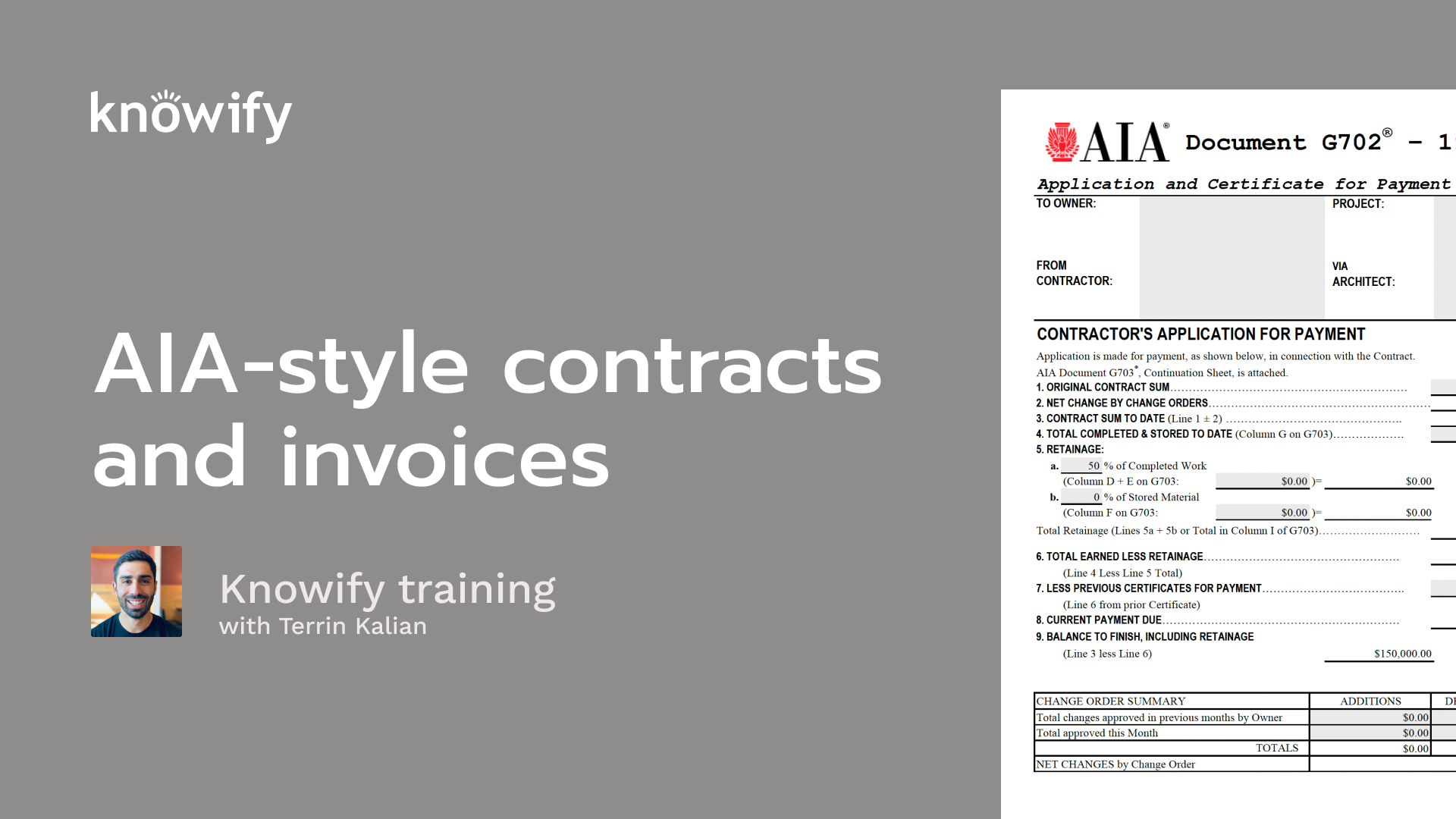
Getting the invoice right and getting paid on time is where trade businesses live or die. That means fast, accurate invoicing plus trade-specific billing: progress billing, AIA G702/G703 pay applications, and retainage tracking.
The cash-flow pressure is well documented. In 2024, 82% of contractors reported waiting more than 30 days to get paid, up from 72% a year earlier (Rabbet, 2024 Construction Payments Report). Rabbet estimated slow payments cost the US construction industry about $280 billion that year (press release).
Subcontractors feel it hardest. 77% cover material costs out of pocket while the average payment cycle stretches to 57 days (PYMNTS Intelligence and American Express, 2025).
The trades that keep the lights on carry that weight directly. Building equipment contractors — electrical, plumbing, and HVAC — run around a 57-day average days-sales-outstanding (DocJoist, 2026, citing CreditPulse). Every day you shave off invoicing is a day of cash you get back.
Knowify was built for this “proposal to payment” reality. It generates actual G702/G703 formatting, not an approximation, with an auto-generated schedule of values, retainage control by phase, and overbilling alerts. Service crews can invoice from the job site and get paid before getting back in the truck.
For most trade contractors, QuickBooks is the book of record. QuickBooks is the dominant small-business accounting platform in the US, and construction is one of its largest industry segments (ElectroIQ QuickBooks statistics, 2026).
So the software layer on top has to sync cleanly, or it creates more work than it saves. Double entry is the hidden tax of a disconnected setup.
When project data lives in one system and the books live in another, someone re-keys everything by hand. That wastes office hours and quietly erodes trust in the numbers.
Knowify runs a real-time, two-way sync with QuickBooks Online, and also connects to QuickBooks Payroll, QuickBooks Projects, and Intuit Enterprise Suite. Purchase orders, bills, expenses, time entries, and payments stay current in both places as you work — no double data entry.
Labor, material, and subcontractor costs sync by job, category, and phase. Your crew can work in Knowify while your accountant works in QuickBooks, and both stay in sync.
When you evaluate a tool, look past the word “integration” on the feature page. A nightly one-way export is not the same as a live two-way sync. The difference shows up every time you need to trust a number mid-week.
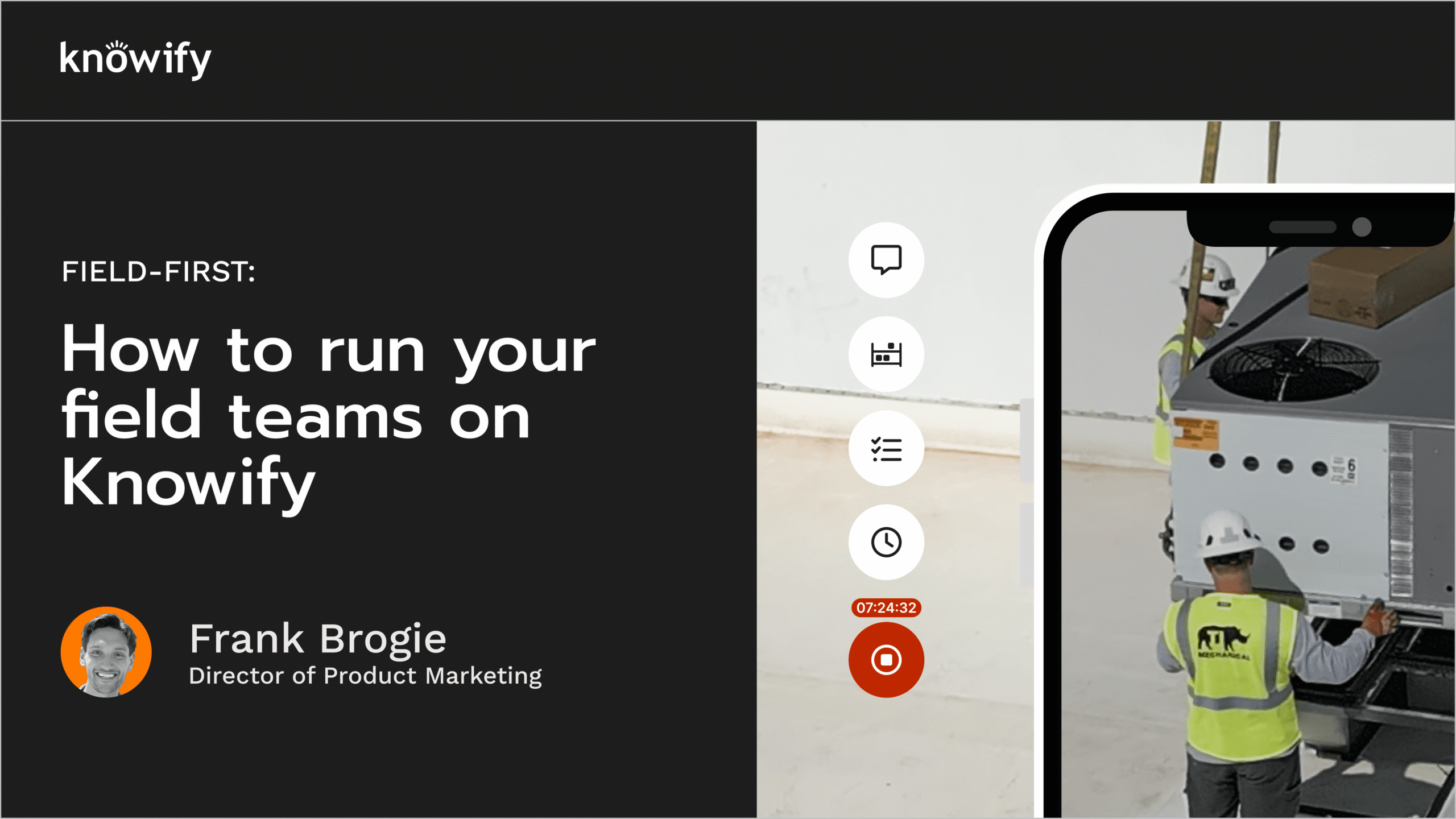
The best financial tools are useless if the crew won’t touch them. Adoption is where a lot of software quietly fails. You need crew scheduling and dispatch that prevents double-booking and idle crews, plus a mobile app people will actually use.
The field is still surprisingly analog. 69% of construction companies still pay with paper checks. Only 23% used a virtual card in the past year (PYMNTS Intelligence and American Express, 2025).
Clunky, office-first tools don’t dislodge paper. They get abandoned within a few weeks, and the company quietly drifts back to whiteboards and text messages.
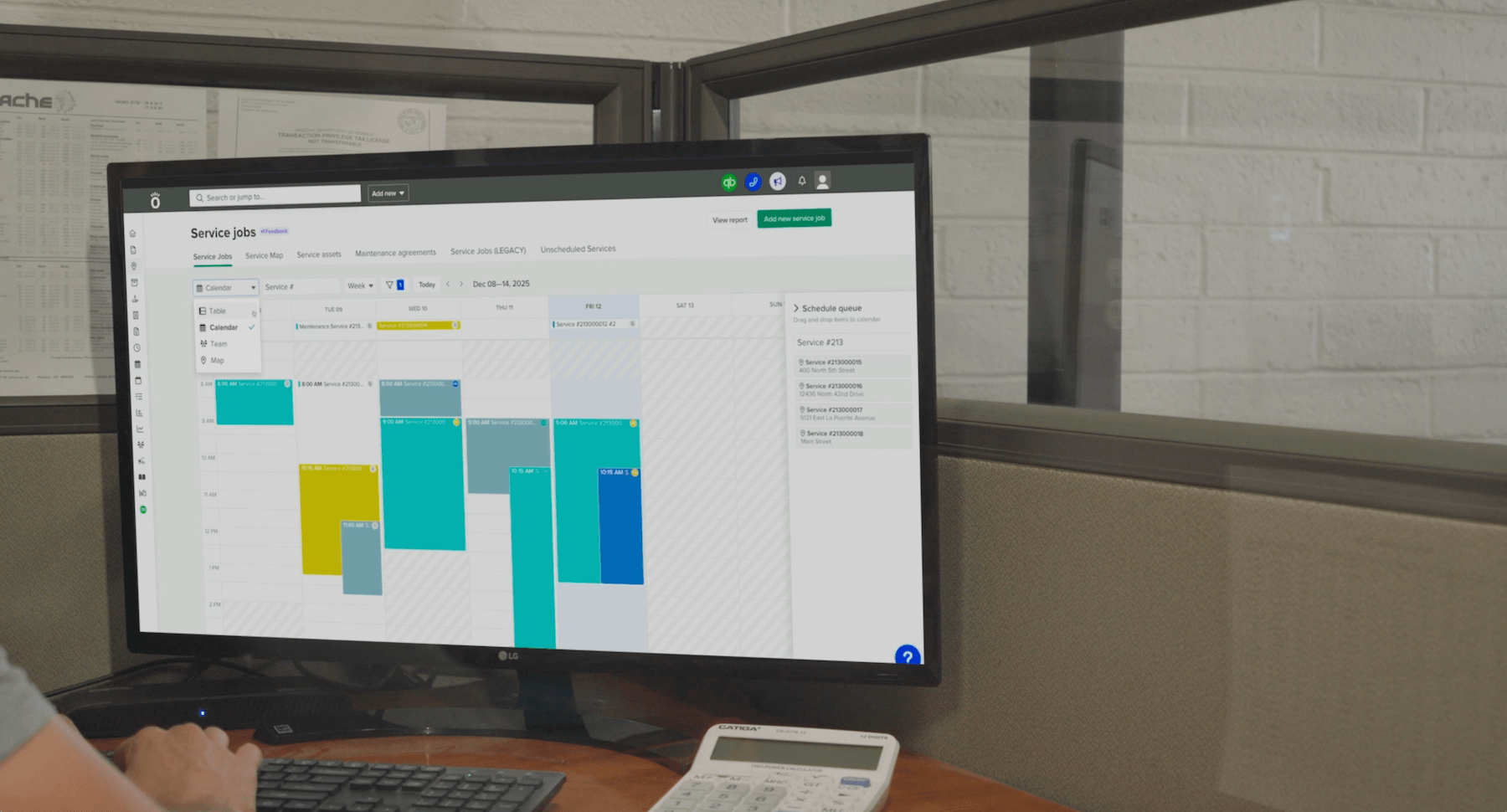
Knowify schedules your whole team from one place, shows resource and equipment availability on one screen, and pushes assignments to the mobile app. Work logged in the field syncs back to the office in real time.
When the field tool is simple enough to use on a phone between jobs, the office finally gets reliable data.
This is also where a lot of buyers get burned. A tool can demo beautifully in the office and still stall the moment a crew has to log hours in the rain. Test the mobile experience with the person who will actually use it, not the person who will buy it.
The features above are the scorecard. Now here is how the tools most trade contractors shortlist stack up against them. Read the “best for” column as a match to the work you do, not a ranking, because each tool is strong for a specific kind of business.
| Vendor | Best for | Starting price | Runs service + project? |
|---|---|---|---|
| Knowify | Both service and project work, residential and commercial | $99/mo | Yes, one system |
| Procore | Large commercial general contractors | Custom | Project-focused |
| Contractor Foreman | Budget all-in-one | $49/mo | Partial |
| Buildertrend | Residential home builders and remodelers | Custom / higher tiers | Project-leaning |
| ServiceTitan | High-volume residential service trades | Custom | Service-focused |
| Jobber | Simple, small service businesses | Entry-level tiers | Service-focused |
Pros:
Cons:
Knowify starts at $99/month for its Core plan on annual billing. It sits mid-range on price and at the deep end on financial control, which is the trade-off most growing trade contractors want.
Pros:
Cons:
Pros:
Cons:
Pros:
Cons:
Pros:
Cons:
Pros:
Cons:
Read the set together and one gap stands out. Knowify is the only option here built to run both project and service work in a single system, across residential and commercial, without stitching two tools together.
Here is the decision framework. Instead of ranking tools, match the tool to your dominant work type. Most trade contractors fall into one of three buckets.
Project-heavy contractors should prioritize budgeting and estimating, phase-based job costing, and change order management. If you do commercial work, add RFIs, submittals, WIP reporting, and progress or AIA billing to the must-have list.
Knowify’s preconstruction and project management workflows are built around this path. You start with a detailed budget, turn it into a professional proposal, and job-cost against that plan in real time as the work progresses. Change orders update project costs and revenue instantly and flow straight into your next invoice.
It also handles the paperwork commercial work demands. RFIs, submittals, and other project documents live alongside your phases, budgets, and invoices, all time-stamped and searchable. That organized paper trail protects your margin when scope shifts mid-job.
Service-heavy contractors should prioritize different things: dispatch and scheduling, mobile field execution, one-click invoicing, maintenance agreements, and fast time-to-resolution. The pain here is admin drag between the job and the payment.
Knowify Service Pro is built for that speed. Techs get everything they need to execute the day’s jobs. Their work syncs back to the office in real time, and invoices go out from the job site in a click.
That closes the gap between finishing a job and getting paid for it. Recurring maintenance agreements turn one-off jobs into predictable revenue. Real-time service history also means no more sitting with each tech to reconstruct a job before you can bill it.
Most trade contractors do both project and service work, and this is the gap no competitor answers well. The common workaround is stitching two tools together — one for projects, one for service. That means double the training, double the data entry, and a disjointed customer experience.
One system beats two. Knowify runs project and service work on a single platform, so your financials stay connected and your team learns one workflow.
Customers get a consistent experience whether they hired you for a build-out or a service call. There is less software to manage, train on, and budget for. It is one system for managing all of your project and service work, from proposal to payment.
The connected financials are the real payoff. When project and service revenue run through the same ledger, you see the whole business at once instead of reconciling two dashboards. That is hard to get from a stack of point tools bolted together after the fact.
Pricing spreads widely, and the spread tells you who each tool is for. Budget and entry-level tools start low. Contractor Foreman, for example, lists its lowest plan at $49/month on annual billing.
Trade-focused platforms sit in the middle. Knowify starts at $99/month for its Core plan on annual billing, with an Advanced tier at $329/month and custom Enterprise pricing. Enterprise general-contractor platforms like Procore are custom-quoted, often into five or six figures a year.
The right price maps to your size and the depth of financial control you need — not to the longest feature list. A one-truck operation and a 100-person commercial shop should not be shopping the same tier.
The real cost to watch is the hidden one. Consider a cheap tool the crew abandons, a setup that forces double entry, or a system that hides margin until a job is underwater. Each of those costs far more than the monthly fee.
Given how thin trade margins already run, one job that quietly goes red can outweigh a year of subscription savings. Weigh onboarding and support too. Knowify includes award-winning onboarding and US-based support, which is a large part of whether a tool actually sticks.
Use this checklist to turn the framework above into a decision. Work through it before you sit through a single demo.
Notice that none of these items is “count the features.” A longer feature list rarely changes the outcome of a job. What changes the outcome is whether the tool fits your work, keeps your books accurate, and gets used on the truck.
Knowify maps to every item on this list, which is exactly what a walkthrough is for. Bring a real job or a recent invoice, and you can test the framework against your own numbers. That is the fastest way to tell whether a tool is the best trade contractor software for your business, not just a well-ranked one.
There isn’t one universal answer, and any list that crowns a single winner is oversimplifying. As the vendor comparison above shows, the best trade contractor software is the one that fits your dominant work type and gives you real-time, job-level financial control. For contractors running both project and service work across residential and commercial environments, Knowify is built specifically for that combination.
General contractor software is built to coordinate many subcontractors across large commercial projects. Trade contractor software is built to manage your own crews, cost your own jobs, and connect the field to the office. Enterprise GC platforms are usually overbuilt and custom-quoted for a specialty trade business.
Budget tools start around $49/month and trade-focused platforms like Knowify start at $99/month. Enterprise GC tools are custom-quoted into five or six figures. Match the price to your size and the depth of financial control you need, because the costliest tool is the one your crew abandons.
If you run both project and service work, one connected system almost always wins. Stitching separate tools together doubles your training, data entry, and the chance of numbers that don’t match. One platform keeps your financials connected and gives customers a consistent experience across every job.
The good options do, but the depth varies a lot. QuickBooks is the book of record for most trade contractors, so look for a real-time, two-way sync rather than a one-directional export. Knowify syncs with QuickBooks Online, Payroll, Projects, and Intuit Enterprise Suite, so you never enter the same data twice.
The “best” trade contractor software isn’t a name on a ranked list. It’s the best fit for the work you do and the financial control you need. Skip the generic top-10 roundups.
Define your dominant work type, name your top financial pains, and evaluate tools on job-level profitability and whether your crew will actually adopt them. Judge every option by how well it takes you from proposal to payment. That is the criterion that protects your margin.
Want to see if Knowify is a fit for your construction business? Request a demo and we’ll walk through it with you.