If you run a plumbing business, you’ve probably sat through a plumbing software demo stuffed with features you’ll never touch. The real question isn’t which tool has the most features. It’s which features move the money.
The US plumbing industry is large and fragmented: roughly 129,000 businesses generating about $191 billion in revenue, with no single firm holding more than 5% share, according to IBISWorld. Most are small shops, and most owners shopping for software are choosing their first or second system.
So when you’re weighing estimating, dispatching, and keeping the books straight, prioritize by two things: profitability and how you actually run your shop. This guide covers the features that matter, the ones you can skip, and how they connect.
Plumbing software is a platform that unites the work of running a plumbing business: estimating, scheduling and dispatch, invoicing, job costing, customer management, and reporting. The best of these tools carry a job from proposal to payment in one system.
Some tools do a single workflow well, like scheduling or invoicing. Others run the whole operation. Either way, the goal is the same: replace the patchwork of paper, spreadsheets, and a separate QuickBooks file that most shops start with.
Here’s the catch. Buying the software is the easy part; using all of it is where shops fall short. In ACCA’s “Contractor of the Future” study, roughly 56% of HVAC contractors reported using field service management software, but most underused it, often running it like a glorified QuickBooks, mainly for invoicing. Plumbing shops face the same trap. The value isn’t in owning the tool. It’s in adopting the parts that protect your margin.
Not every feature earns its keep. But a short list shows up again and again for plumbing shops, because each one ties directly to a real cost: a bid that came in too low, a crew that sat idle, an invoice that went out late.
Below are the five that matter most for the way a plumbing business actually runs. They’re ordered the way a job moves, from the estimate you send to the payment that lands in your books.
Good plumbing estimating software lets you price a job by its parts: itemized labor, materials, and overhead. Templates for common jobs, like water heater swaps, repipes, and bath remodels, mean you’re not building every quote from scratch. Digital delivery and close-rate tracking help you see what’s actually winning work.
But speed and polish aren’t the real payoff. The real payoff is bidding on the true, fully loaded cost of labor, so the jobs you win are jobs you profit on. An estimate built on guessed labor rates is a margin problem waiting to happen.
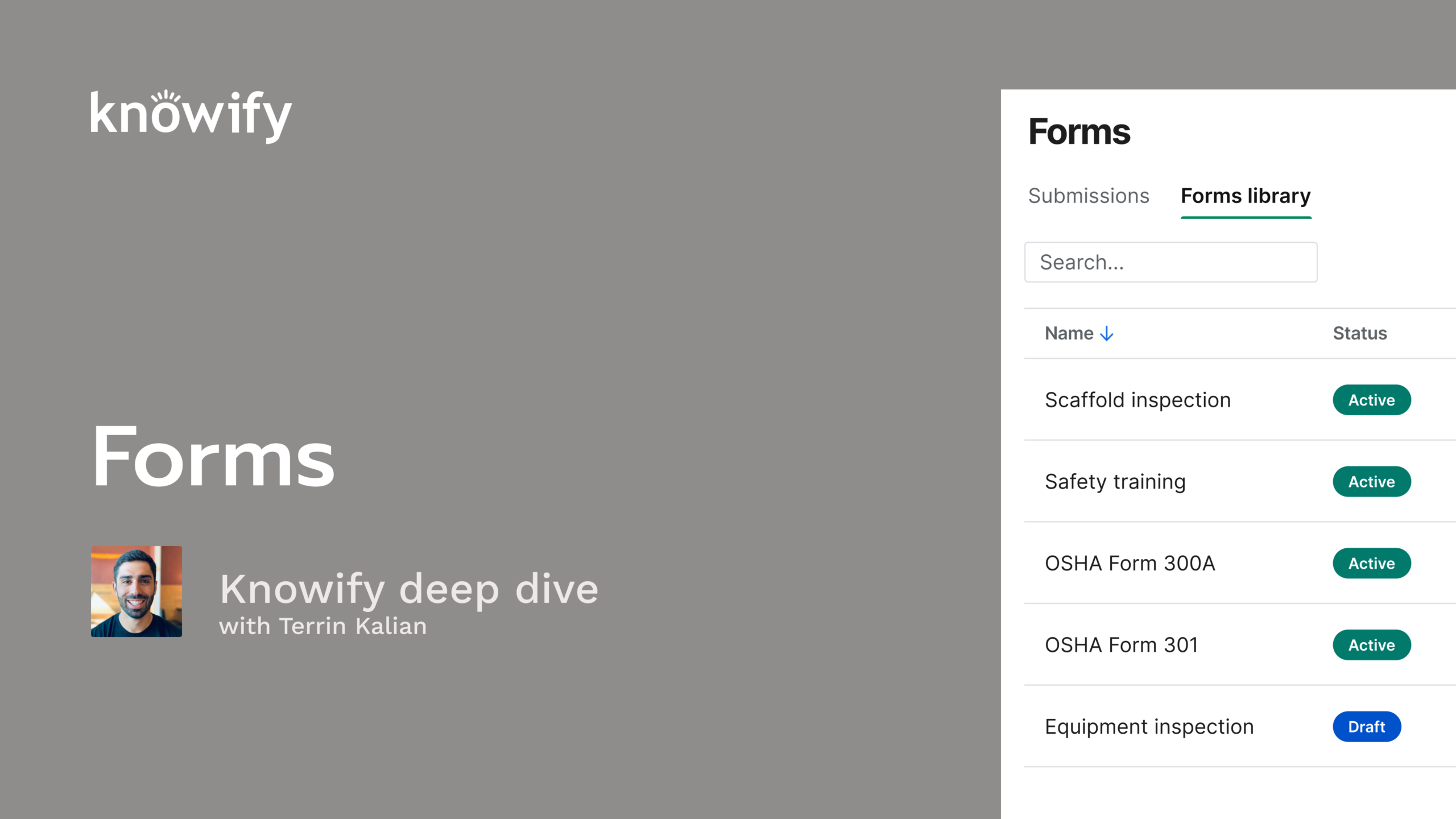
The best setup ties the two ends together. Knowify proposals, for example, convert automatically into a fully budgeted project plan once you win the job. They also let you budget for the true cost of labor using fully loaded burden or prevailing wage rates. Your estimate becomes the budget you job-cost against, instead of getting retyped into another tool.
Plumbing scheduling software should make it obvious who’s going where, and when. Look for a drag-and-drop schedule board, the ability to assign techs by availability and skill, and mobile notifications so the field knows the plan without a phone call.
The cost of getting this wrong is direct. A double-booked tech means an angry customer; an idle crew means labor you’re paying for and not billing. Plumbing dispatch software that shows availability and routes on one screen helps you avoid both.
It also has to work in both directions. When a tech updates a job from the field, the office should see it in real time — not at the end of the day. Knowify lets you manage your whole team’s schedule from one place and notify techs through the mobile app, so field and office stay on the same page. Recurring maintenance work can be scheduled ahead, turning one-time calls into predictable revenue.
The faster you bill, the faster you get paid. Plumbing invoicing software should generate an invoice in one click from completed work and time entries, let techs invoice from the job site, and accept card and ACH payments with automatic reminders.
This matters more than it sounds. Subcontractors now wait an average of about 96 days to get paid — up from 90 in 2019, according to CFMA data. And a 2024 report from Rabbet found slow payments cost the industry roughly $280 billion that year, with 82% of contractors waiting 30 or more days to get paid.
Much of that delay comes from long commercial and GC payment chains. Residential service shops have an edge: when you invoice at job completion, you can collect far faster. That’s the point of mobile invoicing. Knowify’s Service Pro lets techs invoice before getting back in the truck. Its payment processing also carries lower transaction fees than standard Intuit rates, which protects margin on every job you collect.
This is the feature most tools underserve, and the one that separates software that organizes your work from software that protects your business. Plumbing job costing tracks every expense, like purchases, time cards, subcontracts, and equipment, against the budget as the work happens, so you can see projected profitability per job in real time.
Here’s why that matters for a small shop. The risk isn’t a megaproject blowing its budget. Yes, most large construction projects run over budget according to a 2017 McKinsey report, but that’s large capital work. For a plumbing shop, the danger is quieter: margin eroding one uncounted hour and unlogged material at a time, discovered only after the job closes and it’s too late to do anything about it.
Real-time job costing answers the question every owner actually loses sleep over: did this job make money? Knowify is built around that question. It crunches the numbers while you work, tracking committed versus budgeted costs, WIP, and projected profitability for every job. You find out a job is going red while you can still fix it.
Almost every tool claims it “syncs with QuickBooks.” The claims are not equal. A one-way export dumps data into your books and calls it done. A real two-way, real-time sync keeps invoices, payments, costs, and time flowing in both directions, so both systems always match.
That difference is the office manager’s single biggest time drain. When project data lives outside QuickBooks, someone re-enters it by hand. This takes hours a week, and no matter who careful your office staff are, errors are inevitable and that make the books hard to trust.
This is where Knowify’s positioning is earned, not bolted on: it’s the #1 QuickBooks integration in construction, with a real-time, two-way sync and no double data entry. Purchase orders, bills, expenses, time entries, payments, and invoices all flow between the two systems, so your crew can work in Knowify while your bookkeeper works in QuickBooks.
The honest advice most vendors won’t give you: match the feature list to your business type, and ignore the rest. Buying capability you never adopt is wasted spend. It’s the same trap ACCA flagged, where contractors pay for software and use a fraction of it.
For most service-and-install plumbing shops, these are usually overkill:
One important caveat. If you do commercial subcontract work, AIA-style billing is not “extra;” it’s essential. That means genuine G702/G703-formatted pay applications, a schedule of values, retainage tracking, and change order management. This is exactly where bolt-on tools fall short and purpose-built ones like Knowify carry their weight. Skip what you won’t use; don’t skip what your work actually requires.
Features in isolation aren’t the point. The payoff comes when they form one connected workflow. Here’s how a job should move through it.
You send an estimate. When you win, that estimate becomes a fully budgeted project plan, no retyping needed. You schedule and dispatch the crew. In the field, techs log time and expenses against that budget, so job costs update in real time. You invoice from the job site the moment work wraps. The payment syncs straight to your books.
When these steps connect, two things happen. There’s no double entry, because data enters once and flows everywhere. And you always know a job’s status and profitability, because every step feeds the same record. That’s what “from proposal to payment” means: one connected workflow and a single source of truth.
Disconnected tools do the opposite. Three apps that don’t talk recreate the exact paperwork problem software was supposed to solve; you just do the re-keying in a nicer interface.
Once you know which features matter, use a simple checklist to compare tools:
On price, here’s a neutral benchmark from Capterra’s field service management category: entry-level tools run about $29–$79 a month, mid-range options $100–$250 a month, and all-in-one platforms $350–$600 or more a month. Most buyers land at $50–$100 per user, per month.
Whatever you’re considering, test it with a demo or trial before you commit. The biggest risk is buying a capable system and never fully rolling it out.
Most plumbing contractor software includes estimating and proposals, scheduling and dispatch, invoicing with online payments, job costing, customer management, and reporting. All-in-one platforms connect these into a single workflow from proposal to payment. The features you should prioritize are the ones tied to profitability: accurate estimating, real-time job costing, and a true accounting sync.
According to Capterra’s field service management benchmarks, entry-level tools run roughly $29–$79 per month, mid-range options $100–$250 per month, and all-in-one platforms $350–$600 or more per month. Most buyers spend $50–$100 per user, per month. The better question than “what does it cost?” is “what value will I actually adopt?” since paying for features you never use is the real waste.
Many tools connect to QuickBooks, but the quality varies widely. A one-way export just pushes data into your books; a real two-way, real-time sync keeps invoices, payments, costs, and time matched in both systems with no double entry. Knowify offers the #1 QuickBooks integration in construction, syncing POs, bills, expenses, time, invoices, and payments both ways.
Not necessarily different software, but different features. Residential service shops lean on scheduling, dispatch, a strong mobile app, and fast job-site invoicing. Commercial subcontractors also need AIA-style G702/G703 billing, a schedule of values, retainage tracking, and change orders. The right platform handles both. Knowify runs fast service work through Service Pro and true commercial billing in the same system.
The best plumbing software isn’t the one with the longest feature list. It’s the one that fits how you run your shop and shows you, in real time, whether each job is making money. The must-haves, like estimating, dispatch, invoicing, job costing, and a true QuickBooks sync, matter most when they work as one connected workflow from proposal to payment. Skip what you won’t use, and invest in what protects your margin.
Request a demo to see how Knowify runs a plumbing business from proposal to payment.